
SalesIQ on demand Chat
Quick
answer
answer
Guide to using SalesIQ on-demand chat, including the customer chat link, main dashboard link, and popup notification setup.
Applies toAll machinesTopicGeneral
Chat Link:
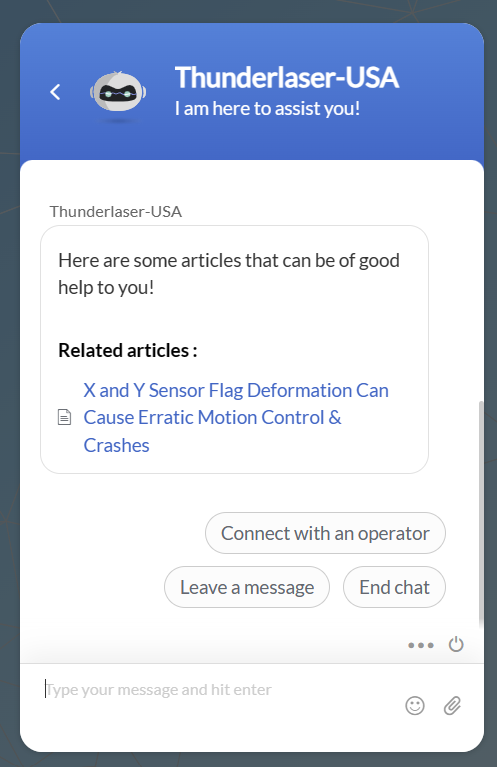
This is the link you can send to customers to start a chat, currently they must enter question\statement, then enter their name and email (optional, can skip) to start the chat. The link is not unique

The user will have to tell the chat wizard to "connect with an operator" to continue the live chat
Your Main Chat Dashboard Link:
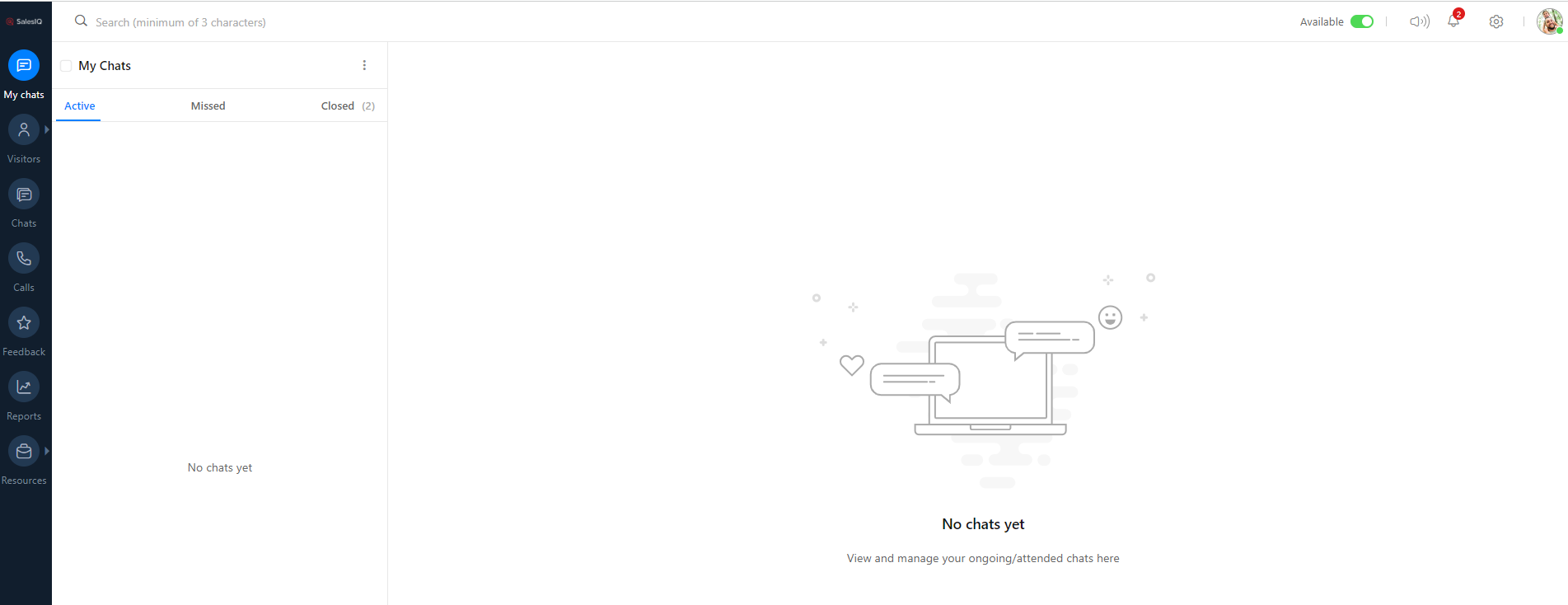
https://salesiq.zoho.com/thunderlasersupportcenter/mychats/703459000000393003
Popup Notification:
I had to be logged into SalesIQ to get this. Plays a jingle too.

Still stuck?
No bots, no runaround. Talk to a U.S.-based laser tech who knows your machine inside out.