The 4 Best Laser Engraving Software Products

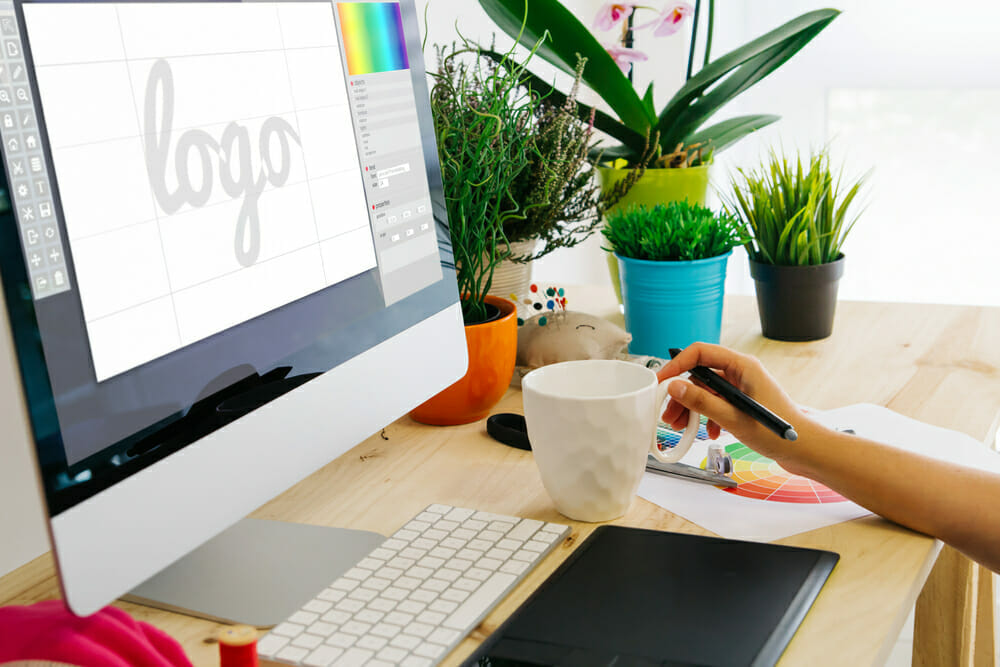
One surefire way to boost interest in products made with your Thunder Laser cutting and engraving machine is customization. From promotional items such as keychains and business cards to engraved wine glasses for special events and jewelry, our machines offer limitless options to unleash your creativity and expand your business. However, you also need reliable software that helps you easily design and engrave your products. With that in mind, we’ve gathered four top-notch apps for our software for laser cutting and engraving list to help you make the most of your investment.
Best Laser Engraving Software
Whether you have a CNC router, a 3D printer or a laser engraving machine, control software is essential to customizing products to your preferences. These open-source programs fill the bill with a variety of DIY features to suit most any design style.
LightBurn
Designed for use with Windows, iOS and Linux operating systems, LightBurn laser engraving software offers a fuss-free interface that lets you easily create layouts, edit graphics and control your laser cutter. This software has a free trial period of 30 days that gives you unrestricted access to its features before you purchase a license. It allows importation of numerous common image and vector graphic formats, including AI, PDF, SVG, PNG and JPG, making it simple to use items created with design software such as Adobe Illustrator and Photoshop, Inkscape and CorelDRAW.
Powerful features such as Boolean operations, welding, node editing and offsetting facilitate smooth vector shape creation, arrangement and editing, and customizable settings such as power, cut order, brightness and contrast, dithering and multiple passes provide further opportunities for project personalization. After you finish with your design, LightBurn sends your finished graphics directly to your laser engraver for seamless creating. Purchasing LightBurn costs between $40 and $80, depending on the type of license you require. Every purchase of a Thunder Laser includes a copy of LightBurn.
Software for Laser Engraving Designs
Inkscape
Create unique custom engravings using Inkscape software. This powerful design tool is free and easy to use, making it a great choice for beginners, and it’s compatible with a variety of file formats such as SVG, PNG and DXF, aiding you in easily exporting files that work with your Thunder Laser cutter and engraver. You can draw your own designs by utilizing the pencil, pen or calligraphy tools, and preset shape tools simplify making perfect rectangles, stars, ellipses and spirals. The multiline text tools work well for adding names to plaques and blanks. For added versatility, Inkscape works on Mac iOS, Windows and Linux devices. If you need help beating the learning curve, the Inkscape website includes numerous tutorials, and it also has a community forum so you can trade tricks and tips with other users.
CorelDRAW
CorelDRAW lets you create professional-looking layouts, vector illustrations and text designs with your tablet or computer. This laser engraving design tool offers three options for use — Essentials for students and novices, Standard for hobbyists and small businesses and Graphics Suite for design professionals — and each one is compatible with laser engraving file formats such as SVG and PNG. This variety of products lets you match your skill level with the software you choose for added convenience. As of 2020, packages run from $129 to $399, and you can try the Graphics Suite free for 30 days to test out its functionality. Besides the expense, the main drawback of CorelDRAW is that it’s only compatible with Windows operating systems.
Adobe Illustrator
The gold standard for graphics design software, Adobe Illustrator comes with a free 7-day trial; after that, you pay $20.99 per month on a subscription basis to use it. You can pair it with other Adobe products for package deals, though Illustrator works equally well as a stand-alone program for designing Thunder Laser engravings. Preset shapes and the ability to import your own fonts make it easy to fashion unique logos and graphics, and this software includes numerous tutorials at the Adobe website so you can get a jump on the skills you require. Along with the ability to create stunning vector illustrations, Adobe Illustrator includes 100GB of cloud storage for fuss-free file backups. This software works with both Windows and Mac iOS operating systems, and it has a special version for iPad if you wish to create on your tablet.
Using your Thunder Laser USA laser engraver for business or pleasure is lots more fun and productive when you have the right control software in your design toolkit. Free and inexpensive options help you make the most of your machine without cutting deep into your bottom line.
For a current view of the tools and workflows available today, see our laser cutting software guide. Once you choose a tool, our guide to making a laser engraving file will help you prepare artwork for the machine.