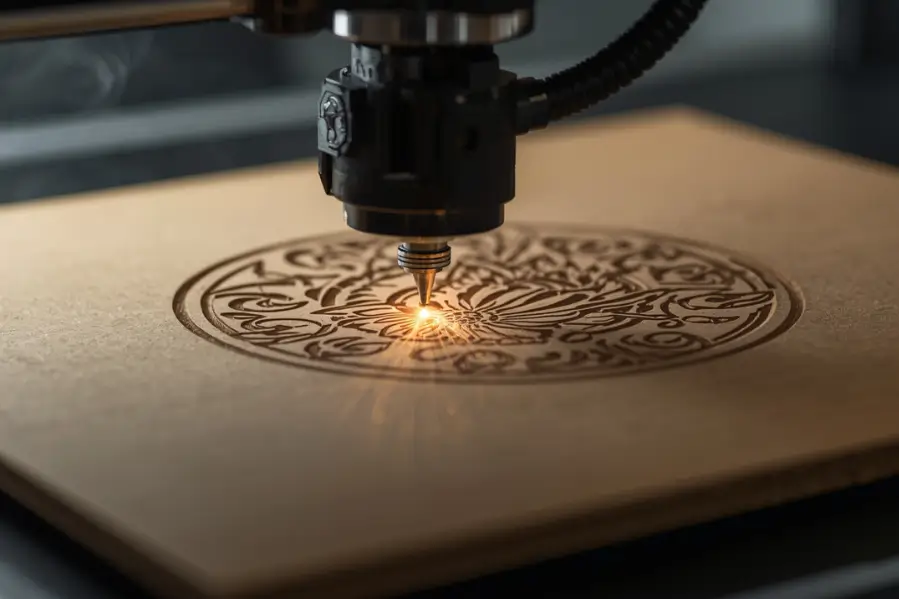

Laser engraving has become one of the most versatile methods for customizing materials, from wood and acrylic to leather and metal. But lately, a surprising question has been trending among crafters and small business owners: Can you laser engrave cardboard?
Yes, you absolutely can, but only if you understand the right techniques, safety precautions, and machine settings. Cardboard might seem too fragile, but when handled correctly, it can deliver stunning and detailed engravings perfect for packaging, signage, prototypes, and eco-friendly art.
Key Takeaways
- You can safely laser engrave cardboard using CO₂ laser machines at low power and high speed.
- Ideal uses include branding, packaging design, art projects, and custom signage.
- Proper ventilation and focus settings are essential to avoid burning or warping.
- Different types of cardboard (corrugated, chipboard, kraft) react differently to laser power.
- Always test settings on scrap pieces before full production.
What Happens When You Laser Engrave Cardboard?
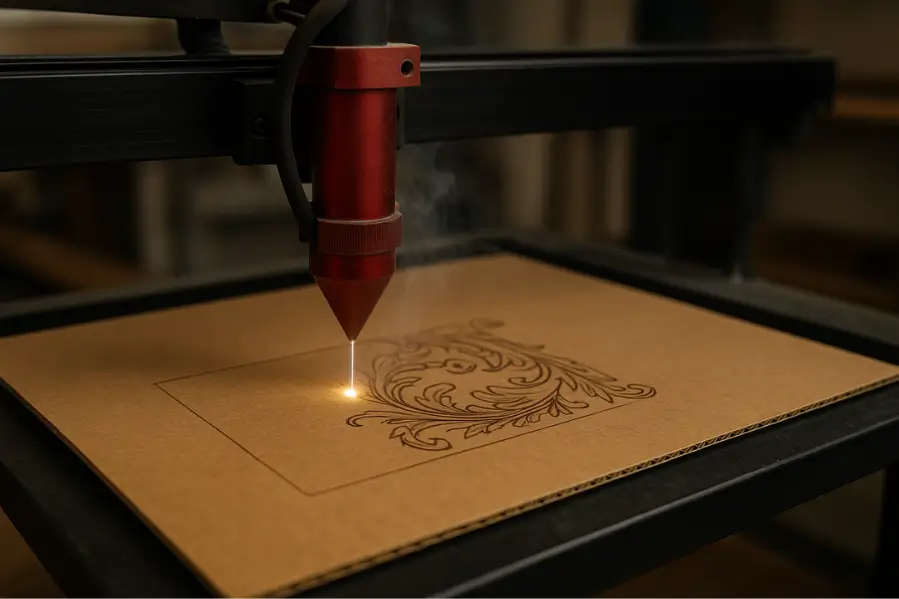
When a laser hits cardboard, it burns the surface layer to create a visible mark or engraving. Because cardboard is cellulose based, it reacts quickly to heat, which means precision control is key.
The laser removes thin surface layers, creating depth and contrast that depends on speed, power, and focus. For best results, use:
- Low laser power (10–30%) to prevent excessive burning.
- High speed (200–300 mm/s) to keep the surface from overheating.
- Good airflow or ventilation to clear smoke and maintain clean edges.
If you’re experimenting with other materials, you can also check out guides like Can You Laser Engrave Silicone Rubber? or Can You Laser Engrave Resin? for comparison.
Which Types of Cardboard Can Be Laser Engraved?
Not all cardboard is equal. Different types produce distinct effects based on their density and surface texture.
| Type of Cardboard | Laser Engraving Suitability | Notes |
|---|---|---|
| Corrugated Cardboard | ★★★★☆ | Great for packaging and signage; light engraving looks best. |
| Chipboard | ★★★★★ | Excellent for precise designs and structural projects. |
| Kraft Cardboard | ★★★☆☆ | Engraves well but burns easily, so keep the power low. |
| Laminated Cardboard | ★★☆☆☆ | Avoid if coated with plastic; may release toxic fumes. |
| Greyboard | ★★★★★ | Perfect for durable, high-contrast engraving. |
Pro Tip: Always check if your cardboard has plastic coatings or adhesives, as they can emit harmful gases when lasered. For tips on similar materials, explore Can You Laser Engrave Plastic? for safety comparisons.
What Are the Benefits of Laser Engraving Cardboard?
Laser engraving cardboard has gained popularity across industries because it combines precision, affordability, and sustainability.
1. Eco-Friendly Customization
Cardboard is biodegradable and recyclable, making it an excellent choice for sustainable design projects and green businesses.
2. Cost-Effective Prototyping
Compared to wood or acrylic, cardboard is cheap and widely available. It’s perfect for testing packaging layouts, logos, or laser settings before moving to premium materials.
3. Excellent for Branding and Packaging
Many small businesses use engraved cardboard for:
- Luxury packaging boxes
- Gift wraps and custom sleeves
- Business cards or hang tags
4. Artistic and Educational Use
Laser-engraved cardboard is common in:
- Architecture models
- School projects
- Wall art and stencils
- Laser-cut prototypes
If you want to experiment further, check out Can You Laser Engrave Canvas?, another surprisingly versatile surface.
How to Laser Engrave Cardboard: Step-by-Step
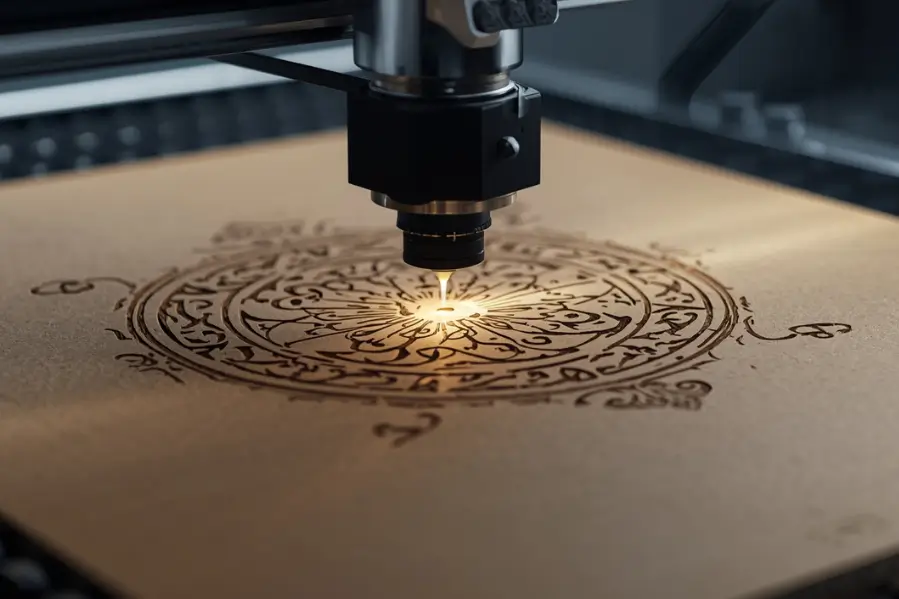
Here’s a simple guide for clean, professional-looking results:
- Choose the Right Cardboard: Use uncoated, dry, flat sheets. Avoid glossy or laminated materials.
- Set Up the Laser Machine: Use a CO₂ laser with adjustable power and speed. Set up air assist and proper ventilation.
- Adjust Power and Speed Settings: Start low (10–20% power, 200–300 mm/s speed). Test on scraps before engraving your design.
- Focus the Laser Lens: Proper focus ensures crisp detail without cutting too deep.
- Run a Test Pass: Engrave a small area first. If the edges darken too much, increase speed or reduce power.
- Engrave the Final Design: Once settings are fine-tuned, run the full job and watch for smoke or warping.
- Clean the Surface: Wipe away any soot or residue using a soft dry cloth.
Can You Cut Cardboard with a Laser Engraver Too?
Yes, most CO₂ laser engravers can both cut and engrave cardboard. Just increase the power and reduce speed for cutting.
| Process | Power Setting | Speed Setting | Result |
|---|---|---|---|
| Engraving | 10–30% | 200–300 mm/s | Surface etching, high detail |
| Cutting | 50–80% | 20–50 mm/s | Full cut-through edges |
However, cutting creates more smoke and heat, so always use air assist and ensure good ventilation.
What Are the Drawbacks of Laser Engraving Cardboard?
Despite its advantages, engraving cardboard has some challenges:
- High Flammability: Cardboard can easily ignite if settings are too strong or the laser remains stationary.
- Limited Depth: You can’t achieve deep engravings like wood or acrylic.
- Color Variations: Some cardboard brands burn darker than others.
- Fumes and Residue: Coated boards can release unpleasant odors or sticky soot.
Always keep a fire extinguisher nearby when working with flammable materials like cardboard.
What Are the Best Laser Engravers for Cardboard?
While almost any CO₂ laser engraver can handle cardboard, some machines offer better precision and safety for this delicate material.
| Laser Engraver | Best For | Key Features |
|---|---|---|
| Thunder Laser Bolt | Professionals | Compact, precise, air assist built-in |
| Glowforge Plus | Beginners | Easy to use, cloud-based software |
| xTool P2 | Small businesses | Wide engraving area, smart safety sensors |
| OMTech 40W | Hobbyists | Affordable entry-level model |
| Epilog Zing 24 | Commercial users | Industrial-grade speed and quality |
Creative Ideas for Laser Engraved Cardboard Projects
Cardboard engraving isn’t just for utility; it can also be a creative playground. Some popular applications include:
- Custom packaging inserts add a logo or brand story directly inside the box.
- Event invitations are eco friendly, unique, and textured.
- Decorative wall panels use layered cardboard art that looks surprisingly premium.
- Retail displays are lightweight yet strong for point of sale designs.
- Architectural models are ideal for schools and design studios.
Safety Tips When Laser Engraving Cardboard
Because cardboard is flammable, safety is critical. Follow these guidelines:
- Never leave the machine unattended.
- Use a smoke extractor or ventilation fan.
- Keep air assist on at all times.
- Avoid laminated or plastic-coated materials.
- Test small samples before large jobs.
- Keep a CO₂ fire extinguisher within reach.
Is Laser Engraving Cardboard Worth It?
If you’re experimenting with branding, packaging, or sustainable crafts, absolutely. Cardboard engraving offers impressive visual results at minimal cost. It’s also perfect for artists and small business owners testing new designs before scaling up to wood or acrylic.
When used with precision, laser engraving on cardboard provides:
- Clean, professional markings
- Affordable material use
- Fast prototyping
- Sustainable design options
That’s why it’s increasingly adopted by makerspaces, Etsy sellers, and eco-conscious brands worldwide.
FAQs About Laser Engraving Cardboard
What laser setting for cardboard?
Use low power (10–30%) and high speed (200–300 mm/s) settings. Always test first, as too much power can burn or warp the cardboard.
How do you laser cut cardboard without burning?
Use low power, high speed, and air assist to keep the material cool. Make sure your laser is well-focused and the ventilation is strong to remove heat and smoke quickly.
How to make cardboard smoother?
Lightly sand the surface with fine grit sandpaper or apply a thin layer of clear sealant or primer to smooth out fibers. Avoid using too much moisture as it can warp the cardboard.
Can a 5W laser cut cardboard?
Yes, a 5W laser can cut cardboard, but only thin sheets. Use slow speed and multiple passes for clean edges while keeping power balanced to prevent burning.
Final Thoughts
Laser engraving cardboard is more than a low cost experiment; it is a powerful tool for creativity, sustainability, and design innovation. Whether you’re crafting eco friendly packaging or prototyping your next product, mastering this technique helps you achieve clean, professional, and unique results that stand out both online and offline.
With proper safety, settings, and creativity, even something as simple as cardboard can turn into a canvas for high-impact design.