

Laser engraving has become one of the most versatile tools for makers, manufacturers, and hobbyists. But when it comes to plastics, things get tricky. Some plastics engrave beautifully, creating crisp, permanent markings, while others can warp, discolor, or even release harmful fumes if not handled correctly.
If you’ve ever wondered whether you can laser engrave plastic and what settings or materials to use, this guide covers everything you need to know.
Key Takeaways
- Most plastics can be laser engraved, but results vary by type.
- ABS and polycarbonate can be engraved with care, though acrylic often produces the cleanest finish.
- Correct laser settings (power, speed, frequency) are crucial to avoid burning or warping.
- Always use fume extraction since some plastics release harmful gases.
- Acrylic is generally the best choice for clear, high-contrast engravings.
Can You Laser Engrave Plastic?
Yes, most types of plastic can be laser engraved. The key is understanding which plastics are safe and effective to engrave, and which require extra caution.
Laser engraving works by focusing a high-powered beam on the surface, melting or vaporizing the top layer to create a permanent mark. Plastics such as ABS, polycarbonate, acrylic, and PET can all be engraved, but they react differently depending on composition, additives, and thickness.
For best results:
- Always use a fume extraction system (some plastics release toxic gases).
- Test settings on scrap pieces before engraving final products.
- Use recommended speed, power, and frequency settings tailored to the material.
What Are the Best Laser Settings for Engraving Plastic?
Different plastics absorb laser energy differently, so settings must be adjusted. Below is a general guideline for CO₂ lasers (common in workshops):
| Plastic Type | Power (%) | Speed (%) | Frequency (Hz) | Notes |
|---|---|---|---|---|
| ABS | 20–40 | 60–80 | 500–1,000 | Engraves well but may melt, so use lower power. |
| Polycarbonate | 15–30 | 70–90 | 500–800 | Tends to discolor, so engrave lightly to avoid burns. |
| Acrylic (PMMA) | 30–60 | 40–70 | 1,000–5,000 | Produces crisp, clear engravings. Great for signage. |
| PET / PETG | 15–25 | 70–85 | 500–1,000 | Works well for lightweight parts and labels. |
Tip: Start at lower power and gradually increase until you achieve the desired depth and clarity. If you are setting up your machine for the first time, check out our guide on how to use LightBurn software with CO₂ and fiber laser machines for step-by-step instructions.
For more advanced material settings, see our comparison of laser engraving resin to understand how different plastics and composites behave under CO₂ lasers.
Can You Laser Engrave ABS Plastic?
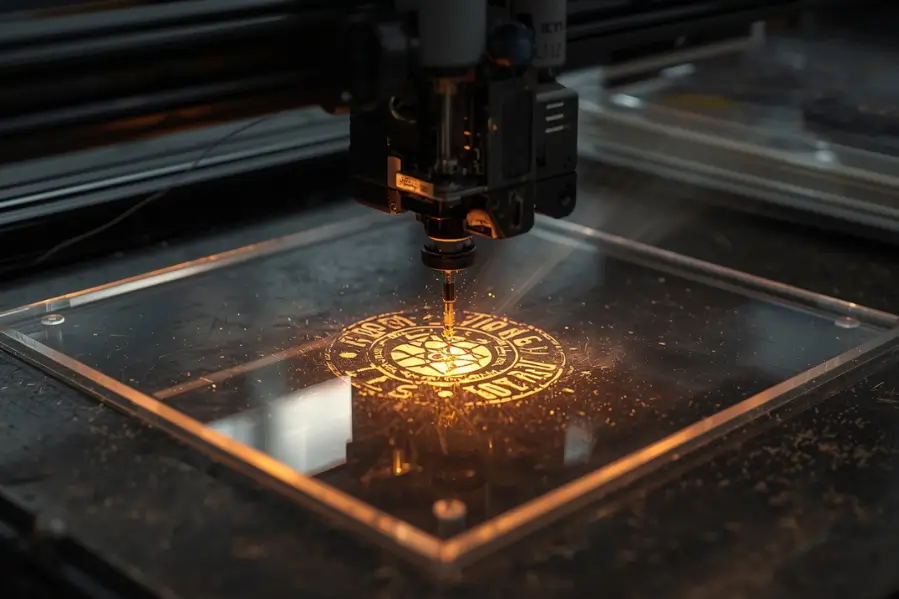
ABS (Acrylonitrile Butadiene Styrene) is a common plastic in electronics housings, automotive parts, and consumer goods. Many makers ask if ABS is a good plastic for laser engraving.
Yes, ABS can be laser engraved, but it is not always the best choice compared to acrylic.
- Melting risk: ABS softens quickly during laser engraving, which can cause warping and distortion.
- Fume safety: ABS releases noticeable fumes, so proper ventilation or a fume extractor is essential for safe laser engraving plastic projects.
- Surface finish: ABS typically produces a gray or frosted finish with less contrast than acrylic.
Best use cases for ABS laser engraving:
- Functional markings such as serial numbers or part IDs.
- Branding logos on molded plastic components.
- Buttons, dials, and control panels where clarity is less important than durability.
Can You Laser Engrave Polycarbonate?
Polycarbonate is a tough, impact-resistant plastic found in safety goggles, medical devices, and machine guards.
It can be laser engraved, but with limitations:
- Discoloration: Engraving often turns brown or yellow due to burning.
- Clarity issues: Transparent polycarbonate may fog or haze when lasered.
- Thin sheets engrave better: Thick sheets are prone to burns and cracks.
Best practice: Use lower power, high speed, and multiple light passes rather than one deep pass. For aesthetic projects (like awards or signage), acrylic is usually a better alternative.
Real-World Examples of Plastic Laser Engraving
Understanding settings is helpful, but seeing how plastics behave under real conditions makes the difference. Below are some tested examples that show how common plastics react to CO₂ laser engraving:
| Plastic | Settings Used | Result | Takeaway |
|---|---|---|---|
| ABS (phone case) | 25% power, 80% speed | Produced a gray, frosted finish with noticeable fumes | Works for functional markings but not recommended for decorative engravings |
| Polycarbonate (safety visor) | 20% power, 90% speed | Turned slightly brown with shallow marking | Suitable for utility labels but not ideal for aesthetic projects |
| Acrylic (signage sample) | 40% power, 60% speed | Delivered a crisp, high-contrast engraving with clear edges | Best choice for signage, awards, and projects needing visual clarity |
These examples highlight why acrylic is generally preferred when appearance matters, while ABS and polycarbonate are better suited for functional or industrial applications.
What Plastics Are Not Safe to Laser Engrave?
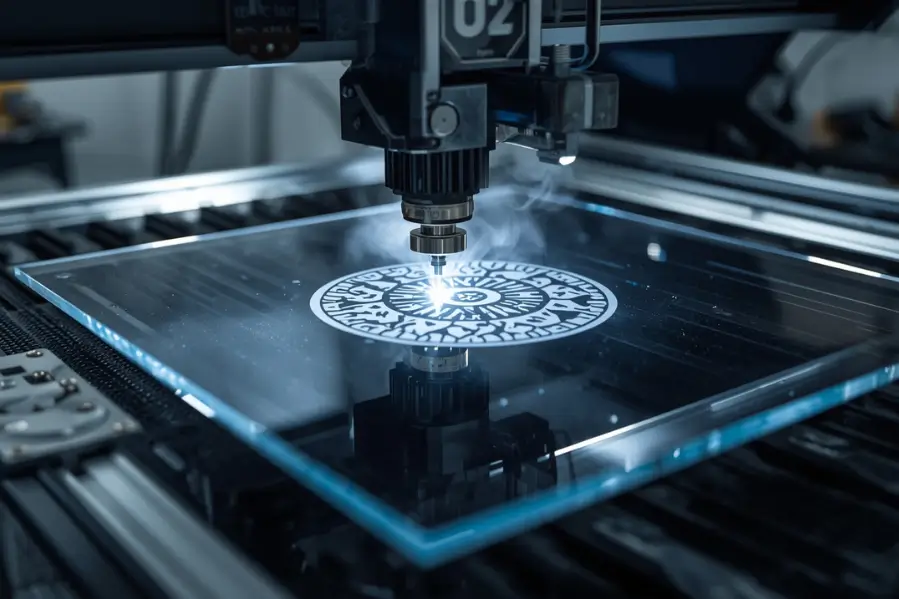
Not every plastic is safe for laser engraving. Some materials release harmful gases or react poorly to laser settings, making them unsuitable for engraving. When choosing the best plastic for laser engraving, avoid these:
- PVC (Polyvinyl Chloride): Releases hydrochloric acid gas that corrodes machines and poses serious health risks.
- PolyStyrene Foam (Styrofoam): Melts instantly and emits toxic fumes, making it unsafe for any engraving process.
- Polypropylene (PP): Warps heavily under heat and delivers poor engraving quality.
If you are unsure whether a material is safe, always check its material safety data sheet (MSDS). For most projects, acrylic remains the safest and most reliable choice for clear, high-contrast laser engraving plastic.
What Are the Benefits of Laser Engraving Plastic?
Laser engraving plastics offers several advantages compared to traditional printing or etching:
- Durability: Permanent marks resist wear, fading, and scratching.
- Precision: Fine details, barcodes, and QR codes engrave clearly.
- Speed: CO₂ lasers can engrave quickly without tooling changes.
- Versatility: Works on flat sheets, molded parts, and even curved surfaces.
What Are the Downsides of Laser Engraving Plastic?
While powerful, laser engraving plastics has some drawbacks:
- Fume hazards: Requires proper ventilation.
- Material costs: Some plastics engrave poorly, leading to wasted stock.
- Surface damage: Risk of burns, cracks, or warping if settings are too high.
- Aesthetic limits: Certain plastics (like ABS or polycarbonate) don’t engrave as cleanly as acrylic.
Regular maintenance also helps reduce risks and keep engraving results consistent. You can follow this helpful CO₂ laser engraver checklist that walks you through the key points to check before and after each use.
Real-World Use Cases for Laser Engraving Plastics
Laser engraving is widely used across industries:
- Electronics: Marking buttons, housings, and connectors.
- Medical devices: Permanent labeling for sterilization-resistant parts.
- Automotive: Engraving serial numbers and control panels.
- Signage & branding: Acrylic signs, promotional products, and keychains.
- Makers & DIY: Custom phone cases, gaming console covers, and craft projects.
If you also work with organic materials, check out our guide on leather laser engraving ideas to learn how settings, safety, and design approaches differ when engraving leather compared to plastics.
FAQs About Laser Engraving Plastic
What laser is best for engraving plastic?
A CO₂ laser is the best choice for engraving plastic because it delivers clean, precise results and works well with most types of plastics like acrylic, ABS, and polycarbonate.
What is the best way to engrave plastic?
The best way to engrave plastic is to use a CO₂ laser with carefully adjusted settings, keeping the power low, the speed high, and proper ventilation in place to prevent melting, warping, or harmful fumes while achieving clear and permanent markings.
Does laser engraving rub off?
No, laser engraving does not rub off because it permanently alters the surface of the material instead of just applying ink or paint.
How to laser mark on plastic?
To laser mark on plastic, use a CO₂ laser with the correct settings for the material, test on a sample piece first, and ensure good ventilation to achieve clear and permanent results.
Why does my plastic turn brown when engraved?
Browning happens when the laser power is too high or speed is too low. Reduce power, increase speed, or use multiple light passes instead of one deep pass.
How do I prevent plastic from warping during engraving?
Use lower power, high speed, and ensure the plastic is flat and well supported. Good ventilation also helps keep heat from building up.
Can engraved plastics be used outdoors?
Yes, but some plastics like ABS may fade or discolor under UV exposure. Acrylic is more durable and keeps its clarity outdoors.
Should I clean plastic after engraving?
Yes, gently wipe the engraved surface with a damp cloth or mild soap solution to remove residue. Avoid harsh chemicals that can damage the plastic.
How deep can you engrave plastic without weakening it?
Most plastics can handle engravings 0.1–0.5 mm deep. Deeper engravings risk reducing structural strength, especially on thin sheets.
Conclusion
Laser engraving plastic is safe and effective when you use the right laser, proper settings, and good ventilation. While ABS and polycarbonate can be engraved with care, acrylic delivers the sharpest and most consistent results.
For more engraving experiments, explore our guides on engraving rubber and engraving silicone rubber—two materials that open up even more possibilities for makers and businesses.
Get Started with Thunder Laser USA
Thunder Laser USA provides professional CO₂ laser systems trusted by makers, businesses, and manufacturers. Their machines are designed to engrave plastics like acrylic, ABS, and polycarbonate with precision and consistency. Explore their lineup today and take your engraving projects to the next level.