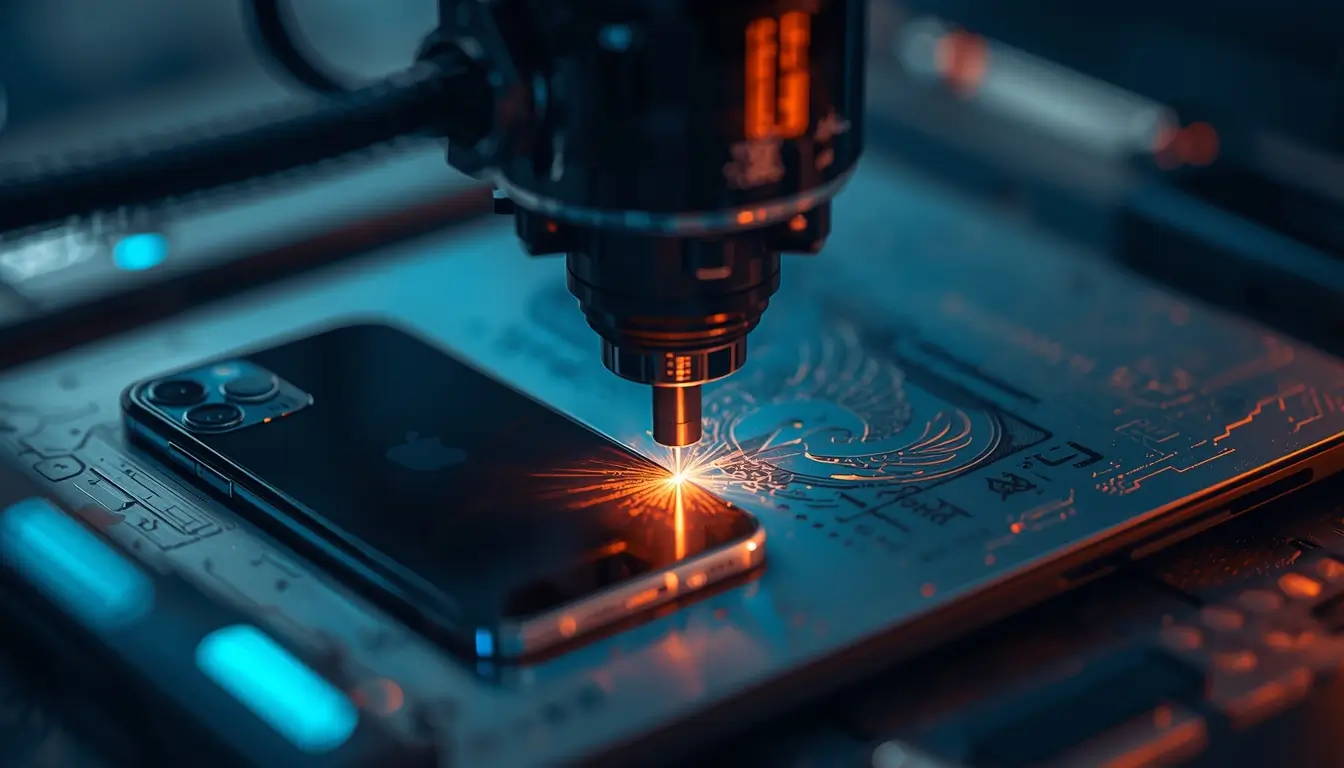

Laser engraving on electronics like iPhones and laptops is rapidly growing because it combines personalization, branding, and durability in one process.
Today, consumers want products that feel unique. According to industry reports from Statista, the global personalization market is expanding significantly, driven by demand for custom products and gifts.
Laser engraving fits perfectly into this trend because it allows:
- Permanent customization (won’t fade or peel)
- High precision detailing
- Fast production for businesses
- Branding opportunities for companies
As highlighted in your original article , engraving is not just about style—it also helps users identify their devices quickly and adds a layer of security.
What can you engrave on an iPhone or laptop?
Laser engraving machines are highly versatile and can work on materials like:
- Aluminum (common in laptops like Apple MacBook)
- Plastic (phone cases, accessories)
- Acrylic and wood (custom covers)
- Anodized metals (premium finishes)
1. Can you engrave images on electronics?
Yes, you can engrave detailed images such as:
- Portraits
- Artwork
- Custom illustrations
Modern laser systems convert images into engraving paths, allowing highly precise results. This makes them ideal for:
- Gift businesses
- Artists offering custom designs
- Premium product personalization
👉 Example: A custom engraved photo on a laptop lid for a wedding gift.
2. Can text, quotes, or signatures be engraved?
Absolutely. Text engraving is one of the most popular use cases because it is:
- Simple
- Fast to produce
- Easy to scale in bulk
Common examples include:
- Names or initials
- Inspirational quotes
- Signatures
- Serial numbers or labels
This is especially useful for:
- Corporate gifts
- School or office devices
- Personal branding
3. Can businesses engrave logos on devices?
Yes—and this is where real business value lies.
Companies use laser engraving to:
- Add logos to devices for branding
- Create promotional products
- Secure assets with permanent markings
Unlike stickers or printing, laser engraving:
- Cannot be easily removed
- Looks premium
- Enhances perceived product value
Why is laser engraving better than other customization methods?
Laser engraving stands out because of its precision, consistency, and efficiency.
What are the main benefits?
1. Does laser engraving ensure consistent quality?
Yes. Since the process is automated:
- Every design can be replicated perfectly
- Error rates are very low
- Designs can be stored and reused
This is critical for businesses handling bulk orders.
2. Is laser engraving time-efficient?
Laser machines are extremely fast compared to manual methods.
Benefits include:
- Quick turnaround times
- Ability to handle high order volume
- Reduced labor costs
This makes it ideal for:
- E-commerce businesses
- Print-on-demand services
- Local customization shops
3. Is laser engraving cost-effective?
The cost depends on the machine and scale, but overall:
- Low cost per unit after setup
- High profit margins on custom products
- Minimal material waste
According to manufacturing insights from McKinsey & Company, automation technologies like laser systems significantly improve operational efficiency and margins.
What are the pros and cons of laser engraving electronics?
Pros vs Cons Comparison
| Pros | Cons |
|---|---|
| Permanent and durable | Initial machine cost can be high |
| High precision and detail | Requires basic training |
| Fast production speed | Limited to certain materials |
| Great for branding and business | Setup calibration needed |
| Scalable for bulk orders | Maintenance required |
What should you consider before buying a laser engraving machine?
Choosing the right machine is critical for both quality and profitability.
1. What is a quick positioning feature and why does it matter?
A quick positioning system helps you:
- Align designs accurately
- Center engravings easily
- Reduce setup time
This is especially important for customized orders where precision matters.
2. How important is machine quality and performance?
Very important.
A high-quality machine:
- Runs consistently for long hours
- Produces clean, detailed engravings
- Minimizes downtime
Look for machines with:
- Stable laser output
- Good cooling systems
- Strong build quality
3. Why is professional support important?
Laser engraving has a learning curve, especially for beginners.
Reliable support ensures:
- Faster troubleshooting
- Reduced downtime
- Better long-term performance
Choose companies that offer:
- Real technical support (not just call centers)
- Training resources
- Active customer communities
4. What safety features should a laser machine have?
Safety is non-negotiable.
Essential features include:
- Emergency stop button
- Heat alarm system
- Protective enclosure
- Red dot pointer for alignment
Organizations like Occupational Safety and Health Administration emphasize proper safety standards when working with high-powered equipment.
Is laser engraving a good business opportunity in 2026?
Yes—laser engraving is one of the most accessible and scalable customization businesses today.
Why is it a strong business model?
- Low barrier to entry
- High demand for personalized products
- Works well with e-commerce platforms
- Scalable from small setups to large production
Popular business ideas:
- Custom phone engraving shop
- Corporate branding services
- Etsy or Shopify personalized products
- Event-based engraving (weddings, gifts)
Example: Small business model
| Item | Estimated Cost |
|---|---|
| Entry-level laser machine | $2,000 – $8,000 |
| Materials | Low (per unit) |
| Selling price per engraving | $10 – $50 |
| Profit margin | 60%–80% (approx.) |
How does laser engraving compare to printing or stickers?
| Feature | Laser Engraving | Printing | Stickers |
|---|---|---|---|
| Durability | Permanent | Medium | Low |
| Quality | Premium | Good | Basic |
| Customization | High | Medium | High |
| Removal | Not removable | Can fade | Easily removed |
| Business value | High | Medium | Low |
Conclusion: Laser engraving offers higher perceived value and durability, making it ideal for premium markets.
What are common mistakes beginners make in laser engraving?
Avoid these early pitfalls:
- Choosing the cheapest machine (low quality output)
- Ignoring material compatibility
- Poor design alignment
- Skipping safety measures
- Not testing before production
FAQs About Laser Engraving iPhones and Laptops
Can laser engraving damage an iPhone or laptop?
If done correctly with proper settings, it will not damage the device. However, incorrect power settings can cause surface burns.
Is laser engraving permanent?
Yes. Laser engraving removes material from the surface, making it permanent and highly durable.
How long does it take to engrave a device?
Most engravings take between 1–10 minutes, depending on complexity and size.
Do I need design skills to start?
Basic design knowledge helps, but many tools like Adobe Illustrator or LightBurn make it easy for beginners.
Is laser engraving profitable?
Yes. With low material costs and high customization demand, profit margins can be very high.
What materials cannot be engraved?
Some materials like certain plastics (PVC) can release toxic fumes and should be avoided.
Can I start this business from home?
Yes, many small businesses operate from home setups, provided proper ventilation and safety measures are in place.
Final Thoughts
Laser engraving iPhones and laptops is more than just a trend—it’s a high-growth opportunity in the customization economy.
Whether you’re:
- A business owner expanding services
- A beginner exploring a side hustle
- Or a brand looking to offer premium products
Investing in the right laser machine can unlock scalable, high-margin revenue streams.
As your original article highlighted , the demand is already there—the key is choosing the right tools and positioning your offer correctly.