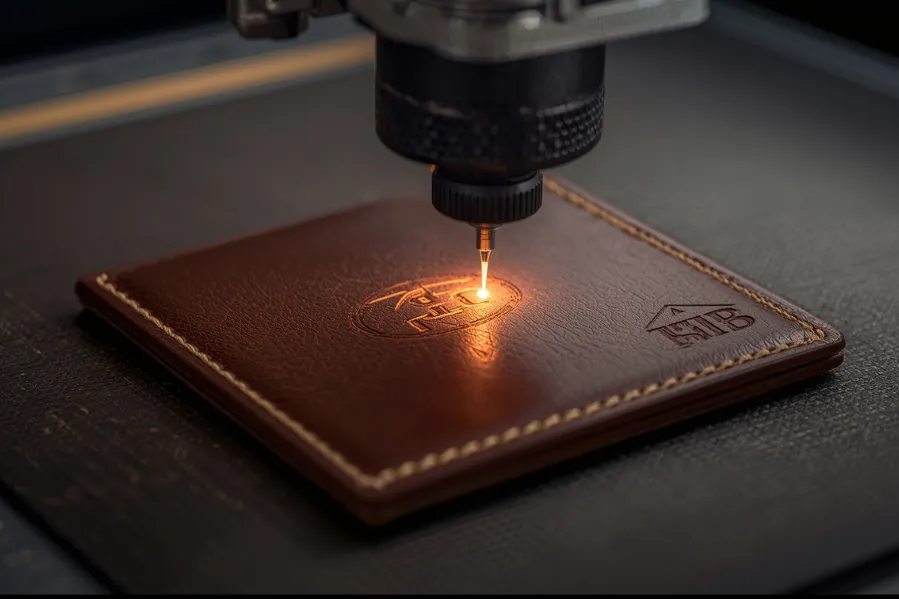

Personalized leather wallets are a favorite when it comes to gifting and custom branding. With the rise of laser engraving, it’s easier than ever to add names, initials, logos, or even artwork onto leather with precision and lasting quality. But not all laser machines produce the same results. Choosing the right laser type is critical to avoid damaging the leather and to achieve clean, professional engravings.
A leather engraving laser is a machine that uses focused light to permanently mark or etch custom designs onto leather surfaces, such as wallets and accessories.
This guide covers the best laser types for personalizing leather wallets, how they compare, and what settings and tools you need for success.
Overview: Best Laser Types for Leather Engraving
Different laser types interact with leather in different ways. Here’s a quick comparison:
| Laser Type | Ideal For | Suitability for Leather |
|---|---|---|
| CO₂ Laser | Engraving natural and synthetic leather | ★★★★★ (Best Choice) |
| Fiber Laser | Engraving metal parts like buckles | ★★☆☆☆ (Not Recommended) |
| Diode Laser | Entry-level engraving on small projects | ★★★☆☆ (Moderate) |
Why CO₂ Lasers Are the Best for Engraving Leather Wallets
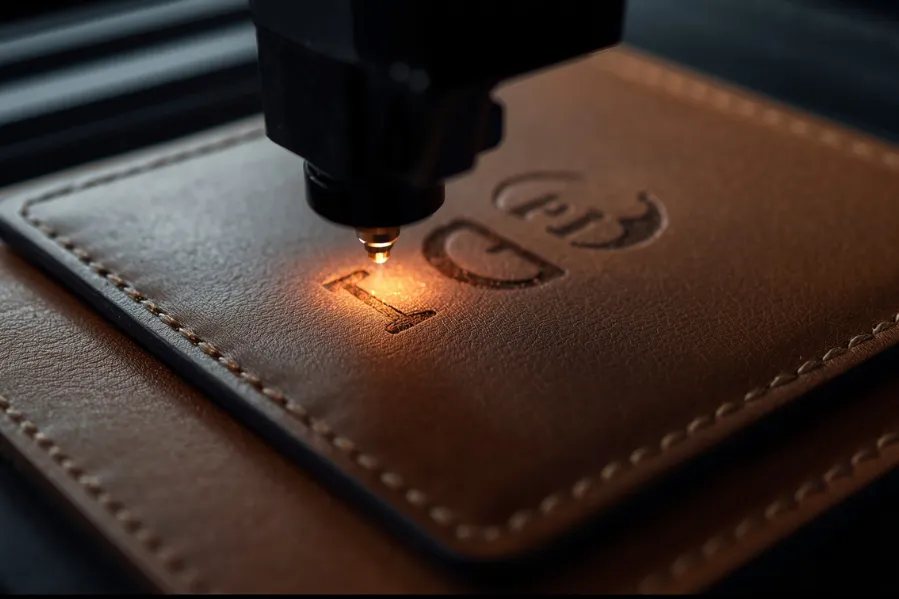
A CO₂ laser is the top choice for engraving leather due to its ability to produce clean, deep, and dark marks without cutting or burning through the material. CO₂ lasers operate at a wavelength of 10.6 µm, which is easily absorbed by both real and faux leather.
Why Choose CO₂ for Leather?
- Works well on full-grain, top-grain, genuine, and PU leather
- Delivers smooth, dark engraving without charring the edges
- Ideal for monograms, detailed artwork, logos, and text
- Can also cut leather for patterns or logo inserts
- Used in both hobby and industrial applications
Compatible Leather Types:
- Full-grain leather
- Top-grain leather
- Vegetable-tanned leather
- PU and faux leather (with fume ventilation)
Note: Always ensure proper ventilation. Engraving synthetic leathers can release toxic fumes.
Why Fiber Lasers Aren’t Ideal for Engraving Leather
Fiber lasers are not ideal for directly engraving leather. They are designed for high-speed marking on metals and hard plastics and use a wavelength (~1.06 µm) that does not absorb well into organic materials like leather.
When to Use a Fiber Laser:
- Engraving metal accents like wallet nameplates, clips, or buckles
- Customizing steel or aluminum components attached to the wallet
- Deep marking or serializing non-leather parts
Avoid using fiber lasers on the leather surface itself. It can cause uneven burns or surface damage without producing legible results.
Are Diode Lasers Good for Leather? Pros and Limitations
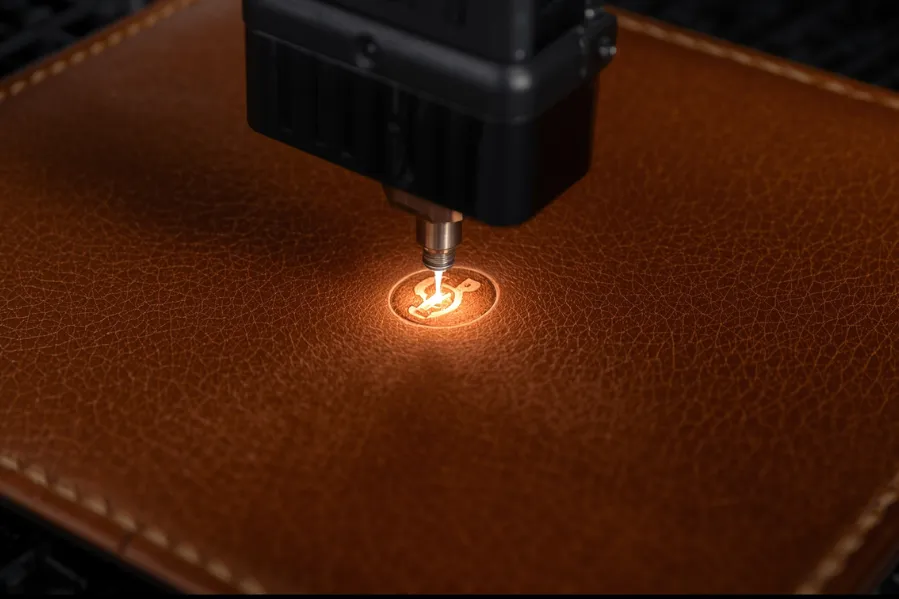
Diode lasers are commonly found in desktop engravers and hobby kits. They can engrave leather, especially on light-colored or untreated surfaces, but the output may not be as crisp or deep as with a CO₂ laser.
Pros:
- Budget-friendly for small-scale use
- Can handle basic leather engraving with light detail
- Safe for beginners with smaller wallets or tags
Cons:
- Lower power leads to slower speeds
- Inconsistent depth and less contrast
- Not ideal for complex logos or fine text
If you’re just starting out and only need to engrave a few pieces occasionally, diode lasers are a good introduction. But for professional results, upgrading to a CO₂ laser is highly recommended.
Recommended Laser Settings for Leather Engraving
To achieve clean, precise results when engraving leather wallets, it’s important to fine-tune your CO₂ laser settings. While exact values may vary depending on the machine model, leather type, and design complexity, the following settings offer a reliable starting point for most projects:
- Power: Set between 15% and 30% to achieve a dark, visible mark without burning through the leather.
- Speed: Use a speed of 300 mm/s or higher to prevent overheating and minimize burn marks.
- DPI (Dots Per Inch): Aim for 300 to 500 DPI to ensure sharp lines and detailed artwork.
- Passes: In most cases, 1 pass is sufficient for engraving leather.
- Air Assist: Keep Air Assist turned on to reduce smoke buildup and avoid charring the surface.
- Focus: Use manual focus or autofocus to maintain a clean edge and consistent engraving depth.
Pro Tip: Always test your settings on a scrap piece of the same leather before engraving the final product. This helps you identify the ideal power and speed combination for your specific material.
Optimizing these parameters ensures your leather engraving is crisp, deep, and professional—perfect for wallets, keychains, and other premium leather goods.
Design Considerations for Leather Wallets
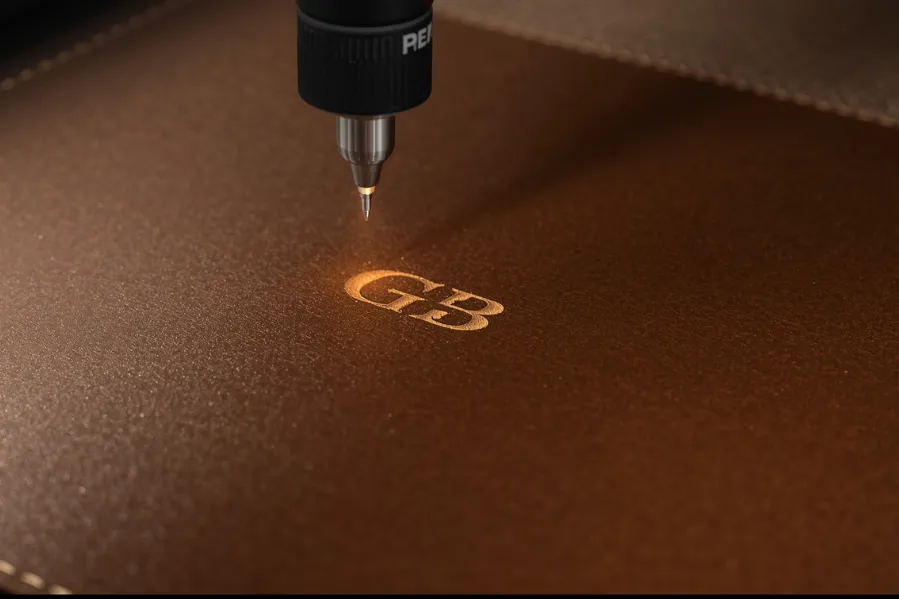
To achieve sharp, professional engraving results on leather wallets, it’s essential to start with a well-prepared design. Follow these best practices for optimal output:
- Use vector file formats such as SVG, AI, or DXF to maintain clean and scalable line work.
- Convert all text to outlines before exporting to ensure consistent font rendering across different machines.
- Avoid grayscale images or filled areas, as they may result in uneven burns. Stick to bold outlines and solid vector elements.
- Keep designs compact and properly aligned with the wallet’s surface, especially when working on smaller flaps or pockets.
- Choose high-contrast artwork to produce rich, dark engraving that stands out clearly against the leather grain.
A clean design file reduces errors, ensures consistent engraving depth, and helps your final product look professional and polished.
Laser Safety Tips for Engraving Leather
Laser engraving leather, especially synthetic types like PU, produces smoke and potentially hazardous fumes. Following safety protocols is crucial for both quality and health.
- Use a proper fume extraction system or work in a well-ventilated area to remove smoke and airborne particles.
- Never leave your laser machine unattended during operation, even with routine engraving jobs.
- Wear laser safety glasses if your machine’s laser class requires it.
- Keep your workspace ventilated at all times to prevent odor and smoke buildup, especially during longer engraving sessions.
Prioritizing safety not only protects your equipment and materials but also ensures a healthier working environment during every engraving project.
Final Recommendation
If you’re planning to personalize leather wallets with consistent, professional results, a CO₂ laser engraver is the best option. It handles both natural and synthetic leather well, allows for detailed customization, and offers the speed and flexibility needed for bulk orders or one-off gifts.
Fiber lasers should only be used for metal wallet accessories, while diode lasers may suffice for basic hobby engraving.
Suggested Products from Thunder Laser
Thunder Laser machines like the Nova and Bolt series are built for versatility and precision, making them excellent for leather engraving and small product customization.
FAQs
1. Can all laser machines engrave leather?
No. CO₂ lasers are ideal for leather. Fiber lasers are not effective, and diode lasers are limited in quality and depth.
2. What’s the best file type to use for leather engraving?
Vector files like SVG, AI, or DXF are best for clean, sharp results.
3. What type of laser is best for leather?
A CO₂ laser is the most effective type for engraving leather. It delivers clean, precise results on both genuine and synthetic leather surfaces. Unlike fiber or diode lasers, CO₂ lasers offer better absorption and engraving quality.
4. What type of leather is best for laser engraving?
Full-grain and top-grain leather are the best choices for laser engraving. They produce clean, dark marks and hold detail well. Avoid heavily treated or chrome-tanned leather, as they may burn unevenly or release harmful fumes.