
Vector & File Download Links
Thunder Laser USA Free Files
Thunder Laser USA Free Graphics Pack
The following repo includes files have been purchased for Thunder Laser USA by Chris Baker with a license that allows Thunder Laser USA Clients to use these files for their personal and commercial use. It also includes more CO2 gantry files and Aurora series files, as well as a list of links to other resources. CLICK HERE TO DOWNLOAD THE FILE
The files, in part or in whole, are not to be given out, resold, broken apart, repackaged, etc… Please help us maintain our integrity by adhering to these guidelines.
We recommend 7-zip as a free and solid compression, extraction, and compression tool but you can use the built in extraction tools embedded in your OS or whichever app you prefer.
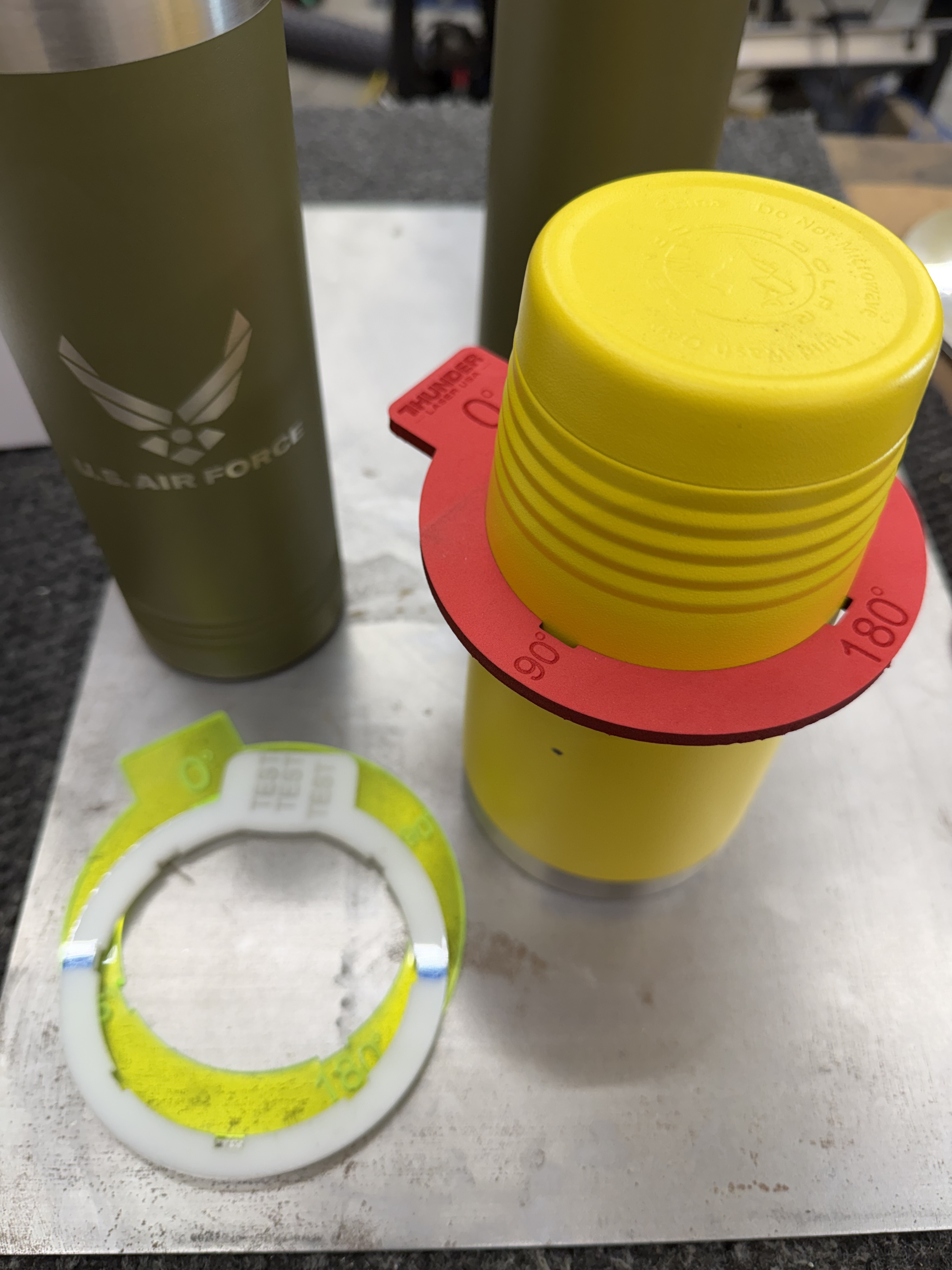
Thunder Laser USA Tumbler Centering Ring Graphic
Use a material you are comfortable with, preferred 1/4 EVA foam for flexibility and non-abrasive. Adjust interior and exterior diameters for your fitment needs.
Download the SVG here. (Please apply proper settings based off your machine and material)
Thunder Laser USA Print and Cut Target
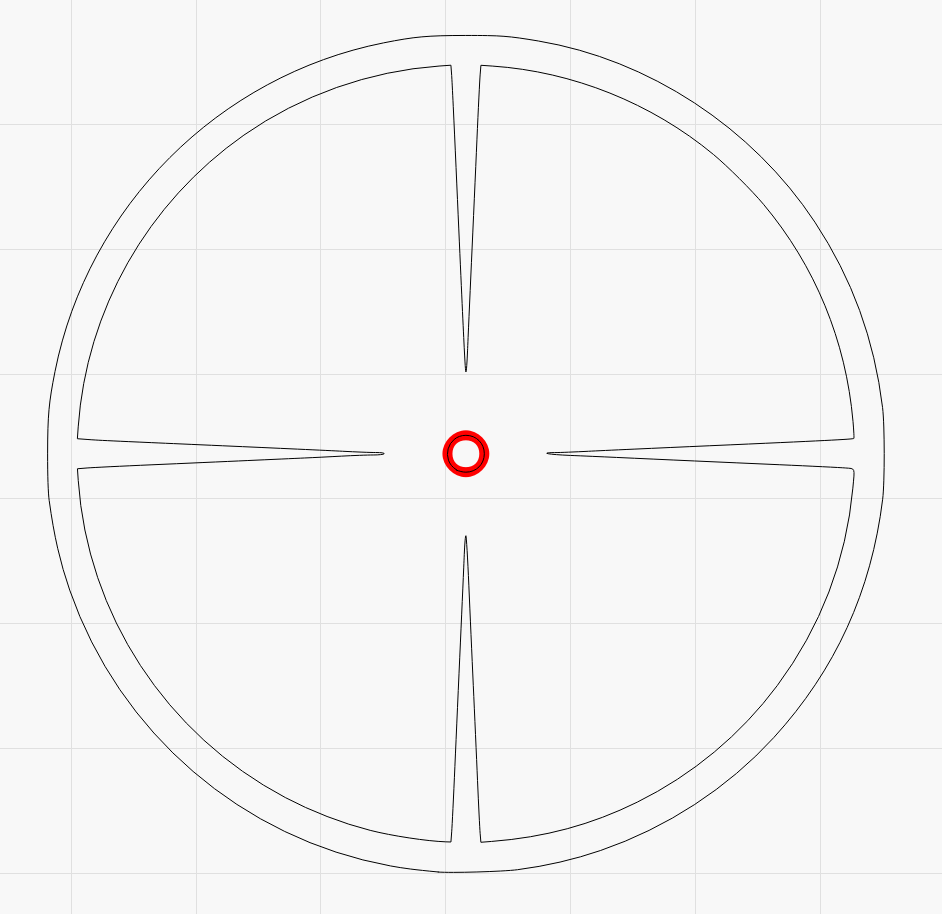
When using Print and Cut your registration mark plays a huge role in accuracy. Using a target that has a selectable centerpoint allows you to highlight these graphics to ensure the smallest most accurate positioning. Making sure this targets center portion is as small as your red dot and you are able to pulse in its center will greatly improve your cut alignment across your project.
Downloads
Still stuck?
Fastest response times in the industry from our US-based support team.