Laser Cutting & Engraving Plastic
High-Quality Laser Engraving on Plastic Products
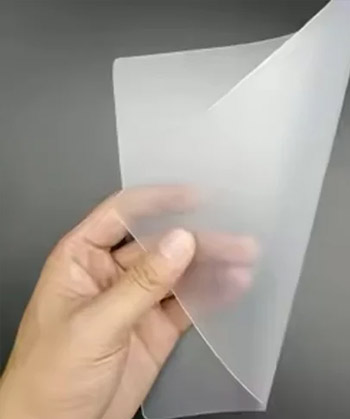
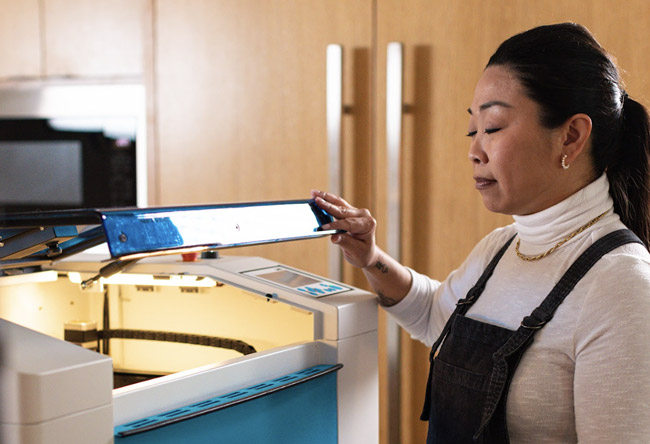
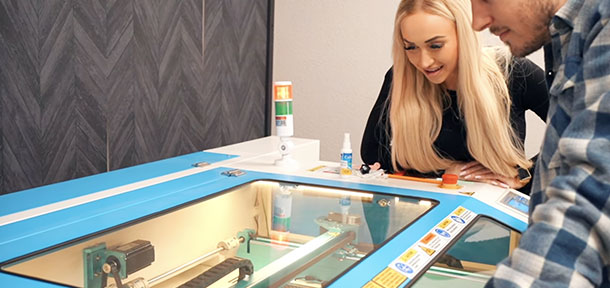
Looking for the best laser cutter for plastic? Whether you’re crafting custom acrylic signs, engraved plastic labels, personalized gifts, or industrial components, Thunder Laser provides high-performance CO₂ laser engraving machines that deliver clean cuts, precise engravings, and professional-quality results on various types of plastic.
Can You Laser Cut and Engrave Plastic?
Absolutely! Laser cutting and engraving plastic is a popular application due to its versatility, precision, and efficiency.
Here is what you can cut and engrave with a Thunder Laser USA Machine
-
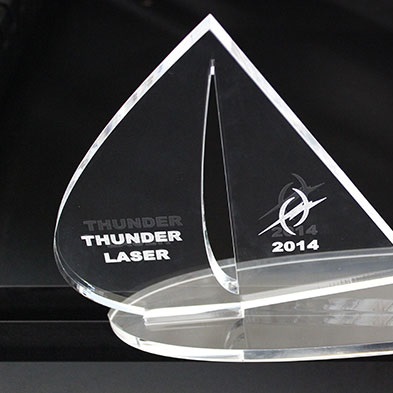
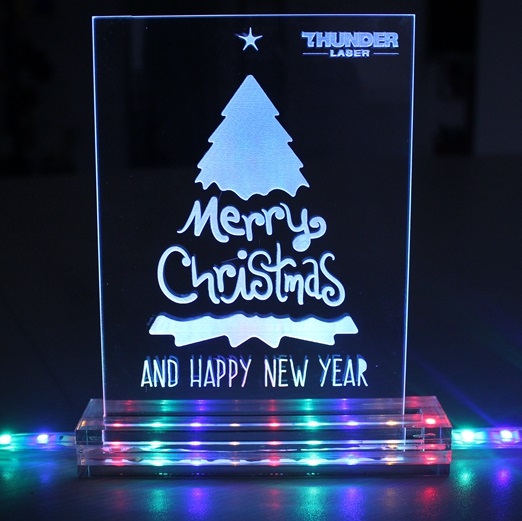
Cut and Engrave Acrylic & Plexiglass –
Perfect for signs, displays, and illuminated artwork. -
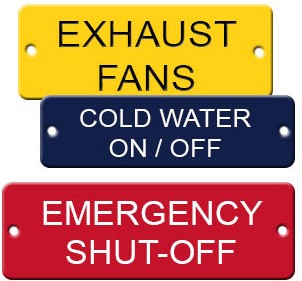
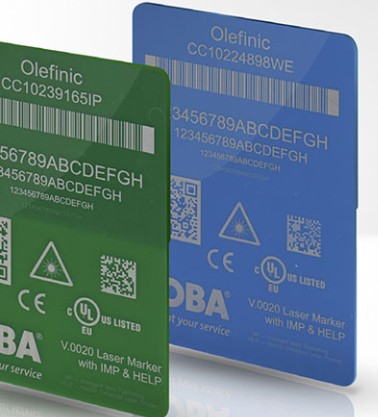
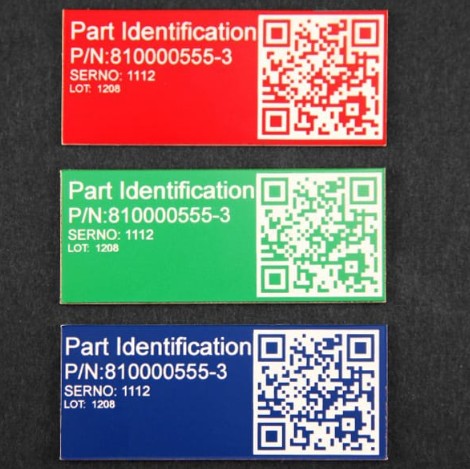
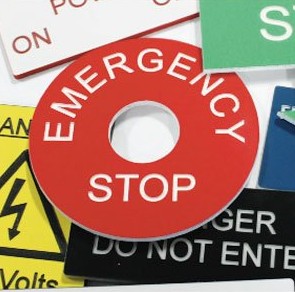
Create Custom Plastic Labels & Tags –
Ideal for industrial marking and nameplates. -
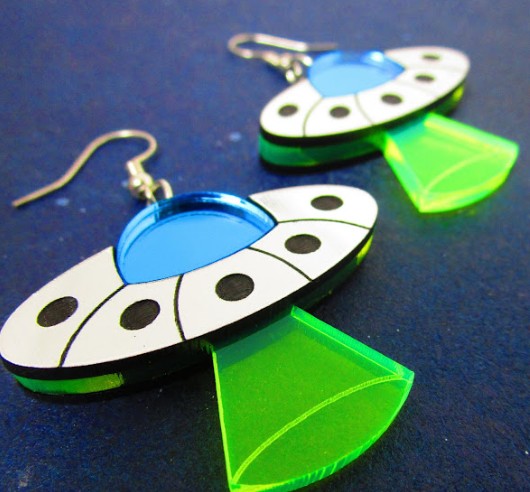
Engrave Plastic Jewelry & Accessories –
Design unique earrings, charms, and pendants. -
Make Personalized Signs & Logos –
Add branding or decorative elements. -
Fabricate Prototypes & Industrial Parts –
Produce custom plastic components with speed and accuracy. -
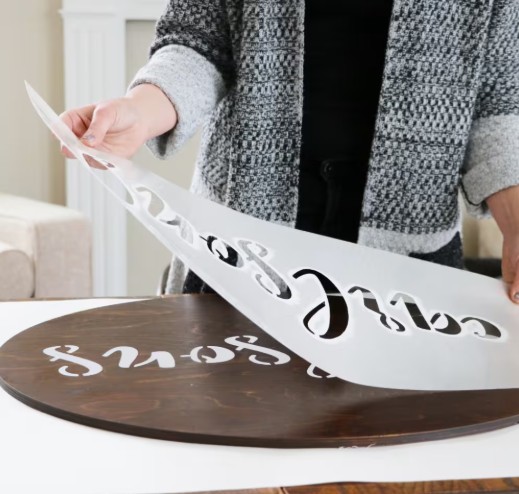
Cut Custom Stencils & Templates –
Great for arts, crafts, and product manufacturing.
Best Types of Plastic for Laser Cutting & Engraving
Not all plastics react the same way to laser processing. Here are the best laser-friendly plastics:
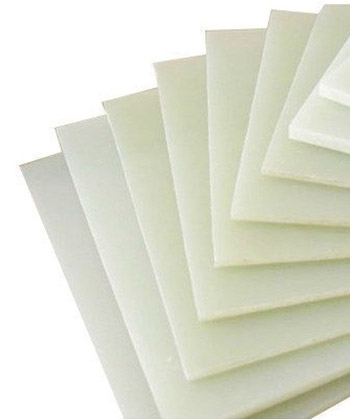
Acrylic (Plexiglass, Lucite, PMMA)
Provides polished edges when laser cut and crisp engravings.
Delrin® (Acetal, POM)
Great for engineering components and precision parts.
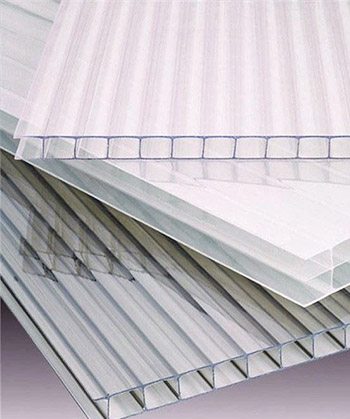
Polycarbonate (Lexan, Makrolon)
Can be engraved but not ideal for cutting.
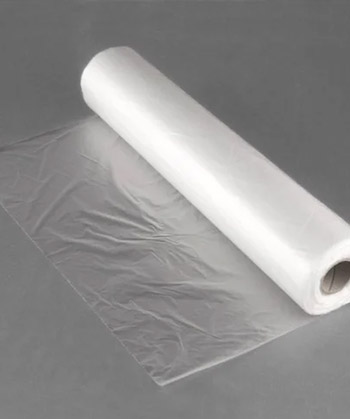
Polyester (PET, Mylar)
Works well for stencils, films, and flexible applications.
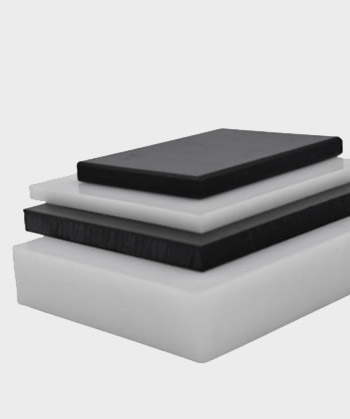
Polyethylene (HDPE, LDPE, UHMW)
Used for packaging, signage, and industrial applications.
Polypropylene (PP, Formex, Statex)
Good for lightweight, durable components.
How to Laser Cut and Engrave Plastic - Step-by-Step Guide
Pro Tip: When cutting acrylic, use higher power and lower speed to achieve flame-polished edges.
01
Choose the Right Plastic
Ensure it’s laser-safe and suited for your project.
02
Prepare Your Design
Use vector software like LightBurn, Adobe Illustrator, or CorelDRAW.
03
Optimize Laser Settings
Adjust speed, power, and frequency based on plastic type.
04
Test Your Design
Run a small test cut to fine-tune your settings.
05
Start Engraving or Cutting
Use your Thunder Laser CO₂ machine for precise results.
06
Clean & Finish
Wipe off residue with rubbing alcohol or a microfiber cloth.
Best Laser Cutter for Plastic – CO₂ vs. Fiber Laser
🚨 Pro Tip: A CO₂ laser is the best option for most plastic engraving and cutting applications.
CO₂ Laser (Best for Cutting & Engraving)
- Ideal for acrylic, PET, polycarbonate, and polypropylene.
- Produces clean cuts and deep engravings.
- Best choice for crafts, signage, and industrial plastics.
Fiber Laser (Best for Plastic Marking, Not Cutting)
- Used for high-contrast marking on engineered plastics.
- Not ideal for cutting thick plastic sheets.
Why Choose Thunder Laser for Plastic Engraving & Cutting?
High-Speed, Precision Cutting
Perfect for detailed, clean-cut plastic designs.
Rotary Attachment Available
Engrave cylindrical plastic objects like tumblers and pipes.
Versatile for Business & Hobbyists
Ideal for custom fabrication, branding, and crafts.
Reliable & Easy to Use
User-friendly software, no complex setup required.
Creative Plastic Engraving & Cutting Applications
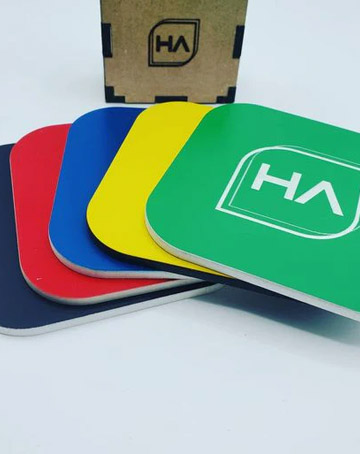
Looking to start a plastic engraving business or add custom plastic cutting services? Here are profitable and creative projects you can make with a Thunder Laser CO₂ machine:
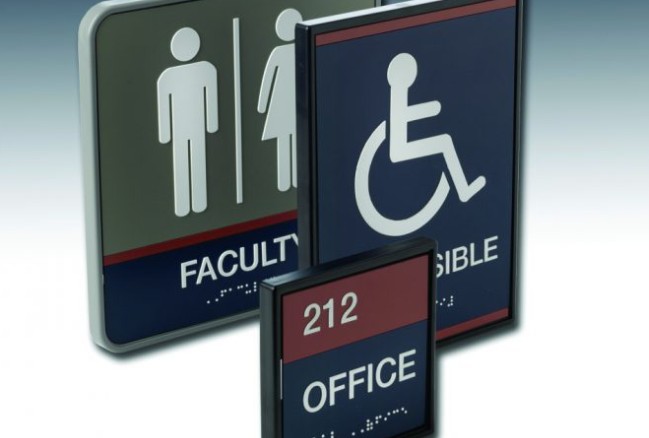
Acrylic Signs & Nameplates
Perfect for business branding and office signage.
Custom Plastic Stencils & Templates
Great for artists, DIYers, and industrial applications.
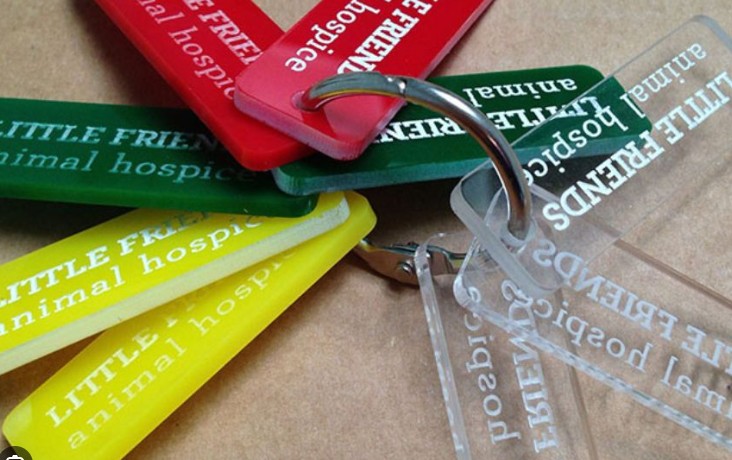
Engraved Plastic Labels & Tags
Mark products, tools, and industrial components.
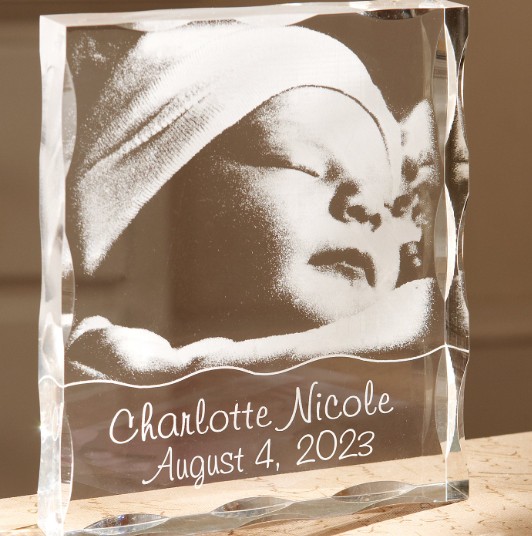
Personalized Gifts & Decorative Pieces
Engrave photos, messages, and unique designs.
Plastic Jewelry & Accessories
Design earrings, pendants, and fashion items.
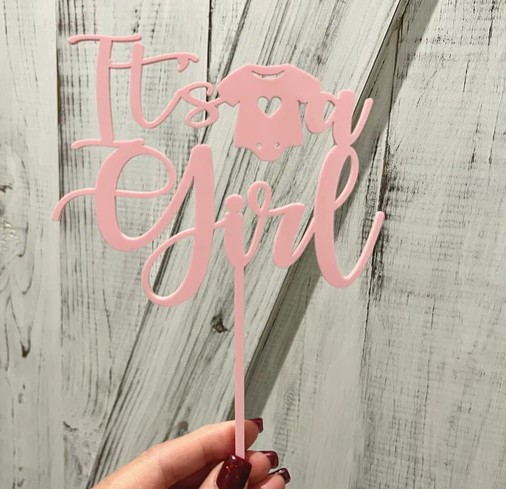
Laser-Cut Cake Toppers & Event Décor
Perfect for weddings, birthdays, and celebrations.
Industrial Plastic Components & Prototypes
Fabricate custom parts and enclosures.
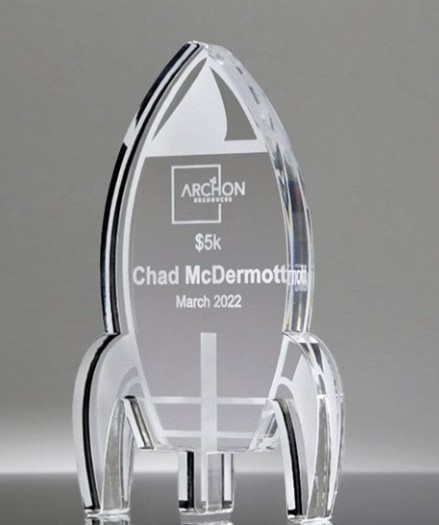
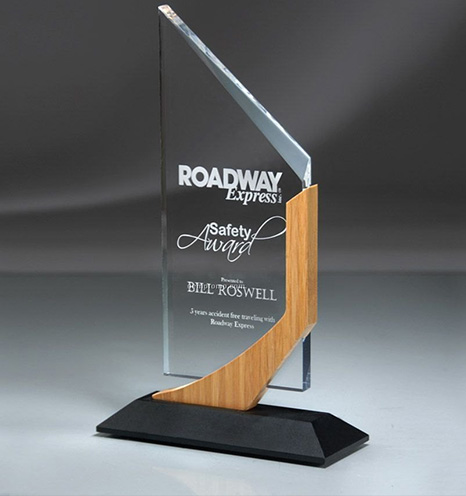
Engraved Plastic Awards & Trophies
Create professional recognition pieces.
Your Questions, Answered!
What plastics do we need to avoid?
PVC (Polyvinyl Chloride) and plastics containing chlorine, fluorine, or bromine should never be laser processed due to the release of toxic and corrosive gases.
Laser Cutting vs. Laser Engraving vs. Laser Marking – What’s the Difference?
Laser Cutting: Completely removes material, creating a clean separation.
Laser Engraving: Etches into the surface, removing a small amount of material.
Laser Marking: Alters the surface color without removing material (used on certain plastics).
Why Use a Laser Instead of CNC or Die Cutting?
- No Tool Wear – Lasers don’t require blades or dies.
- Ultra-Fine Details – Achieve intricate, high-resolution designs.
- Smooth, Polished Edges – No need for post-processing on acrylic.
- Fast & Scalable – Perfect for prototyping and mass production.
Thunder Laser USA
Start Plastic Engraving & Cutting with Thunder Laser Today!
Thunder Laser USA offers industry-leading CO₂ laser engraving machines designed for plastic fabrication, signage, and personalized gifts.