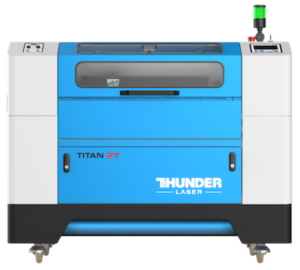
Your Glowforge got you started. A Thunder runs the business.
A Glowforge is a great first laser. A Thunder engraves several times faster, takes bigger sheets through a pass-through of any length, and runs LightBurn with no Wi-Fi required. We will prove it on your own material first.
★★★★★ Over 1,000 five-star reviews on Trustpilot · US-based support, coast to coast · Building machines since 2013, selling and supporting here since 2018
Slow is fine until it is costing you orders.
The story is almost always the same. The Glowforge was the right first machine. The work was good, people started asking, and now there are fifty ornaments due Friday and a stack of door hangers behind them. The bed is too small for the sheet you want to buy, a thick cut takes three tries, and when something breaks the whole business waits.
That is the moment people call us. A Thunder is built for the business you are building, and for most Glowforge owners the right Thunder costs about the same as the Glowforge they would buy next.
Same stamp. Two machines.
A six-year Glowforge owner, now a Thunder brand ambassador, ran the same rubber stamp on her Glowforge Pro HD and on a base Bolt, on camera.

- Laser
- 30W RF metal tube, air cooled
- Stamp engrave
- 34 min 15 sec
- Work area
- 20 x 12 in, motorized bed
- Software
- LightBurn included, no Wi-Fi needed
- Warranty
- 2 years
- Laser
- 45W CO2
- Stamp engrave
- 3 hr 29 min 20 sec
- Work area
- About 19.5 x 11 in printable
- Software
- Browser app, Wi-Fi required
- Warranty
- 12 months
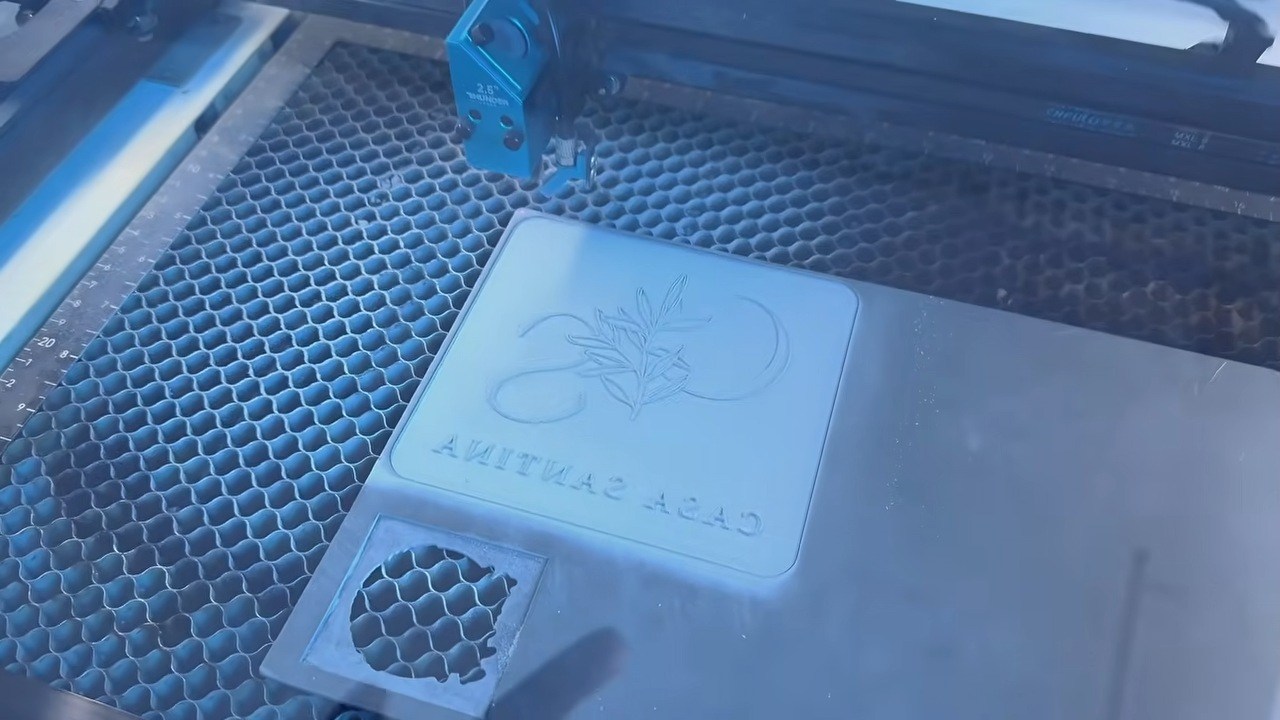
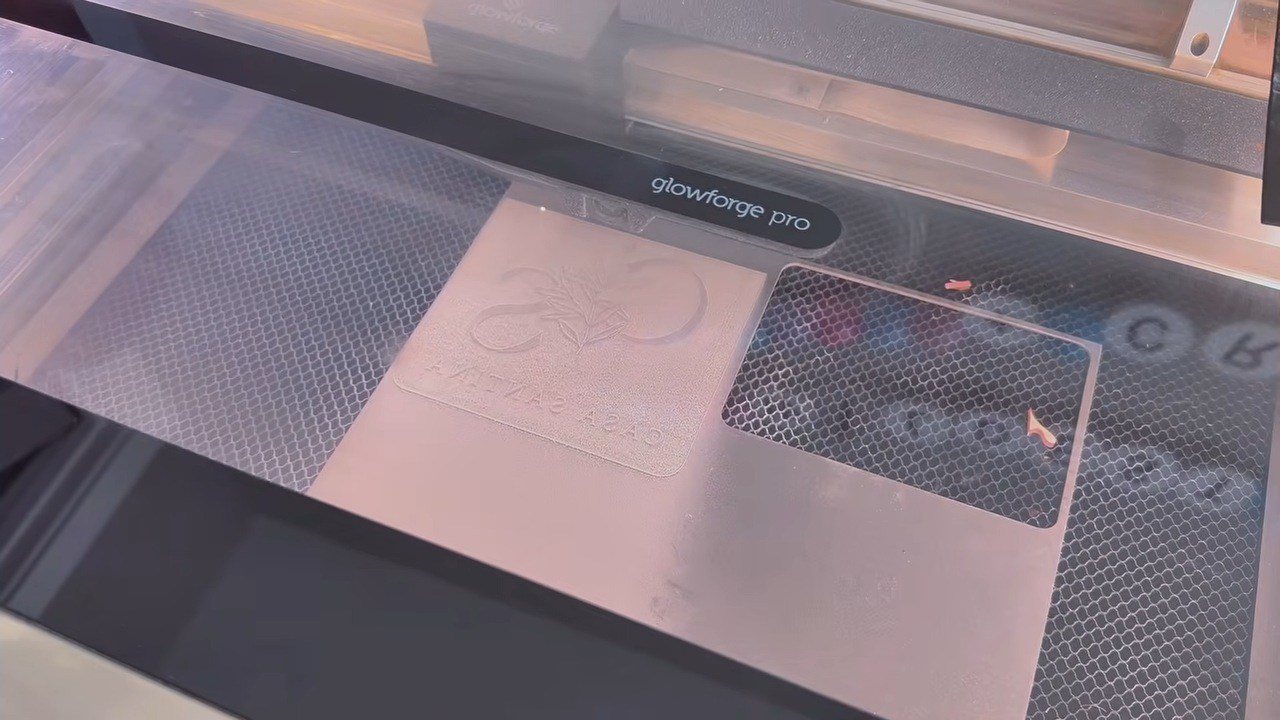
The same rubber stamp, engraved.
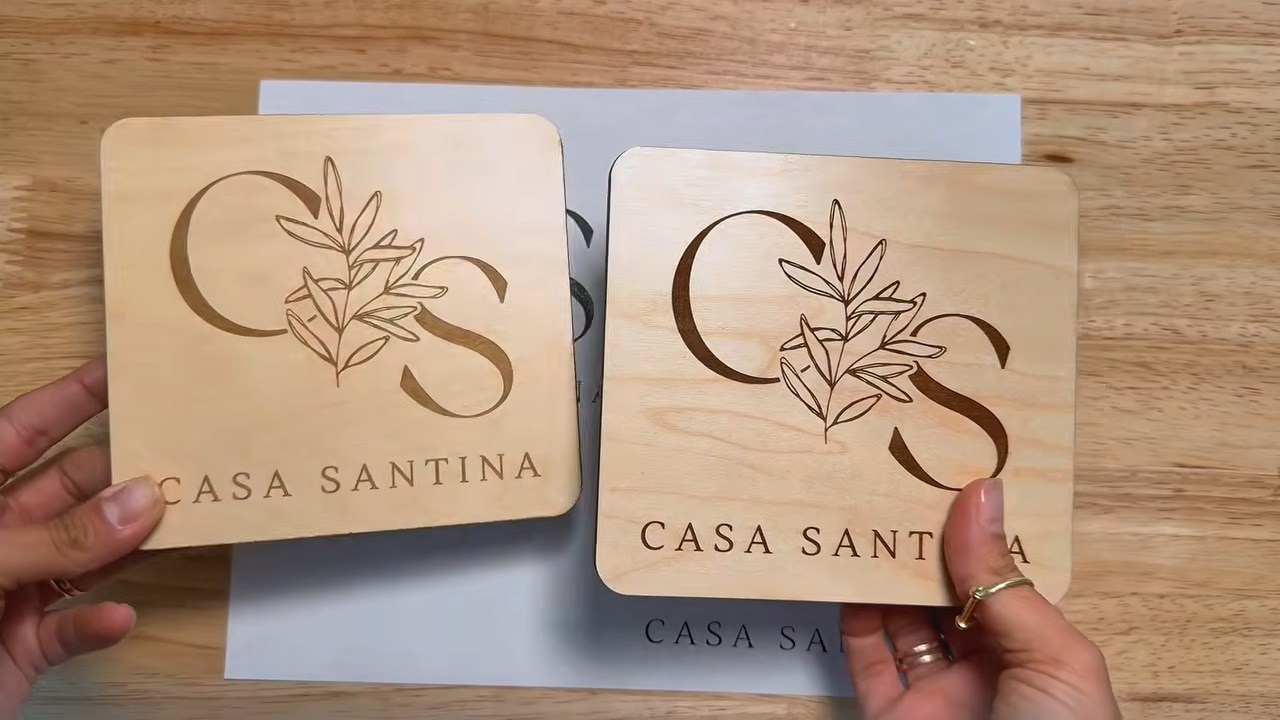
Photos are stills from “Glowforge Pro HD vs Thunder Laser Bolt: Same Project, Side by Side,” published on the Thunder Laser USA YouTube channel with a Thunder brand ambassador. Glowforge Pro HD price, laser, work area, software and warranty from glowforge.com, October 29, 2026.
Put a Glowforge and a Thunder on the same job.
These are not spec sheet numbers. They are real jobs, run by people who owned a Glowforge first, on the same file and the same material.
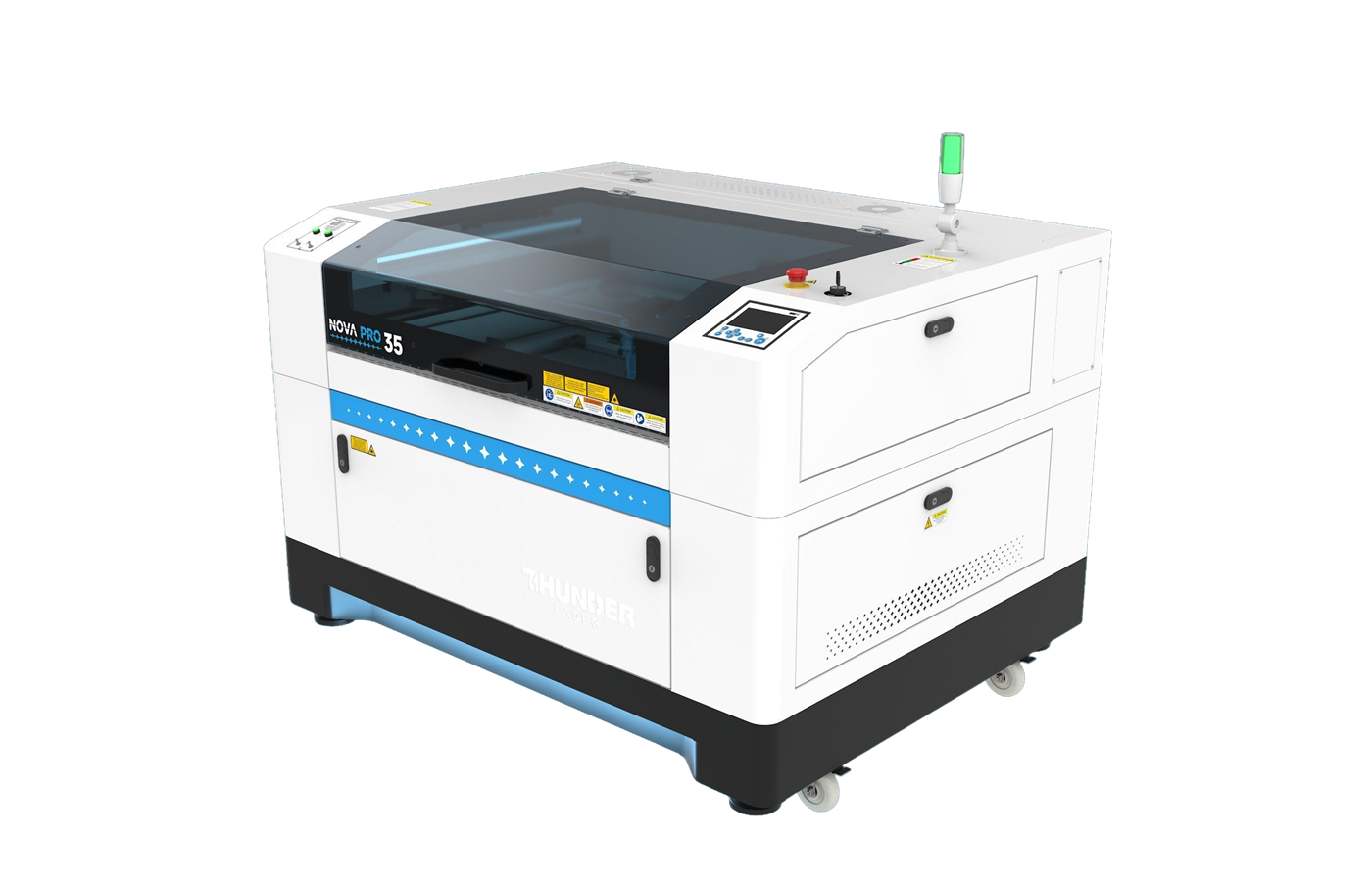
A Thunder owner runs a Nova 35 against a Glowforge on the same job.
Swipe the table sideways to see both columns.
| The job | Thunder | Glowforge | Difference |
|---|---|---|---|
| Rubber stamp, engraved | 34 min 15 sec on a Bolt 30W | 3 hr 29 min 20 sec on a Pro HD | About 6x faster |
| Plywood stamp handle, engraved and cut, two pieces | 6 min 46 sec on a Bolt 30W | 17 min 4 sec on a Pro HD | About 2.5x faster |
| Monogram, same file and material | 3 min 11 sec on an older Nova 51 | 12 min 20 sec | About 4x faster |
Put it in dollars. The Bolt in that stamp test lists at $5,795. The Glowforge Pro HD lists at $7,999. You are not paying more for the faster machine. You are paying $2,204 less, and getting about three hours back on every stamp job like that one.
Stamp and handle times are from a published side-by-side video, “Glowforge Pro HD vs Thunder Laser Bolt: Same Project, Side by Side,” by a creator who owned a Glowforge Pro HD for six years before buying a Bolt. She is a Thunder Laser USA brand ambassador; the rubber engrave times are the job times each machine’s software reported for the same design, and the handle times were measured on the finished jobs. Monogram times are from a Thunder owner’s own same-file, same-material test, posted on our knowledge base. Each test reflects the machines as configured at the time.
Whichever Glowforge you have or are looking at, here is the Thunder that replaces it.
Glowforge’s CO2 lasers are the Plus HD and the Pro HD. Each one has a Thunder that fits the same spot on your bench and does the job faster.

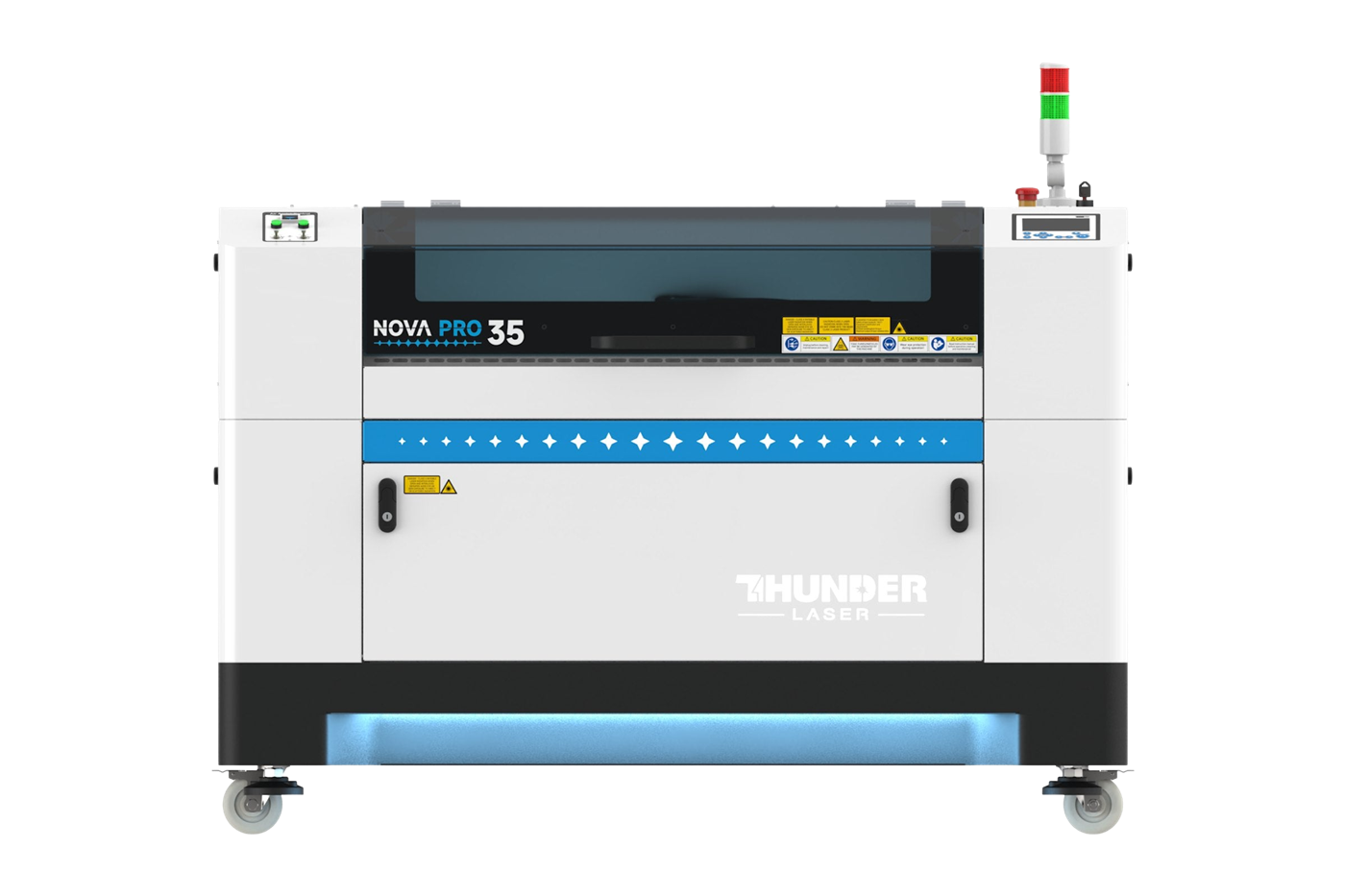
Glowforge specifications, prices, ship time and warranty from each model’s product page and the warranty page at glowforge.com, accessed October 29, 2026. Glowforge does not publish engraving speed in mm/s. Thunder pricing is published at thunderlaserusa.com.
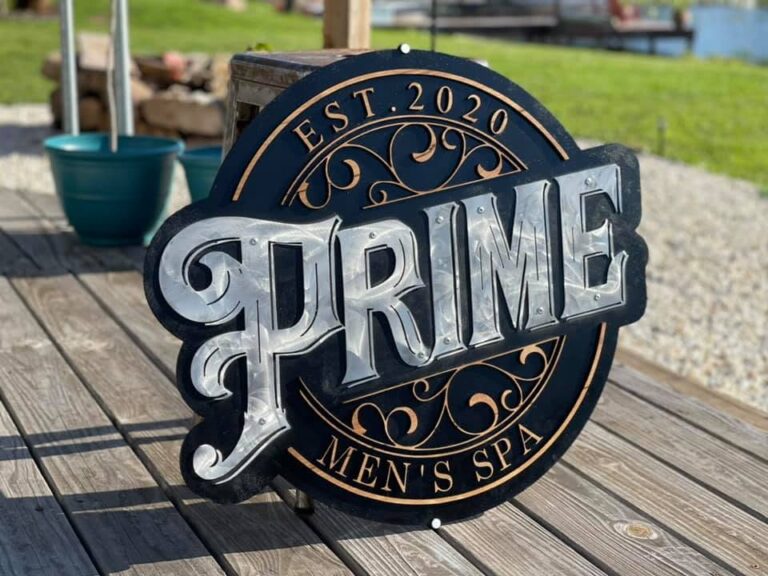
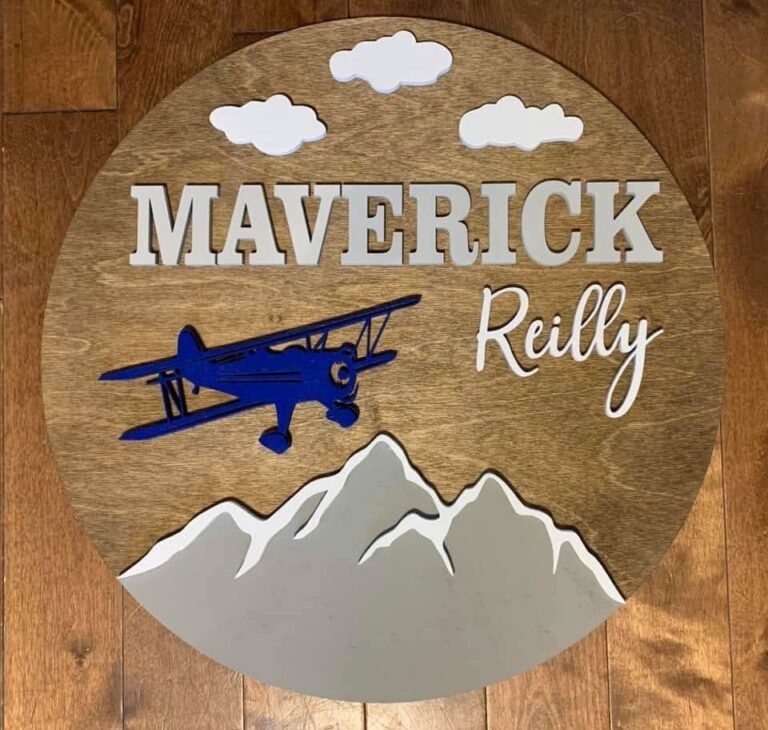
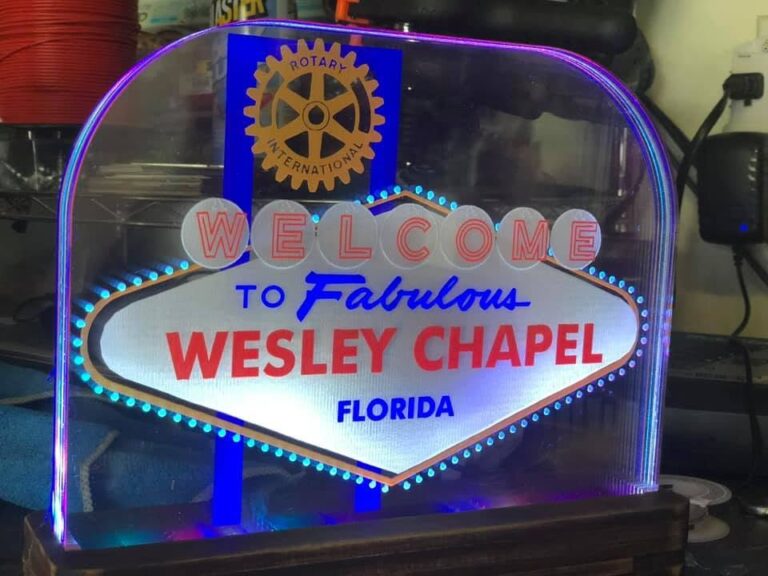
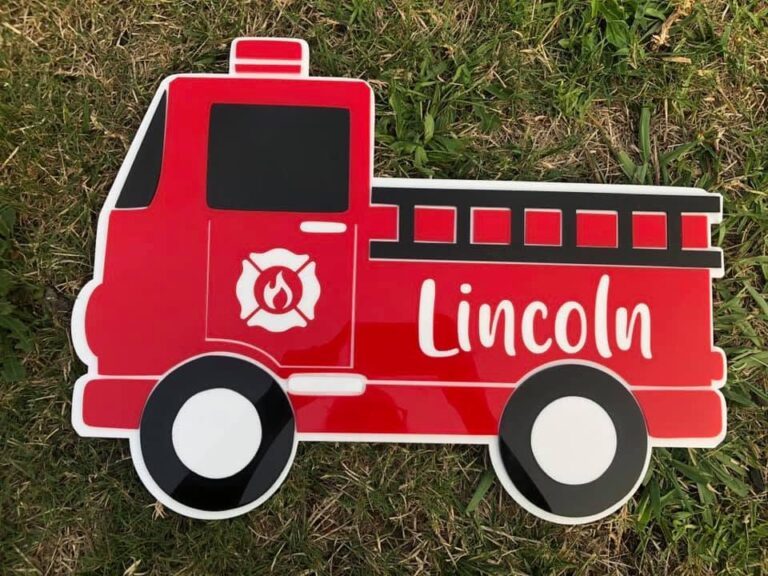
Made on Thunder lasers.


Thunder Nova Plus 24 vs Glowforge Pro HD.
The Pro HD is the top of the Glowforge line. The Nova Plus 24 is the Thunder at nearly the same price, line by line. Buy full 3 x 2 ft sheets? The Nova Plus 35 fits them, from $11,000.
Swipe the table sideways to see both columns.
| Feature | Thunder Nova Plus 24 | Glowforge Pro HD |
|---|---|---|
| Price | $8,350, published | $7,999, published |
| Laser source | 60W RF metal tube, air cooled. In our testing a 60W RF performs like a 100W glass tube | 45W CO2 |
| Top engraving speed | Up to 1,200 mm/s at 2.5G acceleration | Not published in mm/s |
| Working area | 23.6 x 15.7 in, and up to 63 x 39.4 in across the Nova line | About 19.5 x 11 in printable |
| Long material | Front and back pass-through on every Nova size, any length, up to about 0.8 in thick | Pass-through 20 in wide, up to 1/4 in thick |
| Software | LightBurn included, licensed for two computers. Runs from your computer over USB or Ethernet, no Wi-Fi needed | Glowforge app in the browser. Wi-Fi required |
| Design tools | LightBurn’s vector and raster editing, included | Glowforge Premium, from $20 a month, for nesting, generators and file export |
| Warranty | Two year machine warranty, 12 months or more on the tube | 12 months |
One note on the wattage numbers. An RF metal tube fires a finer beam than a glass tube and puts more of its energy into the cut, so the two are not compared watt for watt. Compare the tube type first, then the wattage. A 60W RF cuts up to about 1/2 in wood in one pass, and an 80W up to about 3/4 in. Those are the maximums, pushing the machine to its limit.
Glowforge Pro HD specifications, pricing, software requirements and warranty from shop.glowforge.com and glowforge.com/warranty, October 29, 2026. Glowforge Premium pricing from glowforge.com/b/premium, October 29, 2026. Thunder Laser machine specifications and pricing published at thunderlaserusa.com.
Want print and cut, or a full sheet? Skip a size.
The new Nova Pro 35 fits a full 3 x 2 ft sheet, engraves at 2,000 mm/s at 4G, and reads print-and-cut registration marks with its head camera right in LightBurn. It starts at $12,500.
They started on a Glowforge. Then the orders came.
Verbatim, from recorded calls with Glowforge owners looking to move up.
Needing something that can move fast. Faster than what the Glowforge was producing, and also bigger space.
It’s getting to a point now where our volume has picked up. I need something that cuts a lot faster or engraves a lot faster than what I currently have.
It’s the twenty inch I have. I have to cut half of it or score half of it, slide it forward and score the other.
I just have a lot of wasted material with the Glowforge. I think they just say that that’s the bed size, but it’s not really what you can really cut.
I’m actually down to half of a Glowforge. I can’t use my pass through.
I found a lot of things wrong with the Glowforge. And their department wasn’t very helpful in getting this fixed.
Your laser should not need the internet to run a job.
Glowforge runs from a browser app, and its product pages list Wi-Fi as required. On a Thunder, LightBurn runs on your own computer and talks to the machine over USB or Ethernet. If your internet goes down on a deadline, the laser keeps running.
LightBurn is included
The industry standard, licensed for two computers. The tutorials, forums and shared settings already exist, and your files and skills move with you to any machine you buy later.
Design tools come with it
Shapes, outlines, offsets, nesting and node editing are part of LightBurn. On Glowforge, tools like nesting and the design generators sit in Premium, from $20 a month.
A settings library to start from
Import our tested settings for wood, acrylic, leather, rubber and more straight into LightBurn, then adjust. Any material you like, from any supplier.
Easier than people expect
Every machine includes a free hour of remote training, one on one, walking your machine with you. Owners who switch from Glowforge tell us the change was simpler than they feared.
You are buying a company, not just a machine.
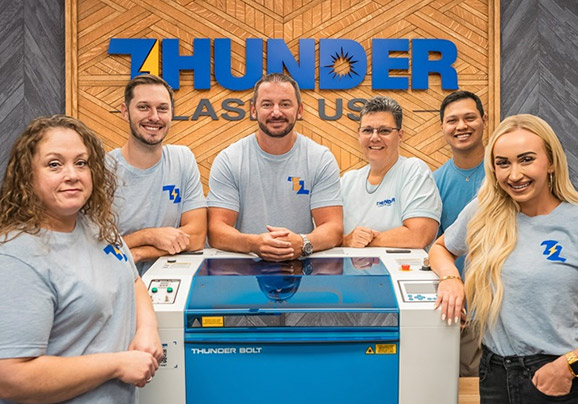
Thunder Laser Global has been building machines since 2013. Thunder Laser USA has been selling and supporting them here since 2018. Our technicians work remotely from the East Coast and the West Coast, so a shop in either time zone gets a real answer the same day, and parts are stocked in Quitman, Texas. Behind the techs sit a knowledge base and a video library built over years, and every machine comes with a free hour of remote training.
Before you buy any laser, ask who will stand behind the warranty in five years. In 2025 Glowforge closed its Seattle factory and restructured through an assignment for the benefit of creditors, and its co-founders bought the brand and product rights back from the assignee, as GeekWire reported on September 8 and November 6, 2025. Glowforge’s warranty today is 12 months. Every Thunder CO2 machine carries two years.
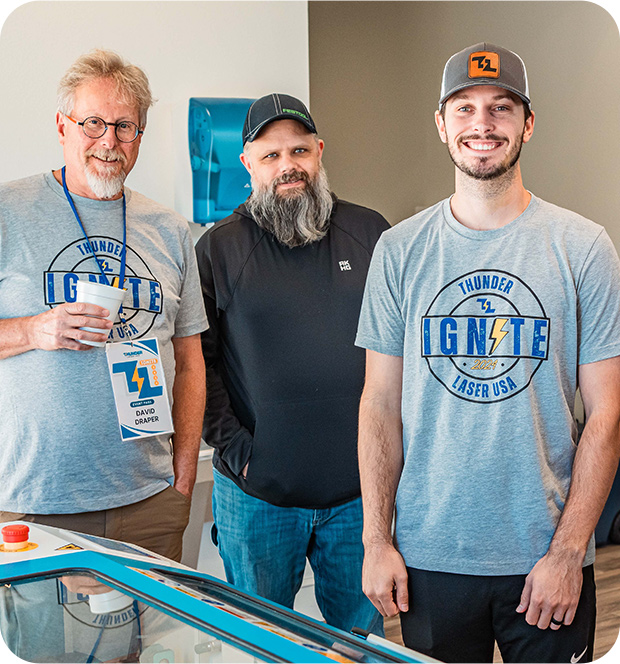
Where it is built is not the question. How well it is built is.
Glowforge says its Performance Series is designed, made and serviced in the USA as of 2025. Thunder machines are built overseas and sold, supported and stocked here. In 2026, a country of origin is not a quality guarantee. There is excellent equipment and there is junk built in America, and the same is true of China.
Thunder Laser has been the most premium laser coming out of China for well over a decade. Judge the tube, the frame, the speed, the bed, and who stands behind it after the sale. That is the whole comparison.
Nova Pro. Our fastest Nova yet.
The Nova bed you know, with an AC servo on the X axis that gets the head up to speed sooner, a camera on the head that reads print-and-cut marks in LightBurn, and the air pump and exhaust fan built into the cabinet.
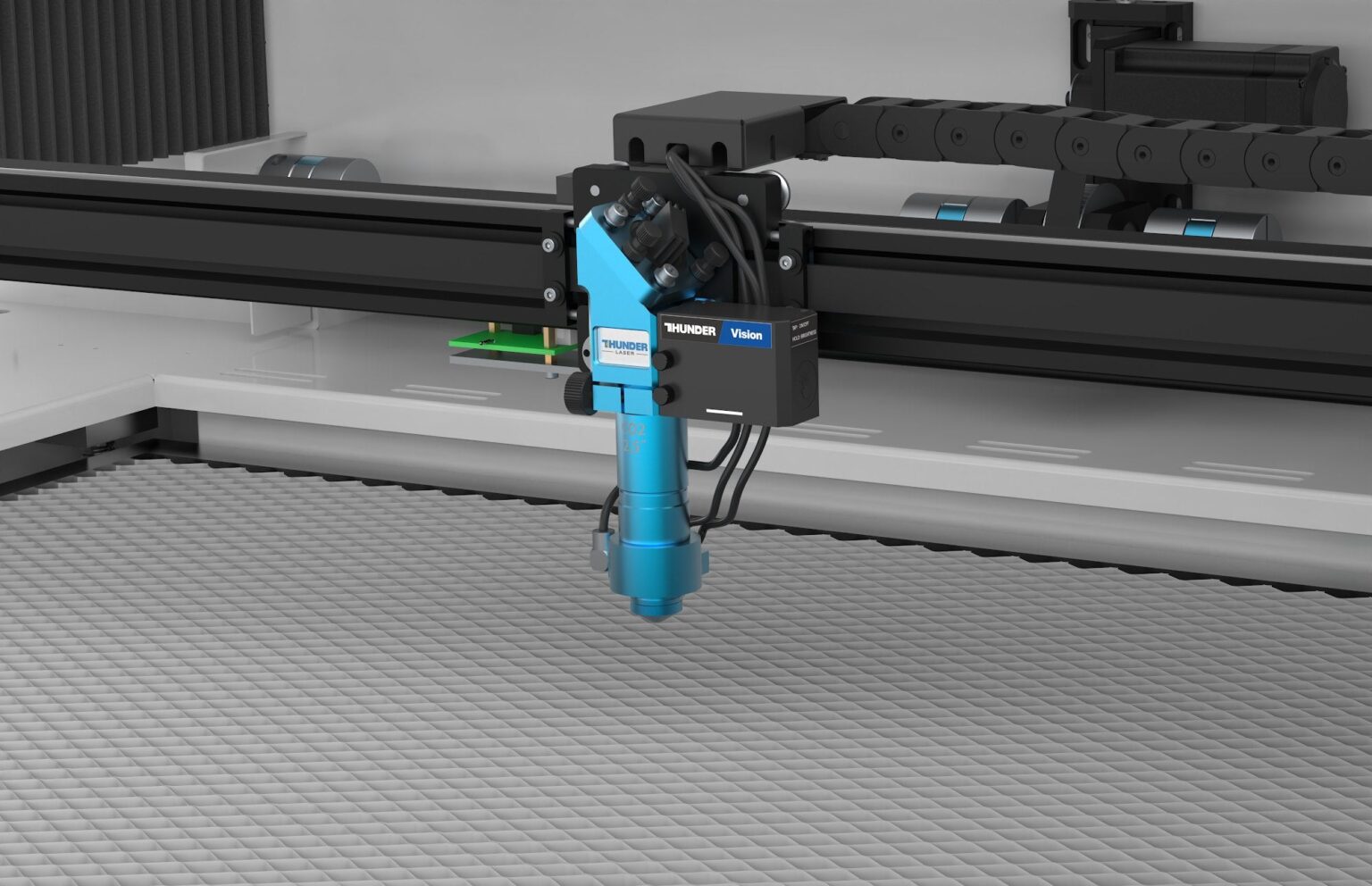
Which Thunder fits.
Matched to the Glowforge you are running or looking at.

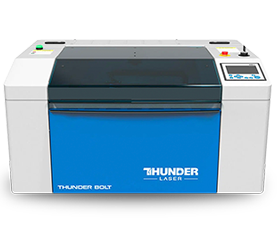
Bolt
A 30W or 60W RF metal tube, up to 1,500 mm/s, camera and autofocus standard, LightBurn included, 110v wall outlet. The step up that fits the same corner of the shop and finishes the job in a fraction of the time.
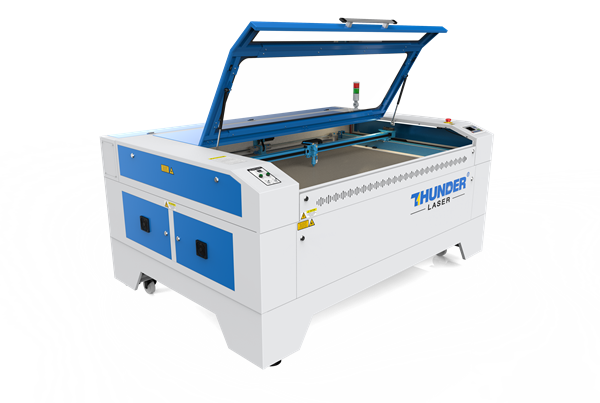
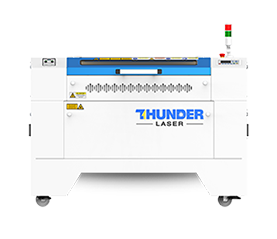
Nova Plus
Cuts and engraves, beds from 24 up to 63 in, RF metal tube up to 120W, air cooled, and a front and back pass-through on every size for material of any length. It still runs on 110v. Most Glowforge owners who buy full sheets pick the Nova Plus 35.
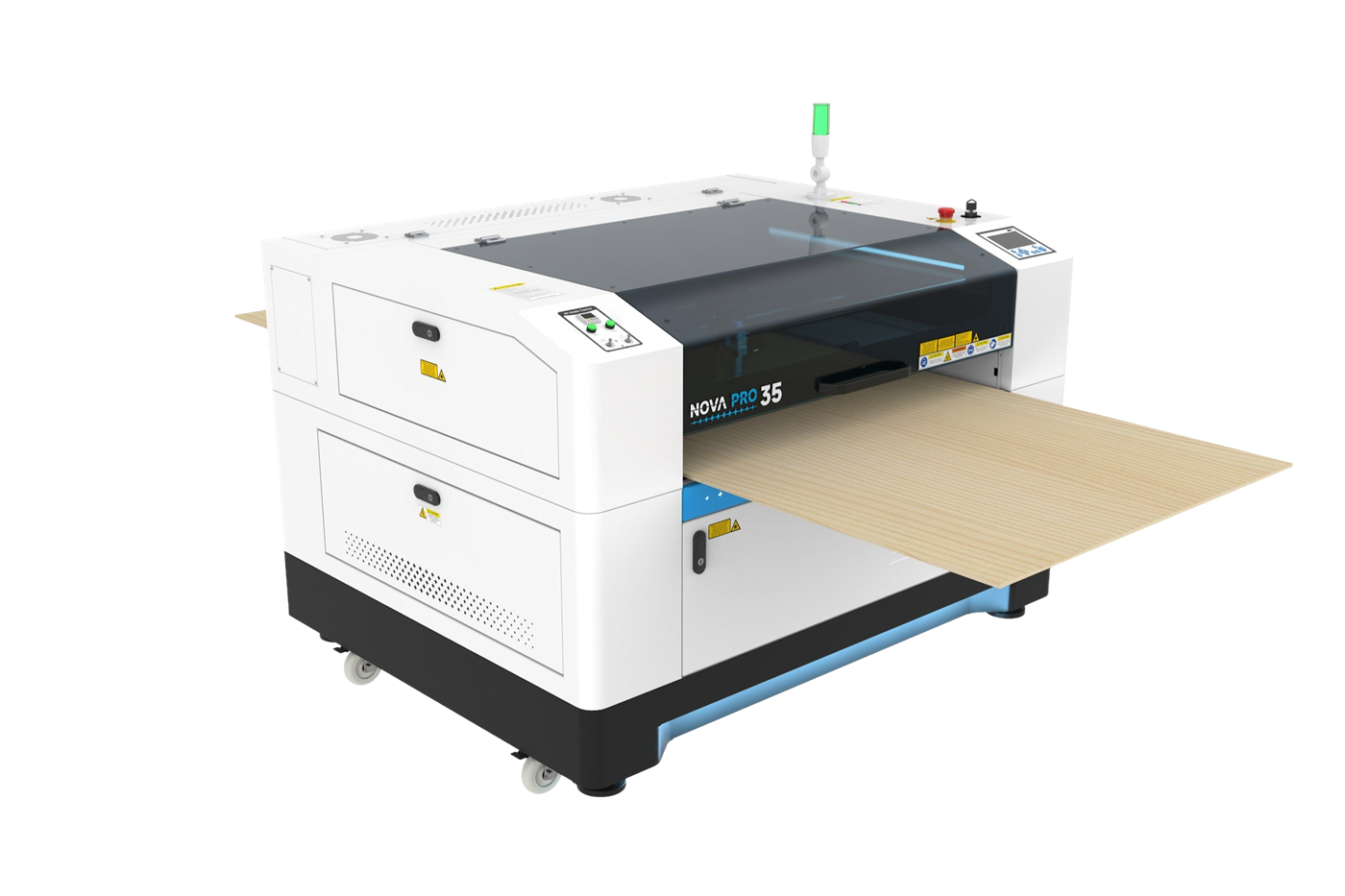
Nova Pro
The Nova bed with 2,000 mm/s at 4G, a head camera for print and cut in LightBurn, four autofocus lenses, and the air pump and exhaust fan built into the cabinet. Sizes 35, 51 and 63.
See it on your own material. Free.
No spec sheet settles a laser decision. Your material does. Send us a few pieces of what you actually run, tell us the cut or mark you want to see, and we will run it on the machine you are considering and mail it back with the exact settings we used. This is a free sample, not a production run.
Tell us your material
On the short form, tell us your material and the simple cut or mark you want to see, so we can confirm it is laser safe before we run it.
Mail us a few pieces
Send a few pieces of your actual material to our shop at 321 Richards St, Quitman, TX. We will send the address.
We run it and send it back
You get it back with the exact settings we used, plus straight answers on which machine fits. No cost, no pressure.
Request your free sample
Fill out the short form and a real person from our team follows up. No pressure, no spam, just a clean cut on your own material and straight pricing.
Prefer to talk it through? Call 903 522 4070 or email [email protected].
Not ready for a call? Get a written quote by email, or answer a few questions to find your machine.
Questions Glowforge owners actually ask.
Which Thunder replaces my Glowforge?
Is LightBurn harder than the Glowforge app?
Do I need the internet to run a Thunder?
Can I use my Glowforge files and materials?
Will it cut thicker than my Glowforge?
What warranty does Glowforge give, and what does Thunder give?
How long until it is on my floor?
Can I keep my Glowforge?
Is Thunder Laser made in the USA?
Why should I trust a comparison you wrote?
Keep the year you would have spent outgrowing your laser.
Faster, bigger, more power, LightBurn on your own computer, and a US support team behind it, for about what the next Glowforge would cost. Let us prove it on your own material.
Comparison current as of October 29, 2026. Glowforge Plus HD and Pro HD specifications, prices, ship time and software requirements from shop.glowforge.com, pass-through thickness from Glowforge support, October 29, 2026. Glowforge warranty from glowforge.com/warranty and Premium pricing from glowforge.com/b/premium, October 29, 2026. Glowforge’s 2025 factory closure and restructuring as reported by GeekWire in 2025. Stamp and handle job times from a published video, by a Thunder Laser USA brand ambassador, comparing a Glowforge Pro HD and a Thunder Bolt on the same project; monogram times from a Thunder owner’s same-file test posted on our knowledge base. Customer quotes are verbatim from recorded sales calls, attributed by first name only. Thunder Laser machine specifications and pricing published at thunderlaserusa.com. Glowforge, Plus HD, Pro HD and Proofgrade are trademarks of their respective owner, used here for comparison and identification only. LightBurn is a trademark of LightBurn Software. Thunder Laser is not affiliated with or endorsed by Glowforge.