
Air Pressure Sensors Manuals and Technical Data


Brands Used:
AIRTAC DPSN1 | SMC ISE20-N | YHIDA WEW02 |
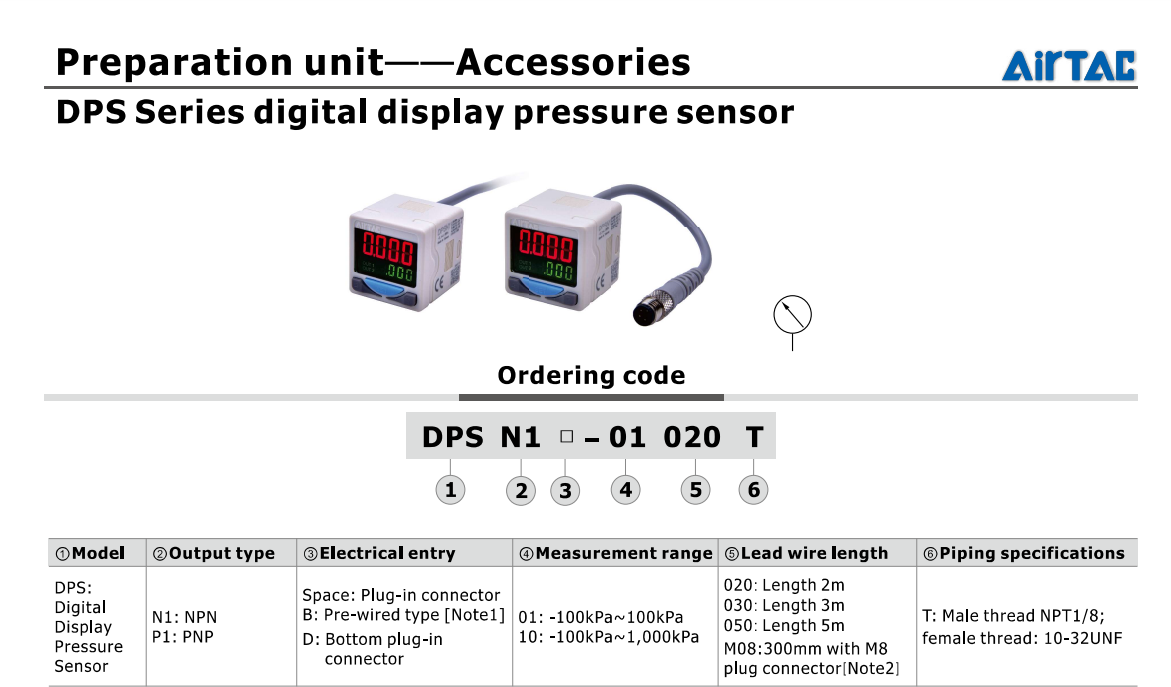 | 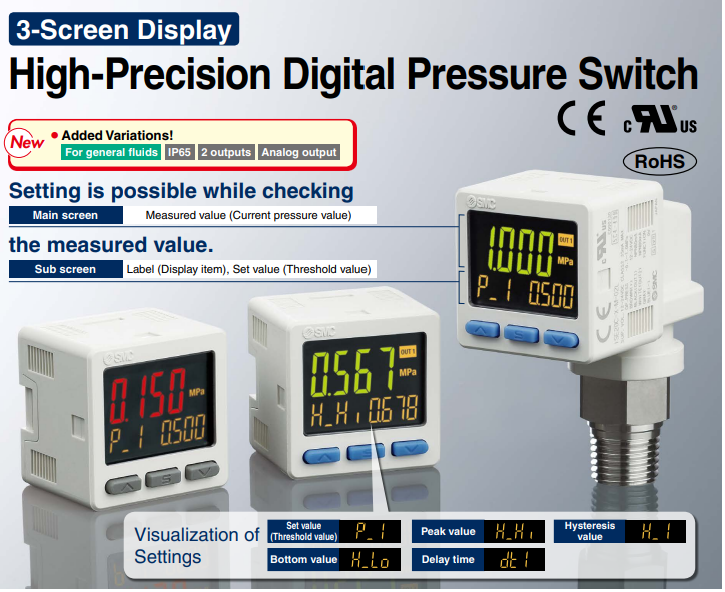 |  |
Settings comparisons:
Air Pressure Detector Settings | Yhida | Airtac | SMC | |
Model | WEW02-N-KHR | DPSN1-10020 | ISE20-N-M-L | |
Lock & Unlock | Press and hold the SET key and ∨ keys simultaneously to lock or unlock | / | Press and hold the SET key for 6 seconds, ignoring the SET interface at 2 seconds and the F0 interface at 4 seconds (if present). | |
 | / |  |  | |
Clear the reading | Press and hold the ∧ and ∨ keys simultaneously for 5 seconds. | |||
 | 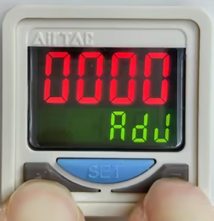 | 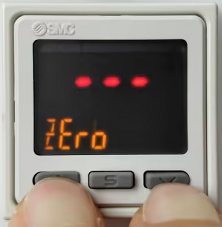 | ||
OUT1 Model | oUt1:EASY | ot1:EASY | oUt1:HYS | F1 |
 |  |  | ||
OUT2 Model | oUt2:EASY | ot2:EASY | / | |
 |  | / | ||
Output Status | nonC: 1o2o | noC: 1o2o | lot: 1_P | F1 |
 |  |  | ||
Output Response Time | rES: 100 | SPd: 100 | dt1: 100 | F1,Set |
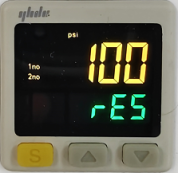 |  |  |  | |
Output Color | Clor: G-on | Clr: G-on | CoL:1SoG | F1 |
 |  |  | ||
Air Pressure Unit | UnIt: PSI | Unt: PSi | Unit: PSi | F0 |
 |  |  | ||
Set Pressure Detection Value (Short-press SET, then use ∧∨ keys to adjust) | P-1: 0.3 | 1-P: 0.3 | P_1: 0.3 | F1,Set |
 | 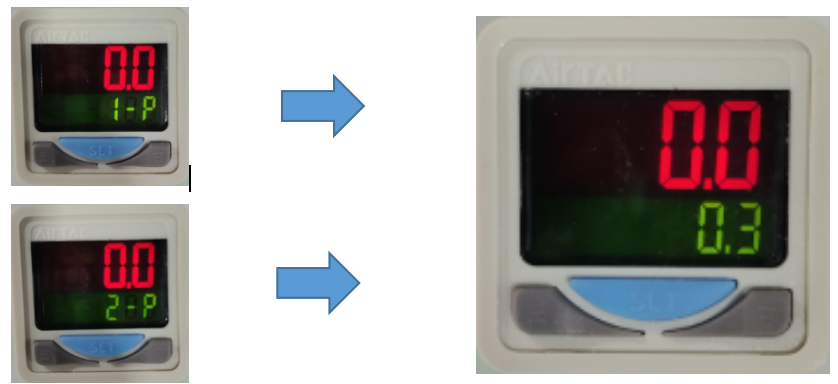 |  |  | |
Set Pressure Detection Value (Short-press SET, then use ∧∨ keys to adjust) | P-2: 0.3 | 2-P: 0.3 | H_1: 0.3 | F1,Set |
 |  | |||
Still stuck?
Fastest response times in the industry from our US-based support team.