
Finding Information About Your Equipment
Manufacturer's Label
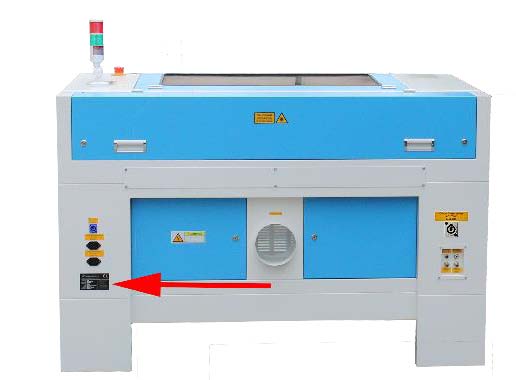
Location Of the OEM Machine Label
The manufacturer's labels can be found as shown below:
| NOVA SERIES MACHINE LABEL LOCATION | BOLT/ODIN MACHINE LABEL LOCATION | AURORA SERIES MACHINE LABEL LOCATION |
|---|---|---|
 |
 |
 |
Example Machine Label
Here is a close-up of an example tag for your reference:
Laser Tube Labels
DC Tubes
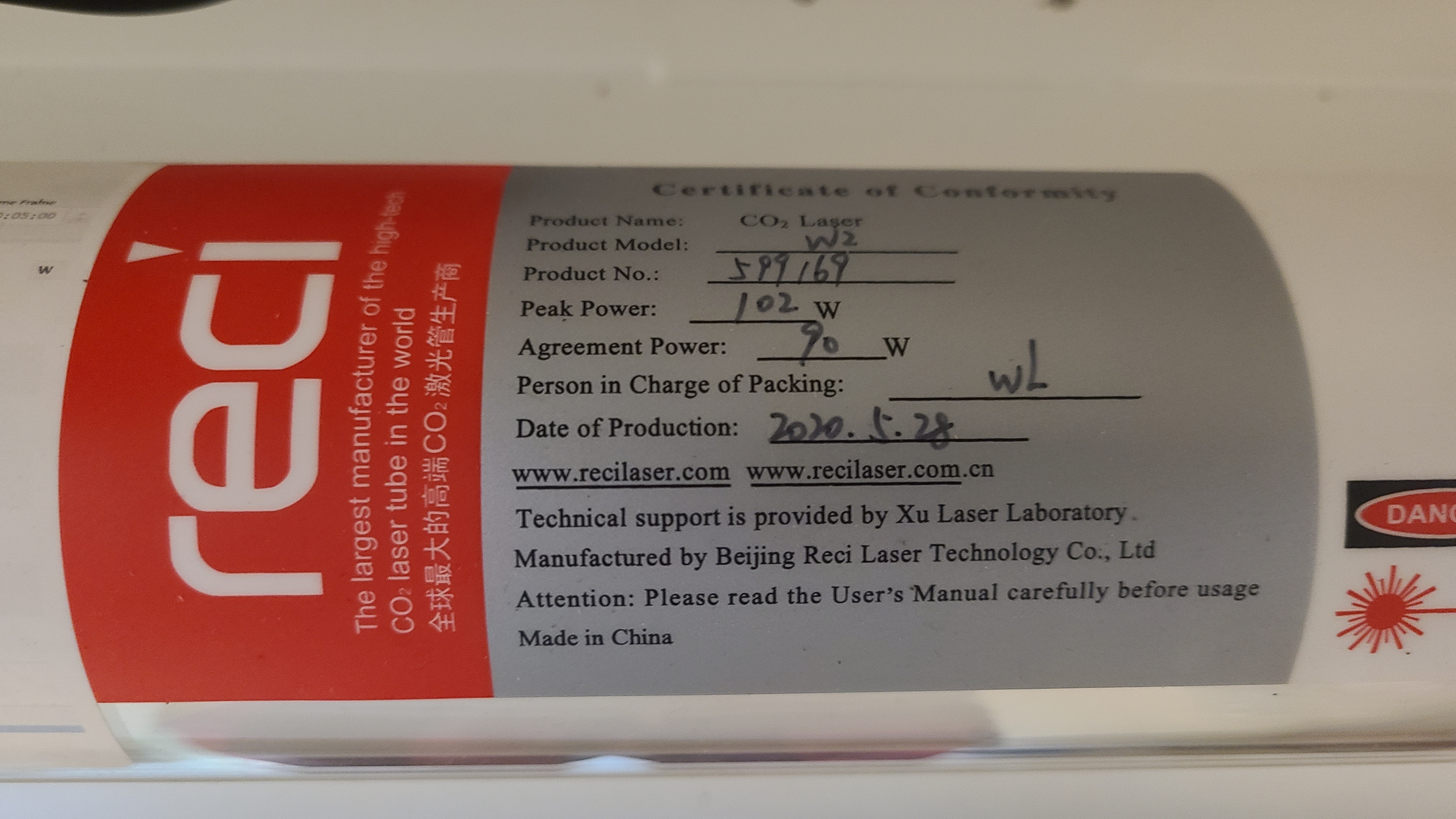
Open up the rear door of the laser machine to check for a tube label.
| SPT (60, 100 and 130w) Tube Label Example | RECI (80w) Tube Label Example |
|---|---|
 |
 |
RF Tubes
Location Of RF Tube Label
The RF Tube Label may not be visible as fitted in the machine. Your Thunder Laser Distributor's Support Team will have access to that information.

Chiller Serial # Label
Teyu Chiller and Thunder Laser require the serial number associated with all failure reports for tracking the part to the assembly line, analyzing failure rates, warranty purposes, etc...
The chiller serial number can be found near the drain port at the bottom rear of the unit:

Controller Information In LightBurn
You can go to EDIT > GET CONTROLLER INFO in LightBurn (with the machine connected) to retrieve the counts:
In newer versions of LightBurn, this function may be under the "Laser Tools" option in the toolbar.

This is what is displayed:

Here is how to get the data:
Still stuck?
Fastest response times in the industry from our US-based support team.