
How to Replace the 30W RF Laser Tube on Your Thunder Laser Bolt Machine
Preface: This article covers the steps to replace your 30w RF Laser Tube source on your Thunder Laser Bolt machine. This article does not cover alignment.
Quick Start Video
Complete Guide
Safety Warning: The work performed should be done with the power off and the machine unplugged from the wall. Be sure to use a multimeter to confirm that power is removed from the system. There can be stored power even with the machine unplugged from the wall.

Tools you will need:
- 3 mm Allen Wrench
- Phillips Head Screw Driver (P2)
- Multi-Meter
- Towel or Cloth
Access the Tube
The RF Laser Tube source is located in the rear of the machine. Unlatch the 2 door locks and open up the rear area.
Identify the Electrical Connections

Process to Remove
-
Check for 0V on the 48V power supply output (Make sure the meter is set to Volts DC not Volts AC~)

-
Place a towel on this part of the machine. We will be resting the tube here for part of the uninstall.

-
Unbolt beam expander bolts (4), remove and set aside

-
Unbolt Laser Tube Bolts (8)

-
Place the Laser Tube on the towel on top of the machine
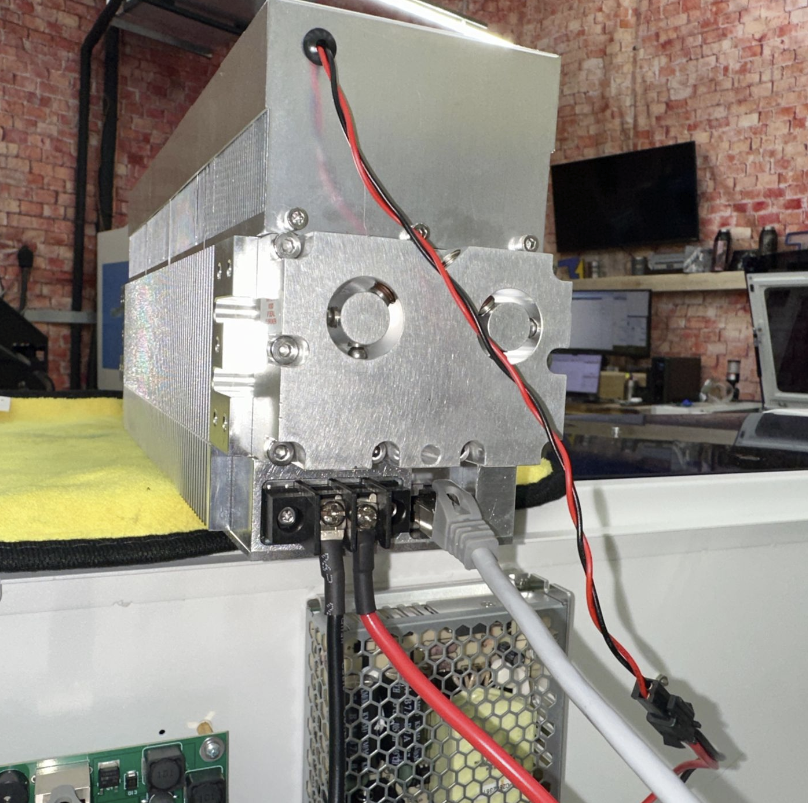
-
Unplug the fan and Ethernet Connections
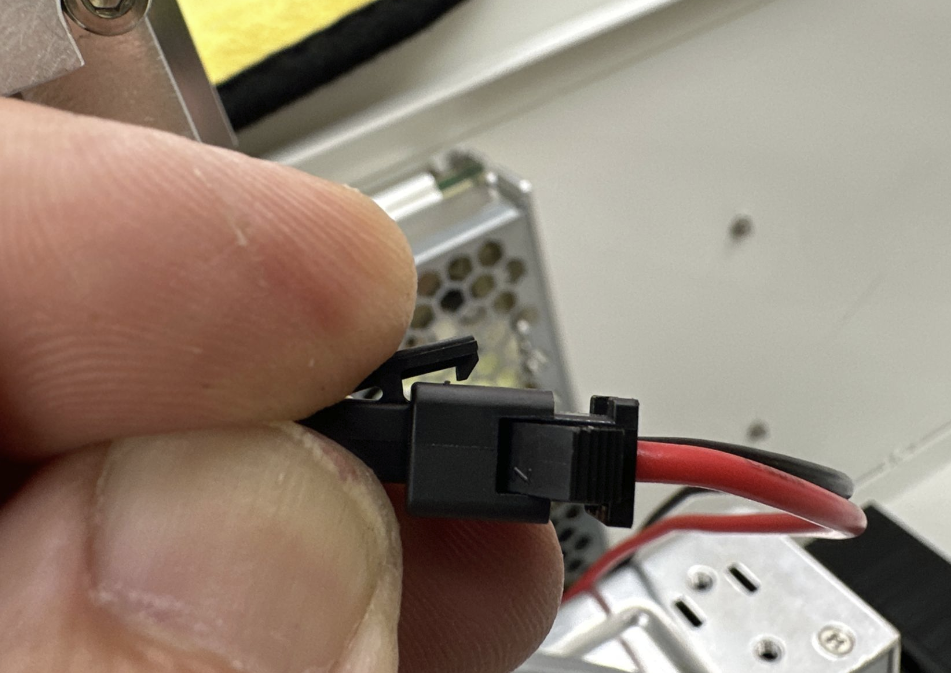

FAN Ethernet -
Unscrew the 48V Power Leads just enough to let the spade connectors be removed

Process to Install
- Place the old tube aside and then place the new tube on the towel.
- Re-install the 48V red and black wires, fan wire connection and the Ethernet Cable.
-
Bolt on the beam expander. Unscrew the lens piece (Counter-clockwise).
Adjust the mounting bracket left and right to center the lens opening of the tube and the mount.

Reinstall Beam Expander Lens (Tighten Clockwise)
- Install tube onto mounts, bolt on with (8) allen bolts.
Still stuck?
Fastest response times in the industry from our US-based support team.