
LightBurn Bridge
Applies toAll machinesTopicGeneral

OEM Documentation
Here is the link to the OEM documentation:
https://lightburnsoftware.github.io/NewDocs/LightBurnBridge.html
Kit and Free Disk Image (DIY for Personal Use)
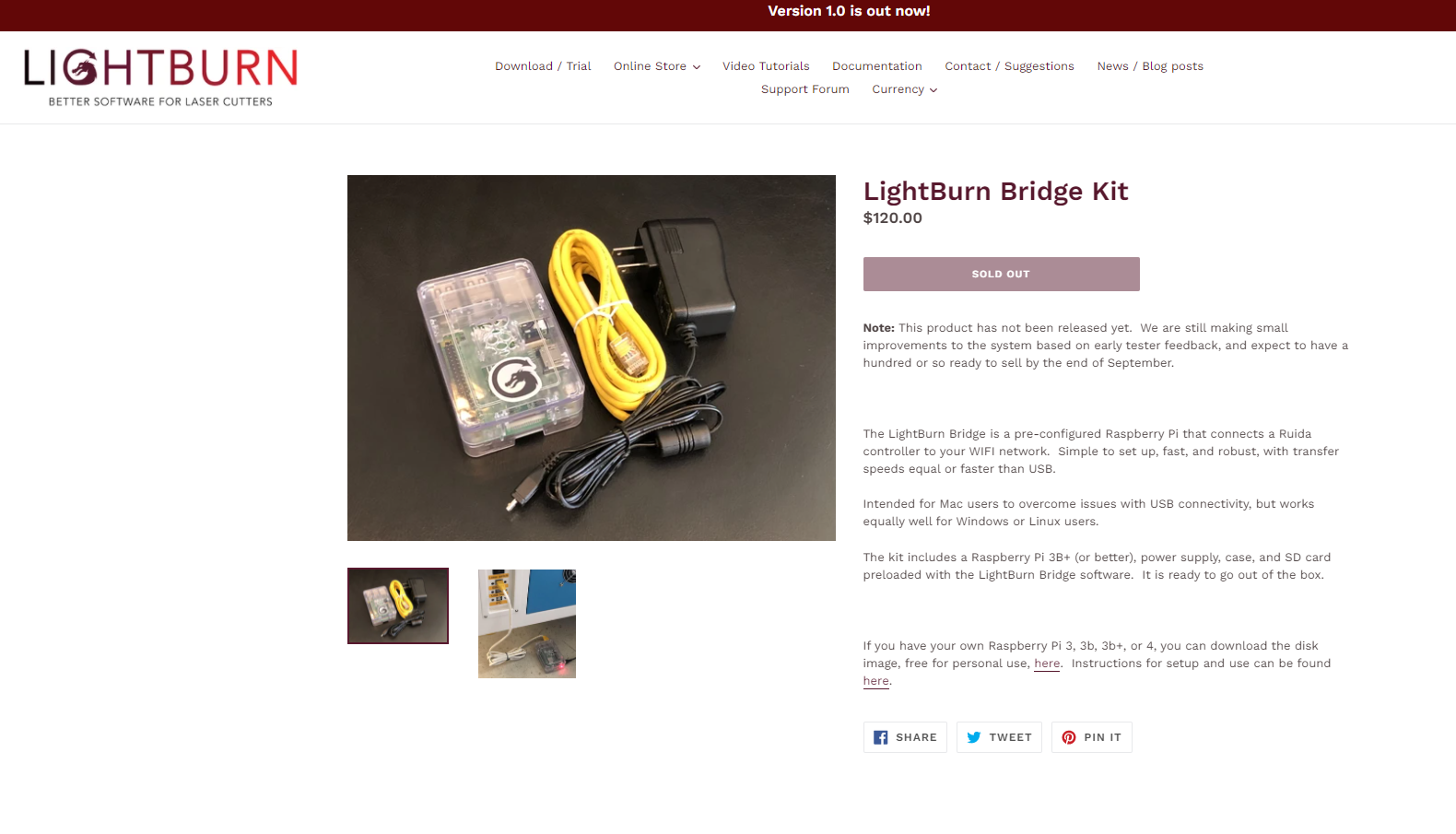
Here is the link to the kit and the free disk image if you want to assemble one yourself for personal use:
https://lightburnsoftware.com/collections/frontpage/products/lightburn-bridge-kit
Here is the kit we use:
https://www.amazon.com/gp/product/B07BC7BMHY/
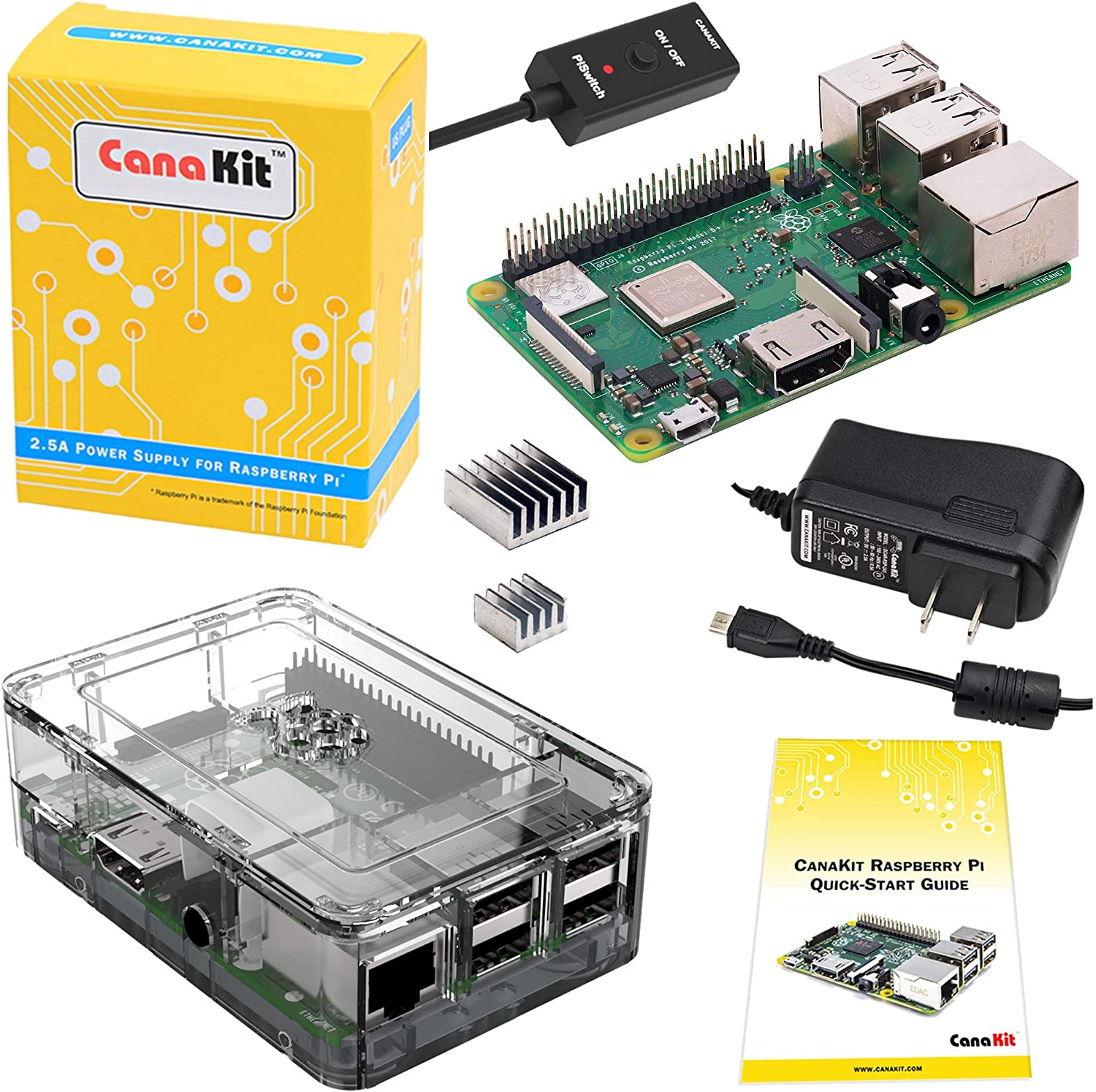
You will need a micro SD card. I recommend 8 or 16GB.
BE SURE YOU GET A PROPER POWER SUPPLY OF 2.5A AND ABOVE.
Still stuck?
Fastest response times in the industry from our US-based support team.