
Material Testing with Lightburn using Premade Files and the Lightburn Material Test Generator
Applies toAll machinesTopicMaterials & Parameters
this article is a draft, if you got here...go back to this article instead.
Preface: The article covers some pre-made material test cards and the built in Lightburn Material Test Generator for CO2 lasers like the Thunder Laser Bolt, ODIN and Nova machines
Quick Start Videos:
Legacy Material Test Cards:
Flat Board
Rotary
New Style Test Cards:
Cuts
Engraves
Lightburn Test Generator:
Complete Guide
Why we use Material Test Card:
About the Files:
Legacy
New Style
How to Use:
Lightburn Material Test Card Reference:
File Download Links:
Legacy
Type | File Link |
|---|---|
Nova Cut and Engrave | |
Nova Rotary Engrave | |
Bolt Cut and Engrave | |
Bolt Rotary Engrave | |
Odin Cut and Engrave | |
| Odin Rotary Engrave |
New Style
Type | File Link |
|---|---|
Nova Cut | |
Nova Engrave | |
Odin Cut | |
Odin Engrave | |
Bolt Cut | |
Bolt Engrave | |
| Nova Rotary | |
Odin Rotary | |
Bolt Rotary |
Lightburn Material Test Generator
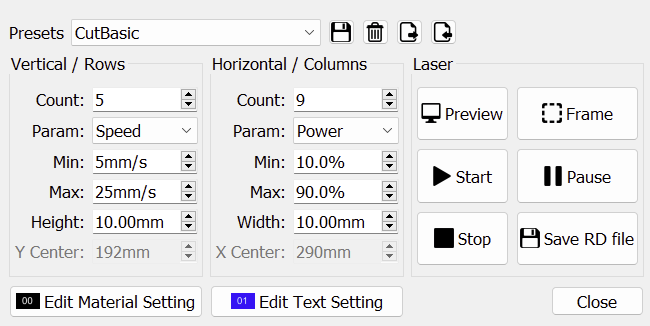
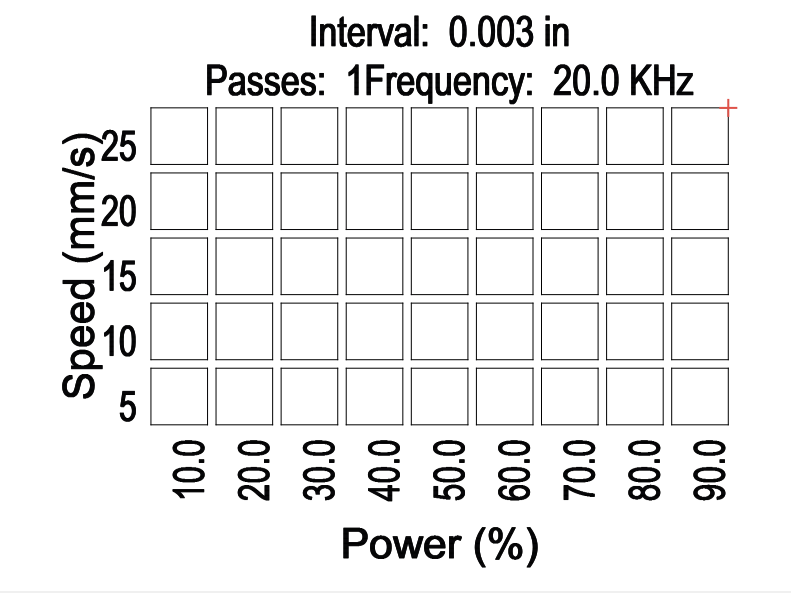
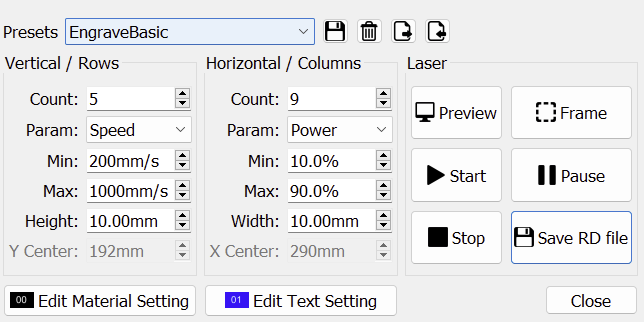
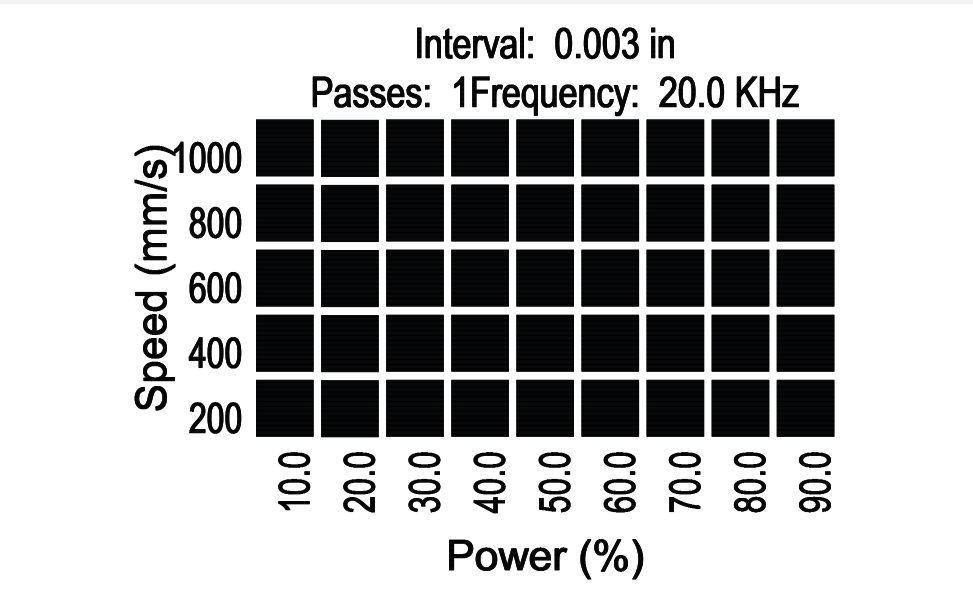
The built in Lightburn Material Test generator can be used to make a bunch of different type tests based on the users needs that is easily updated and adjusted and not limited by the Lightburn Layer limitation.
Please see here for more information on the Lightburn Material Test tool and how to set it up for custom tests.
Example Files:
Type | File Link |
|---|---|
Cuts Example | |
Engrave Example |
Cut Example:
Cut Setup | Cut Preview |
|---|---|
 |  |
Engrave Example:
Engrave Setup | Engrave Preview |
|---|---|
 |  |
How to import a Lightburn Material Test File:
Open the Material Test Tool | Click the Import Button |
|---|---|
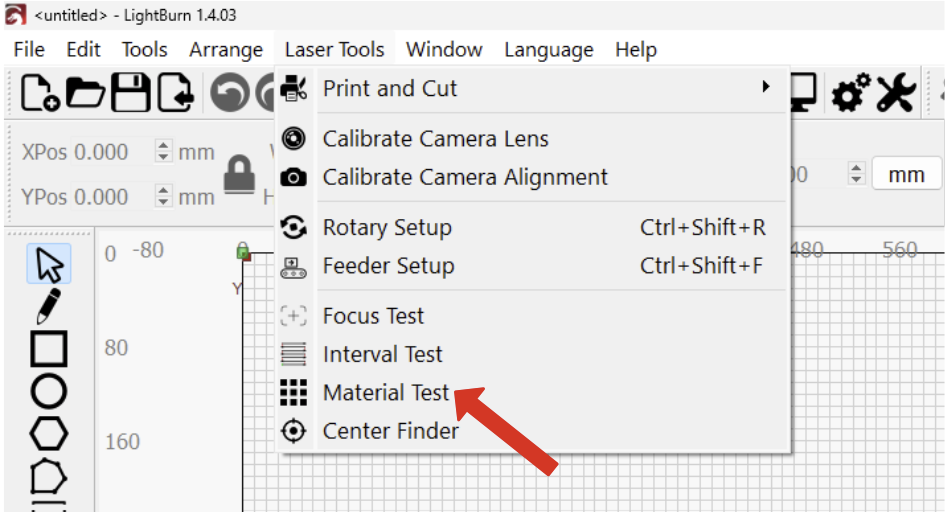 |  |
Still stuck?
Fastest response times in the industry from our US-based support team.