Detail a router bit cannot cut. Repeatable, every single time.
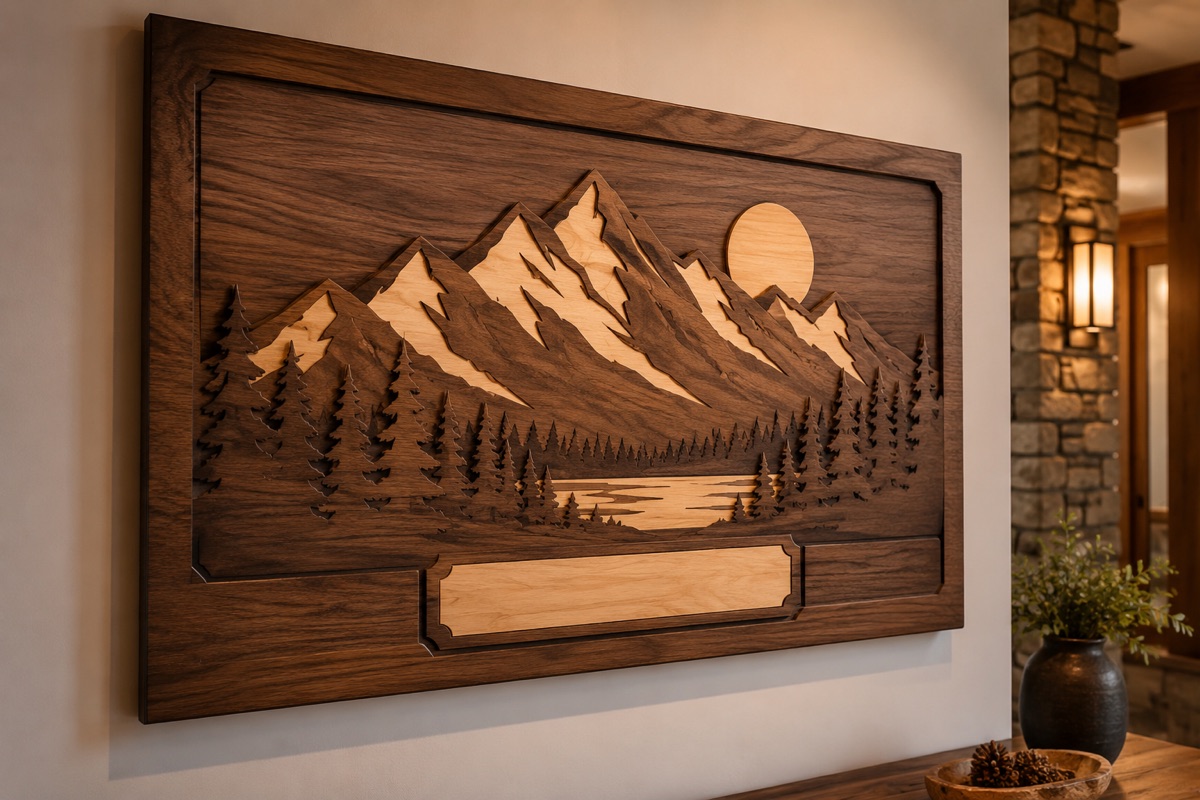
Inlay, fine lettering, decorative panels, and cabinet detail in maple, cherry, walnut, baltic birch, veneer, and MDF. There is no tool radius on a laser kerf, so an inside corner comes out sharp instead of round.
Most woodshops run the Nova Plus 51-80w, starting at $15,600.
The CO2 laser engraver for woodworking shops cutting inlay, cabinet detail, signage, and branded product across the country.
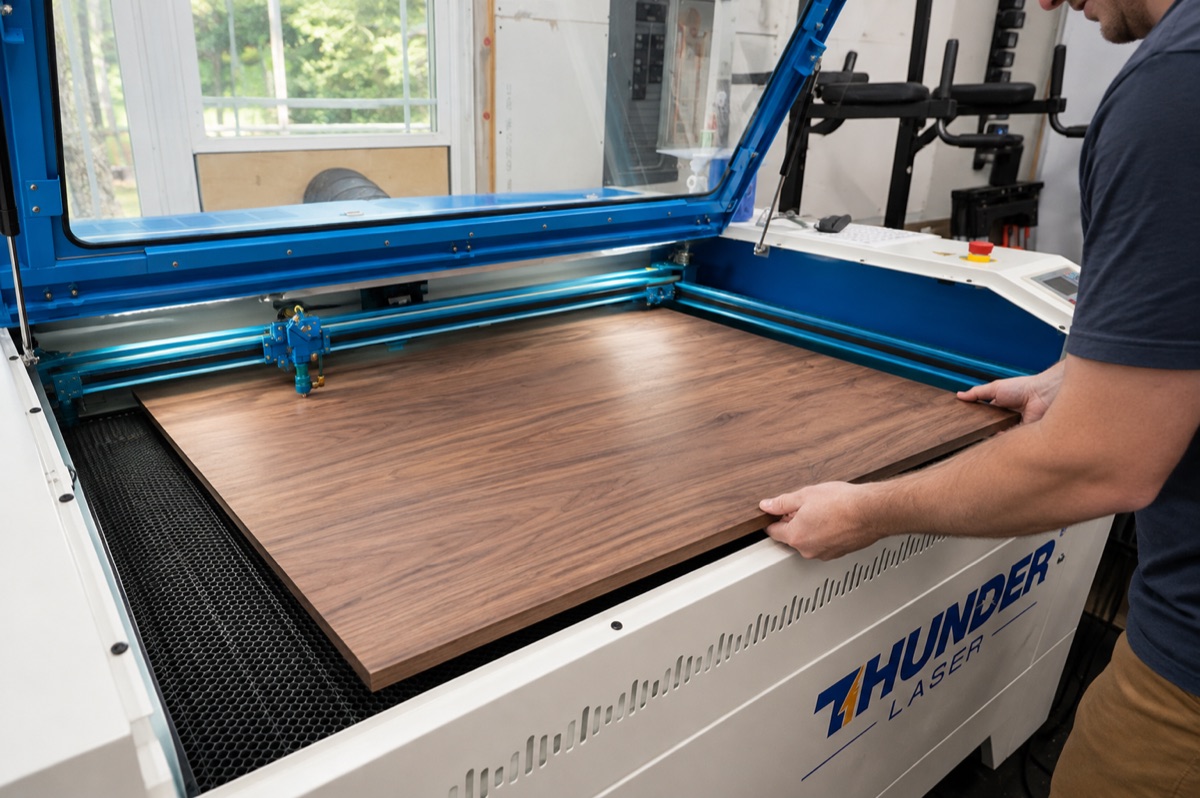
The detail work is the part you cannot quote.
Hand inlay is slow, and the second one never matches the first, so a run of ten is ten separate fights. A router bit has a radius, so every inside corner comes out round and somebody stands at the bench cleaning up corners with a chisel. Fine lettering below a certain size is not a router job at all. And the small personalized run, twenty boards with a customer logo, never justifies a program, a setup, and a tool change, so you either eat the setup or hand the work to somebody else. Meanwhile every one-off engraved job that walks through the door, the work with the best margin per hour in the building, goes out the door with it.
Three things stop being a problem.
No tool radius
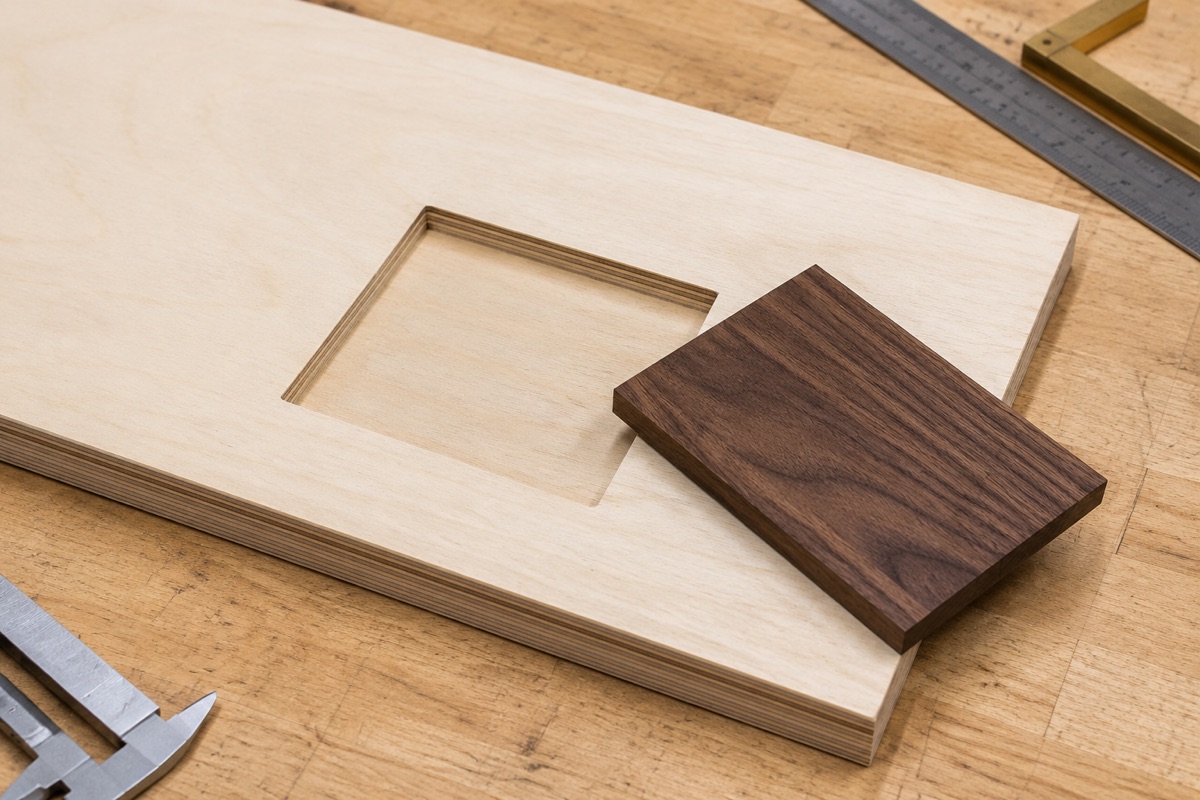
A 1/8 in bit leaves a 1/16 in radius in every inside corner. A laser kerf has no radius at all, so corners come out sharp, lettering stays legible small, and an inlay pocket matches its insert instead of needing a chisel.
The tenth one matches the first
The cut comes off your file, not off your hand. Once a pattern is dialed in, part fifty is identical to part one, which is what turns detail work into something you can actually quote.
Small runs stop losing money
No tooling, no setup, no program change between jobs. A run of twenty personalized boards costs you the material and the machine time, which is what makes the one-off job worth saying yes to.
If it is wood and it fits the bed, this machine cuts it.
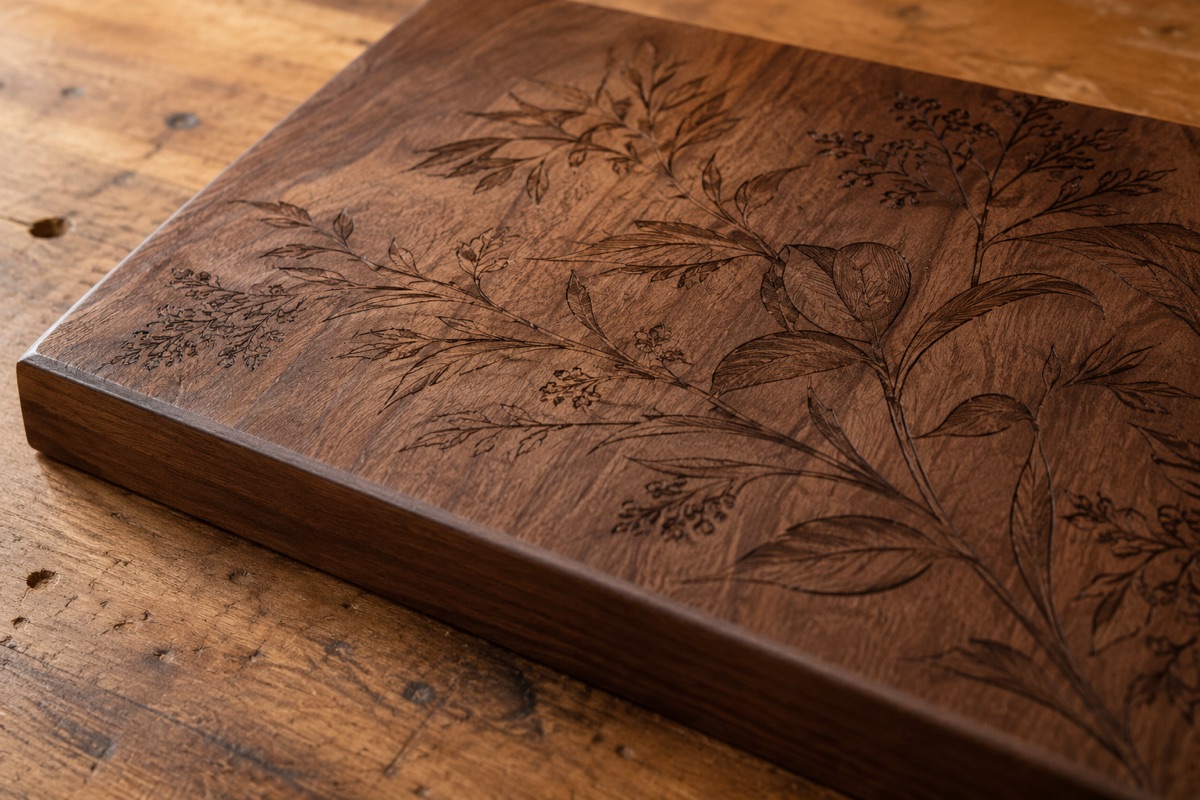
Yes, it chars. Here is the honest version.
A CO2 laser cuts wood by burning it. Anyone who tells you otherwise is selling you something. The useful questions are how much, in which species, and what gets rid of it.
How much depends mostly on the species
- Maple, cherry, alder, basswood, birch. Closed grain and low resin. Light caramel cut edge and the highest engraving contrast in the shop.
- Red oak, ash, hickory. Cut fine, engrave unevenly, because hard and soft grain take the beam differently. Prefinish first.
- Walnut and other dark species. Cut and engrave fine, low contrast, because the wood is already dark.
- Plywood, including baltic birch. Crisp kerf, darker edge than solid wood, because the glue lines carbonize more than the wood does. Normal, not a settings problem.
What actually removes it
- Mask the surface first. Paper transfer tape or a low-tack masking tape laid smooth with no overlap. It takes the smoke residue and peels off with it. Standard practice in every production shop running a laser.
- Real air assist, at pressure. It pushes the hot gases out of the kerf before they can smolder against the cut face. A trickle of air does not do that.
- Sand the cut edge, the way you sand every other edge in the shop. Do not let residue sit and bond in.
And on an inlay, that fine dark line at the joint usually reads as an intentional detail. Ask any marquetry maker. They design around it rather than fight it.
Not sure how your species behaves? That is exactly what the free sample is for. Send offcuts of the wood you actually run and we will show you the real edge, in your species, with the settings we used.
We do not cut PVC or PVC-based material, and in a woodshop that is not an abstract warning. PVC trim and moulding boards, meaning Azek, Versatex, and any cellular PVC trim or sheet, are a hard no. Heated PVC releases hydrogen chloride gas, which turns to acid on contact with moisture, so it is toxic to your people and corrosive to the machine. The same goes for thermofoil and RTF cabinet doors and PVC edgebanding, which are a PVC film over an MDF core, so a shop can laser PVC without ever meaning to. Also a no: vinyl and vinyl-wrapped panel, ABS (hydrogen cyanide gas), Kydex, carbon fiber and fiberglass panel, and any board whose facing or core you cannot confirm. Pressure-treated and preserved lumber is not a laser job. Composite decking such as Trex is wood flour plus polyethylene, and capped boards may carry a PVC shell, so confirm the cap before anything. MDF cuts and engraves well and is not on the no list, but it makes heavy smoke, so it wants a real extraction setup. If you are not sure what something is, send us a piece and we will tell you before either of us finds out the hard way.
The Woodworker’s Guide to Laser Cutting and Engraving
The material rules, machine fit, setup checklist, and questions worth asking before you spend the money.
No cost, and no sales call required to read it.
From the inlay to the invoice.
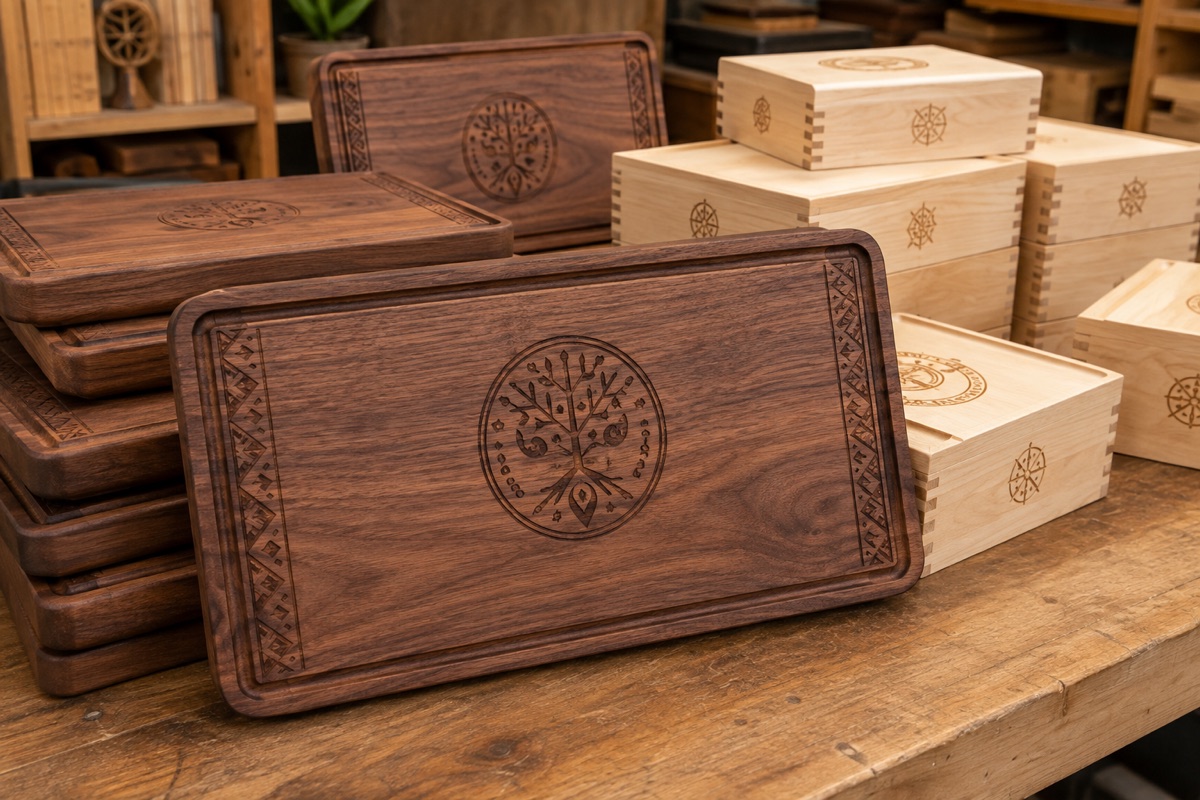
The same machine handles the detail work you cannot hold with a bit, the branded product you currently send out, and the jigs and templates the rest of your shop runs on.
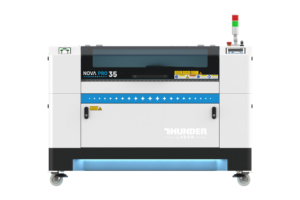
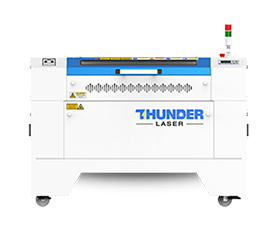
Most woodshops land on the Nova Plus 51.
The 51.2 in bed takes the 48 in width of a full sheet, and the front-and-back pass-through takes material of any length, so a sheet or a long slab feeds through instead of getting cut down first. All three machines below use a CO2 RF metal tube, cut and engrave in the same machine, and include the LightBurn software. What changes across the ladder is bed size, install, and wattage, and wattage is what sets how thick you can cut.
Nova Plus 35-80w
The starting point for a shop adding detail work rather than reorganizing around it. 80W rather than 60W on purpose, because how thick you can cut is a function of wattage and you are cutting wood.
Nova Plus 51-80w
The one most woodshops land on. The bed takes the 48 in width of a full sheet, and the front-and-back pass-through takes material of any length, so long stock and slabs index through instead of getting cut to fit.
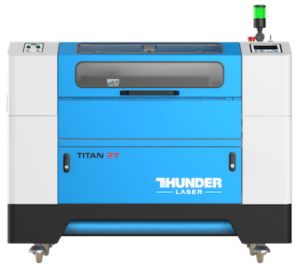
Titan 51-100w
The premium-tube step up for a shop that runs the laser as a station rather than as a tool. The extra 20W is real cut capacity, and the engraving speed is the fastest in the lineup. Note the 220v install.
All three cut and engrave in one machine and include the LightBurn software, licensed for two computers (the computer is not included), plus an over-head camera and infrared autofocus. Both Nova Plus machines run on a standard 110v outlet on a 15A circuit, so most shops need no electrical work; the Titan 51 steps up to 220v. An 80W tube cuts up to about 3/4 in wood or 1 in acrylic, and a 100W tube more, so match the wattage to the thickest thing you actually cut. The Titan speed advantage is in engraving. Cut speed and cut depth both track wattage, so an 80W Titan and an 80W Nova Plus cut the same board at the same rate. If you need more width than the 51, the Nova Plus 63 gives you 63.0 x 39.4 in starting at $18,050. A rotary attachment is optional and sold separately, three options from $1,100 to $1,400, which matters if you engrave turned work or round legs.
Not sure which fits your shop? Get a free sample cut in your own species →
If you already own a CNC router, you are not replacing it.
These two machines do different work, and a shop that owns both stops arguing about it inside a week.
Your router is better at
Thick stock, 3D relief and carving, dados and joinery, hogging out full sheets of 3/4 casework, and anything where depth of cut is the point. Past roughly a quarter inch of material a router cuts faster than a laser, and the gap widens as the stock gets thicker. A 1/4 in endmill is 1/4 in wide at the top, the middle, and the bottom of the cut. A laser beam narrows and loses power on the way down.
The laser is better at
Anything the bit cannot physically hold. Sharp inside corners with no tool radius, fine lettering, inlay pockets that match their inserts, veneer and marquetry, photographic engraving, and thin stock under about a quarter inch, where the laser is genuinely the faster machine.
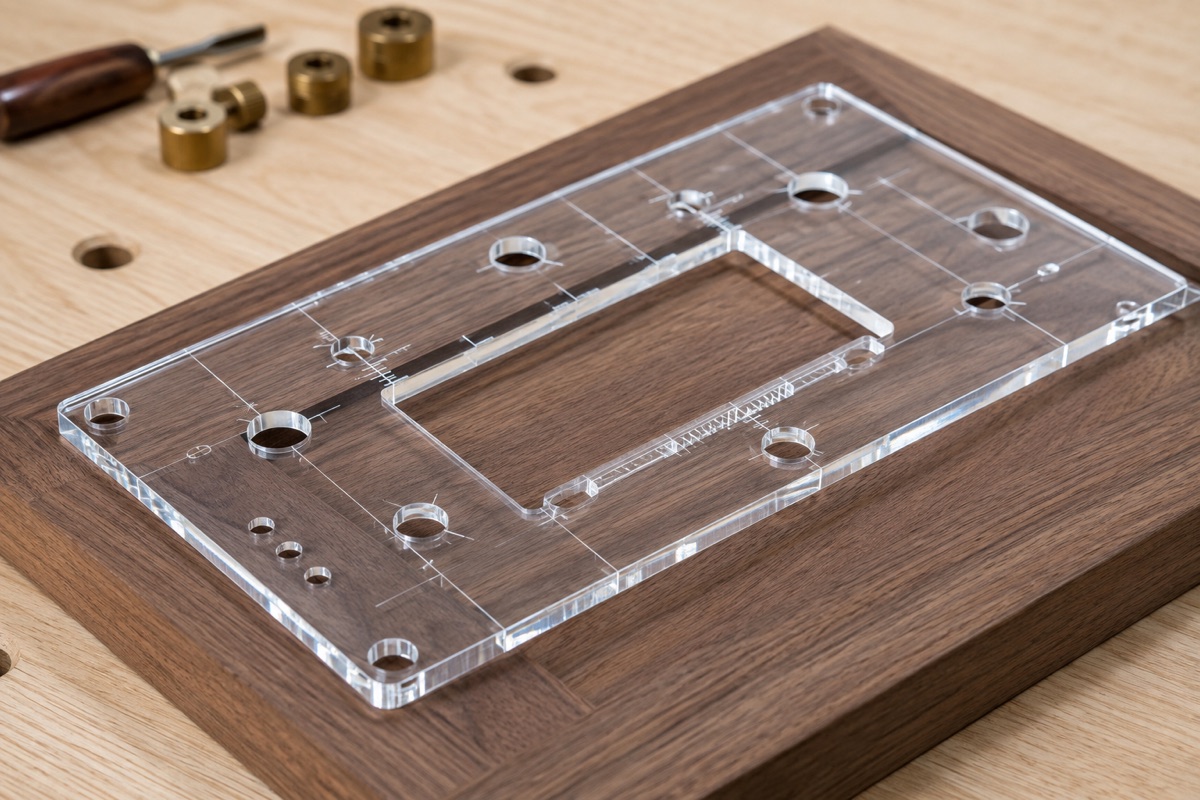
And the part nobody mentions: the laser cuts the 1/4 in cast acrylic templates your router table runs on. The two machines feed each other.
Why woodshops stay with us.
Support that stands behind the machine
US-based technicians, coast to coast, who know the machine, one free hour of remote training with every machine, and over 1,000 five-star reviews on Trustpilot from owners talking about exactly that.
We will tell you what a laser is bad at
Thick slabs, oily species, treated lumber, anything PVC. You are going to find out anyway, so you may as well find out from us before you spend the money.
Easy to live with
Standard 110v on both Nova Plus machines, air cooled with no chiller, the LightBurn software included and licensed for two computers, camera and infrared autofocus standard, motorized Z, and a 2 year machine warranty on a tube rated around 10,000 hours.
Judge us on what is actually real.
Over 1,000 five-star reviews on Trustpilot
From people who own these machines and run them every day. Not our words about ourselves.
The free sample cut
Proof that needs nobody else’s opinion. We run your species, not ours, and send it back with the settings we used.
US-based support, coast to coast
Technicians who know the machine, plus one free hour of remote training with every machine.
The machines themselves
CO2 RF metal tube rated around 10,000 hours, air cooled with no chiller, over-head camera and infrared autofocus standard, motorized Z, honeycomb and knife blade bed.
Warranty and delivery
A 2 year machine warranty with a 1 year tube warranty, shipped nationwide on a liftgate truck, built to arrive aligned and ready to run.
The honest answers on this page
The char section, the wattage ceiling, and the router section are all places where it would have been easier to say less.
We are early in serving woodworking shops, so you will not see a wall of logos here. We do not borrow proof we have not earned. Send us a few offcuts and judge the machine on your own bench.
Send us your offcuts. We will cut a sample free.
Char and edge color change from species to species, so no spec sheet is going to tell you what your cherry or your baltic birch looks like coming off the bed. So we will just show you. This is a free sample to show what the machine does. It is not a production run, and we do not take in finished goods or fill orders.
Tell us your species
On the short form, tell us the wood you actually run and the simple cut or mark you want to see, within reason, so we can confirm it is laser safe and prep for it. An inlay pocket, a line of fine lettering, a cut edge in your stock.
Mail us a few offcuts
Send a few pieces of the wood you really use to our shop in Quitman, Texas. We will send the address.
We run it and send it back
You get the sample back with the exact settings we used, and a straight answer about how that species behaves. No cost, no pressure.
Send a few pieces, not just one. We do not know the perfect settings for every material on sight, so a few pieces give us room to dial it in and show the best the machine can really do.
Only send material you are okay with us using up. Samples are for testing, so treat anything you send as something we may consume getting the settings right.
The questions every woodshop asks.
How thick can it actually cut?
Does every edge come out charred?
I already own a CNC router. Does this replace it?
What power, space, and ventilation do I need?
What will you not cut?
How soon can I get one?
Can I finance it?
Do you ship nationwide, and what support do I get?
See it on your own material before you buy.
Tell us the material and the simple cut or mark you want to see. Send a few expendable pieces so we can dial in the settings. We return the sample with the settings we used. This is a sample, not production work.
Tell us the material
Name the exact stock, finish, coating, or supplier when it matters.
Send a few pieces
Only send material you are okay with us using up while we find the settings.
Judge the result
We send the sample back with the settings and a straight answer about fit.
Not ready to send a sample? Take the guide instead.
Download the guide