
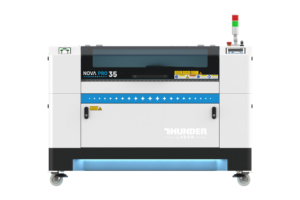
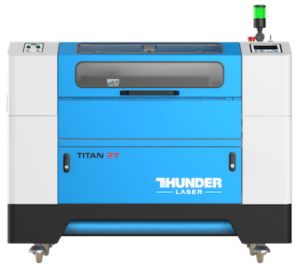
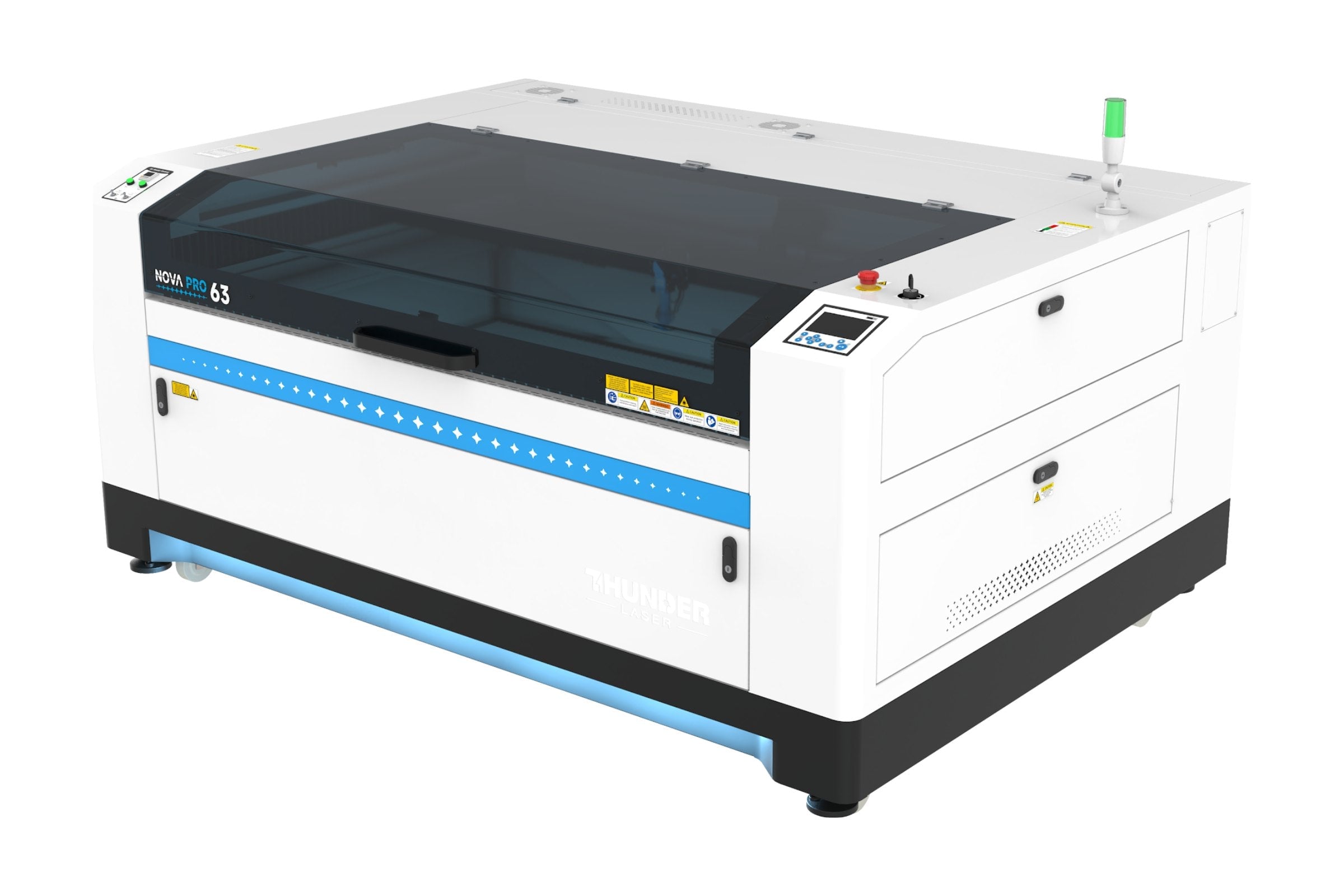
Nova Pro Series
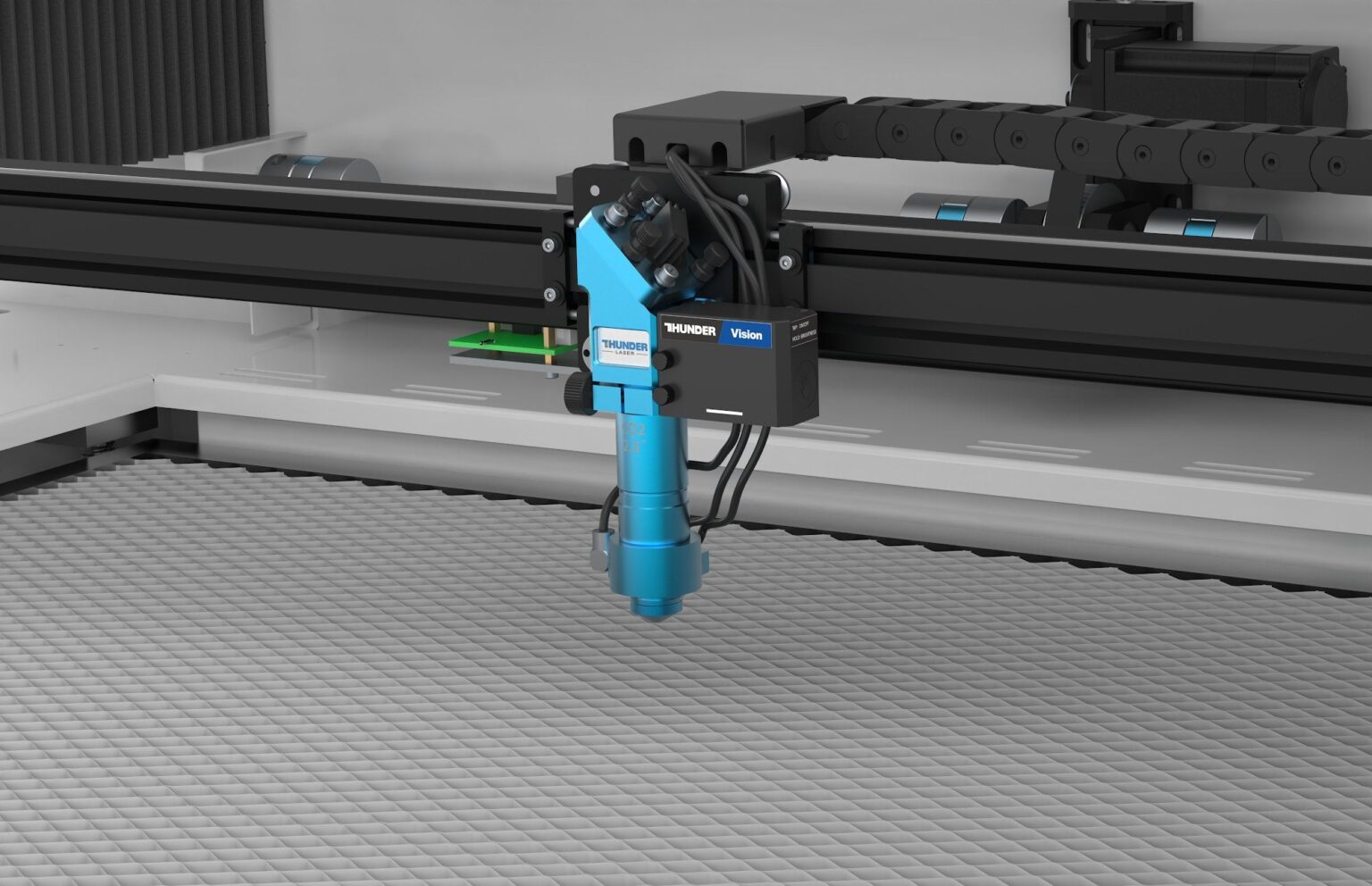 Head camera, standard on every Nova Pro
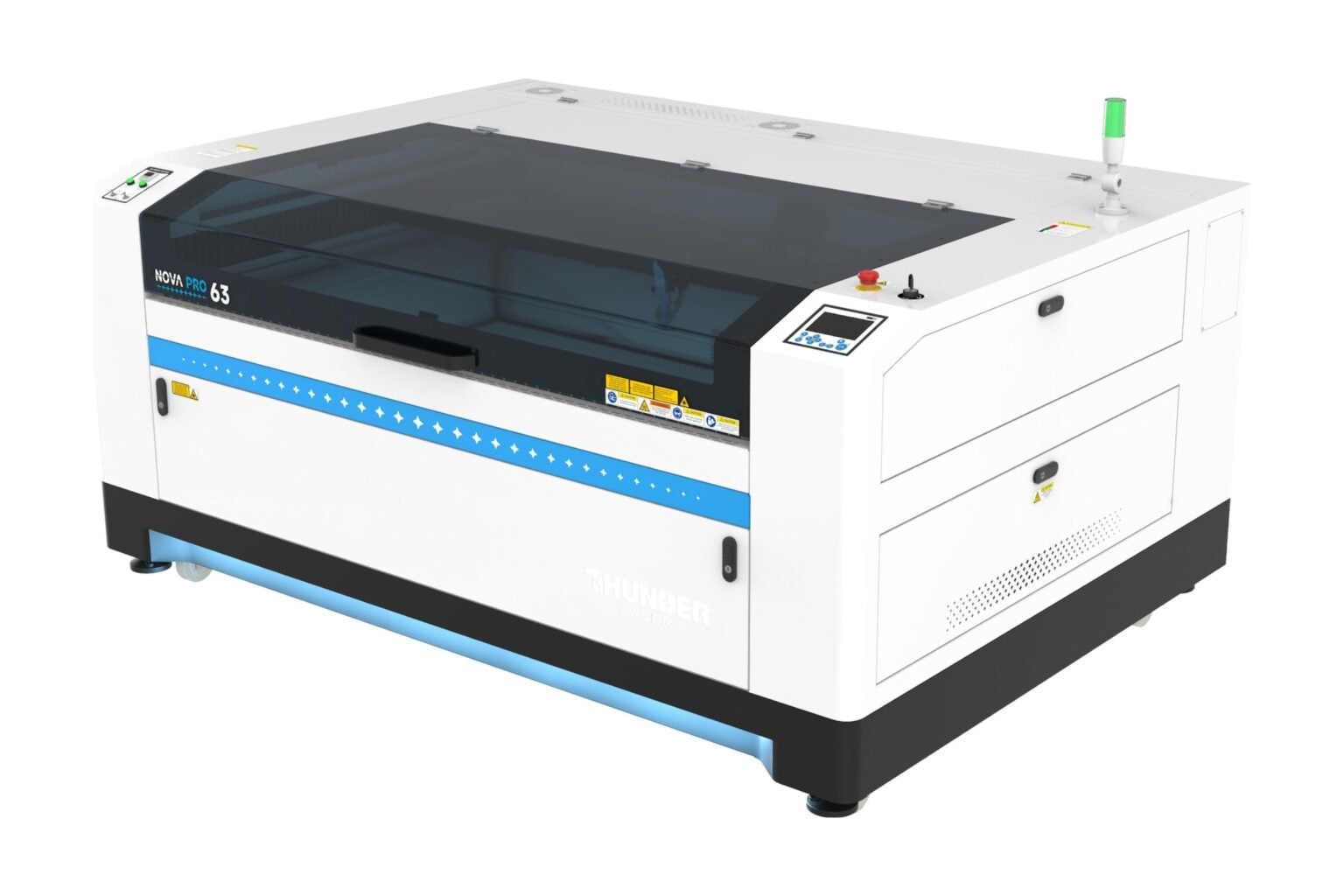
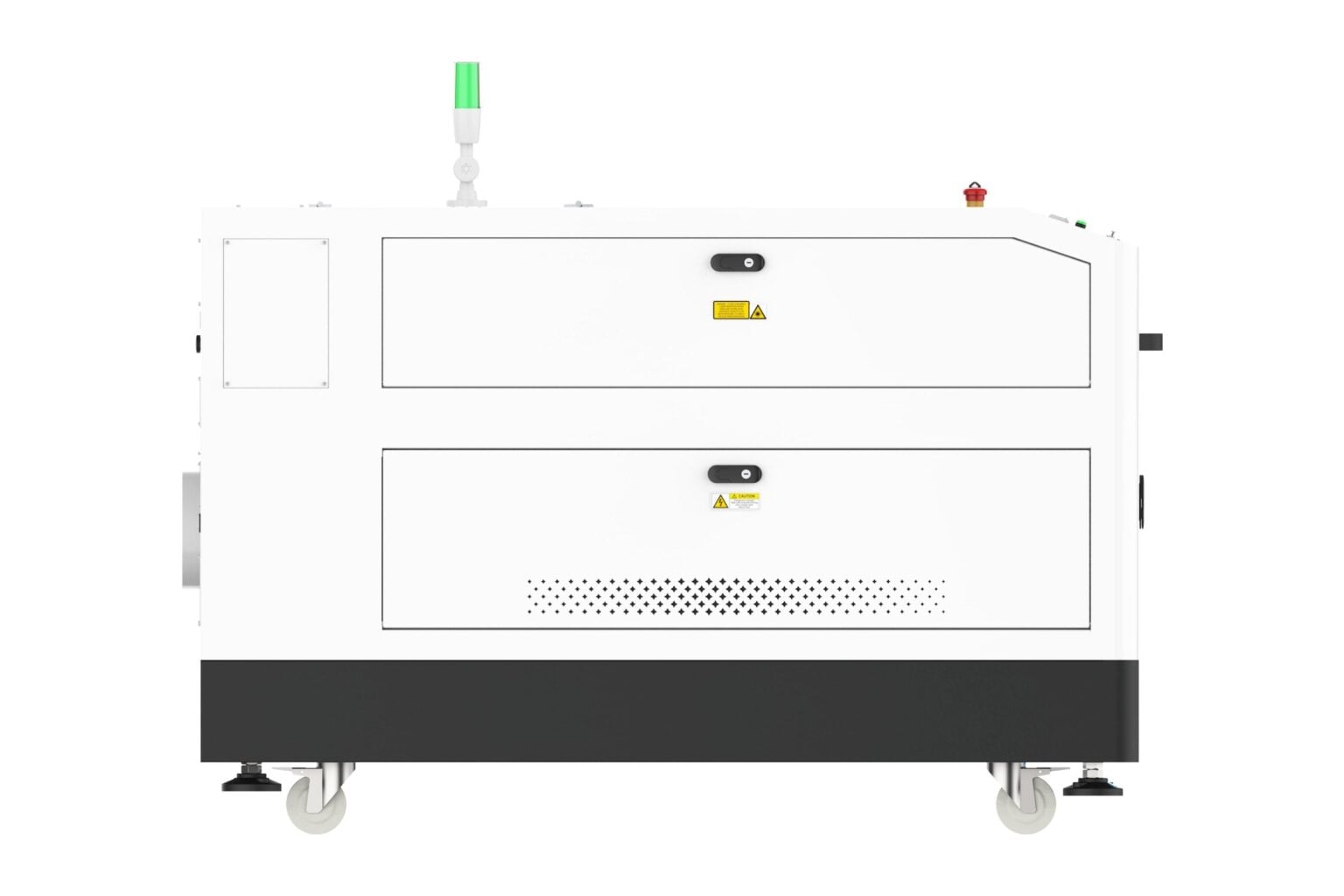
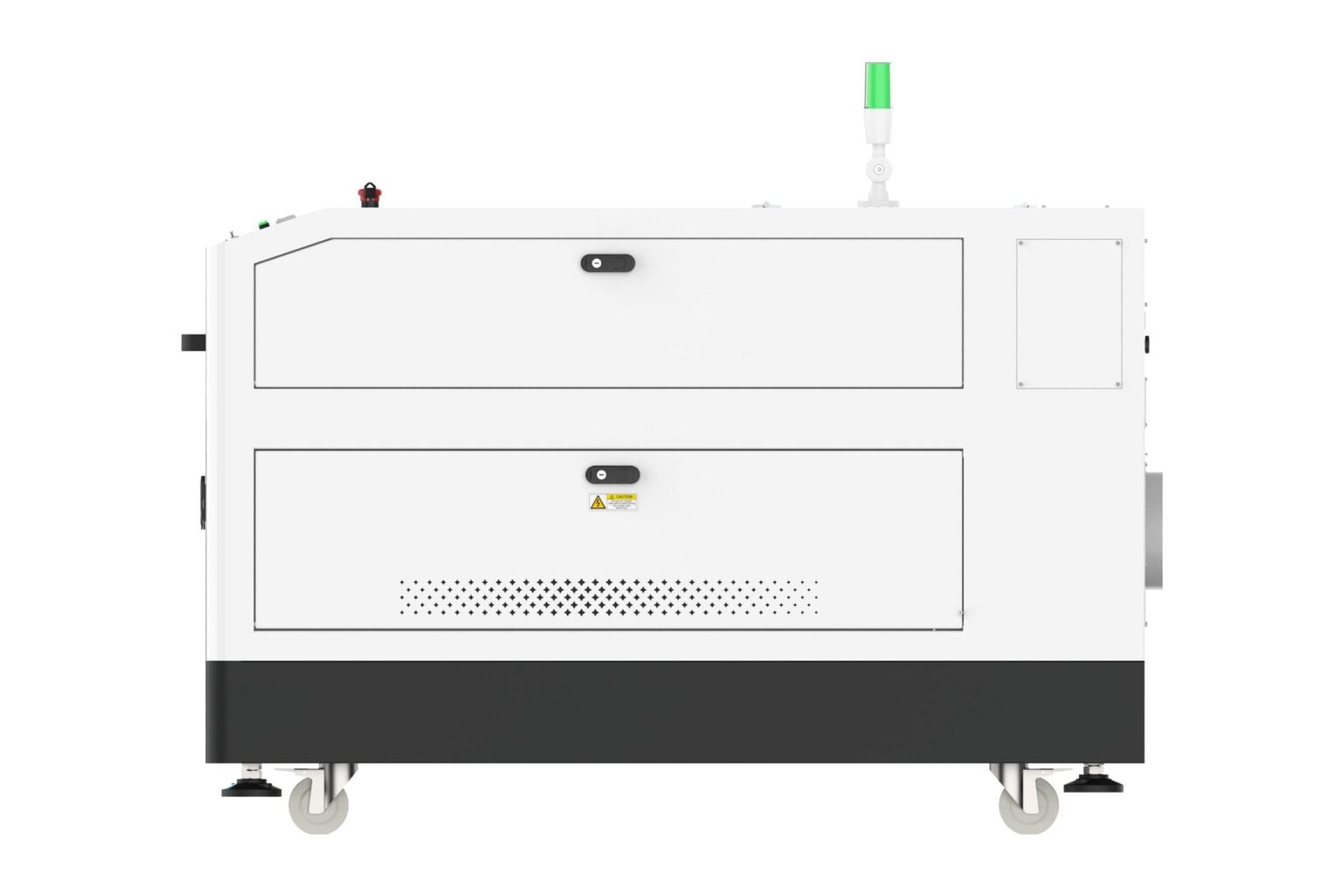
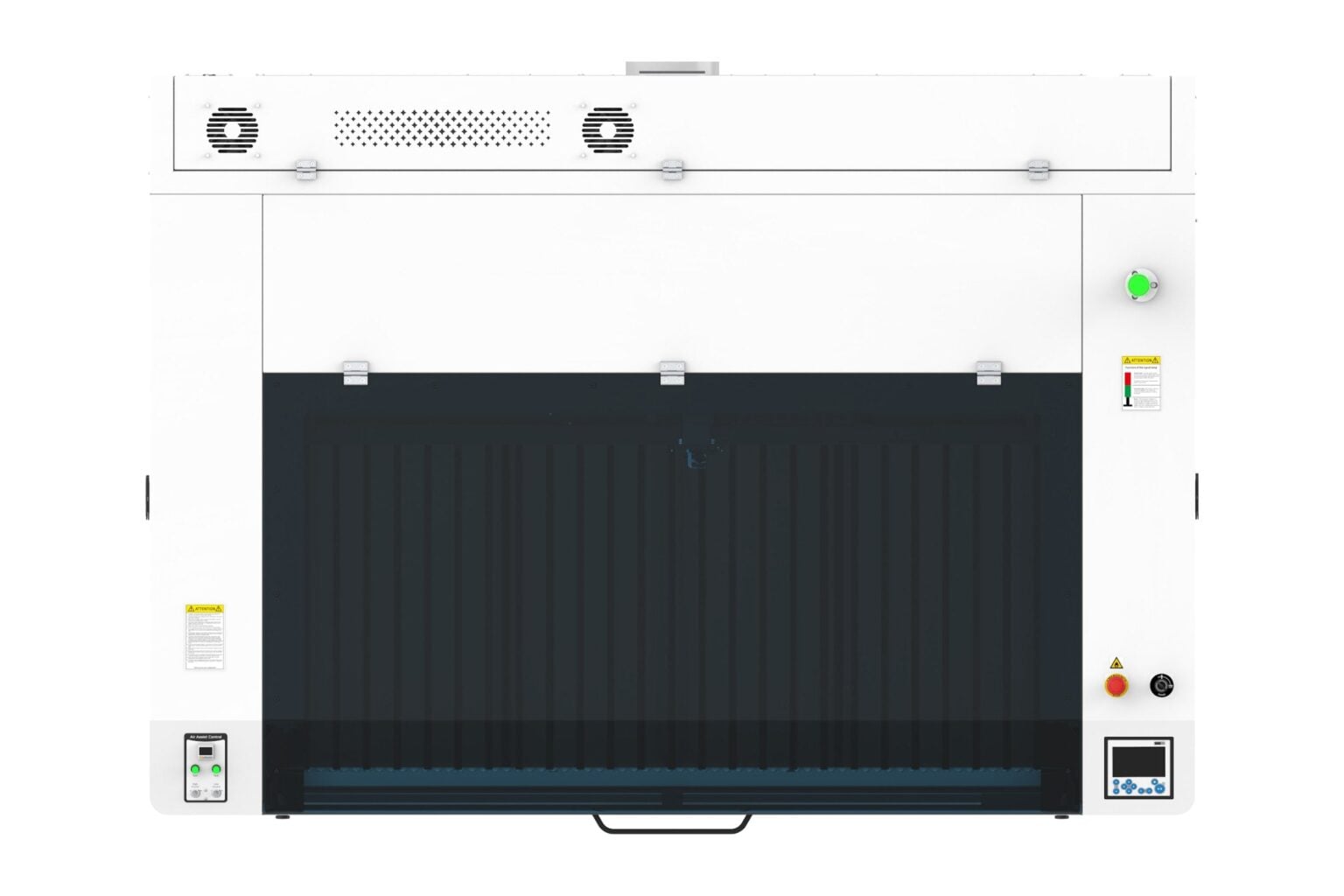
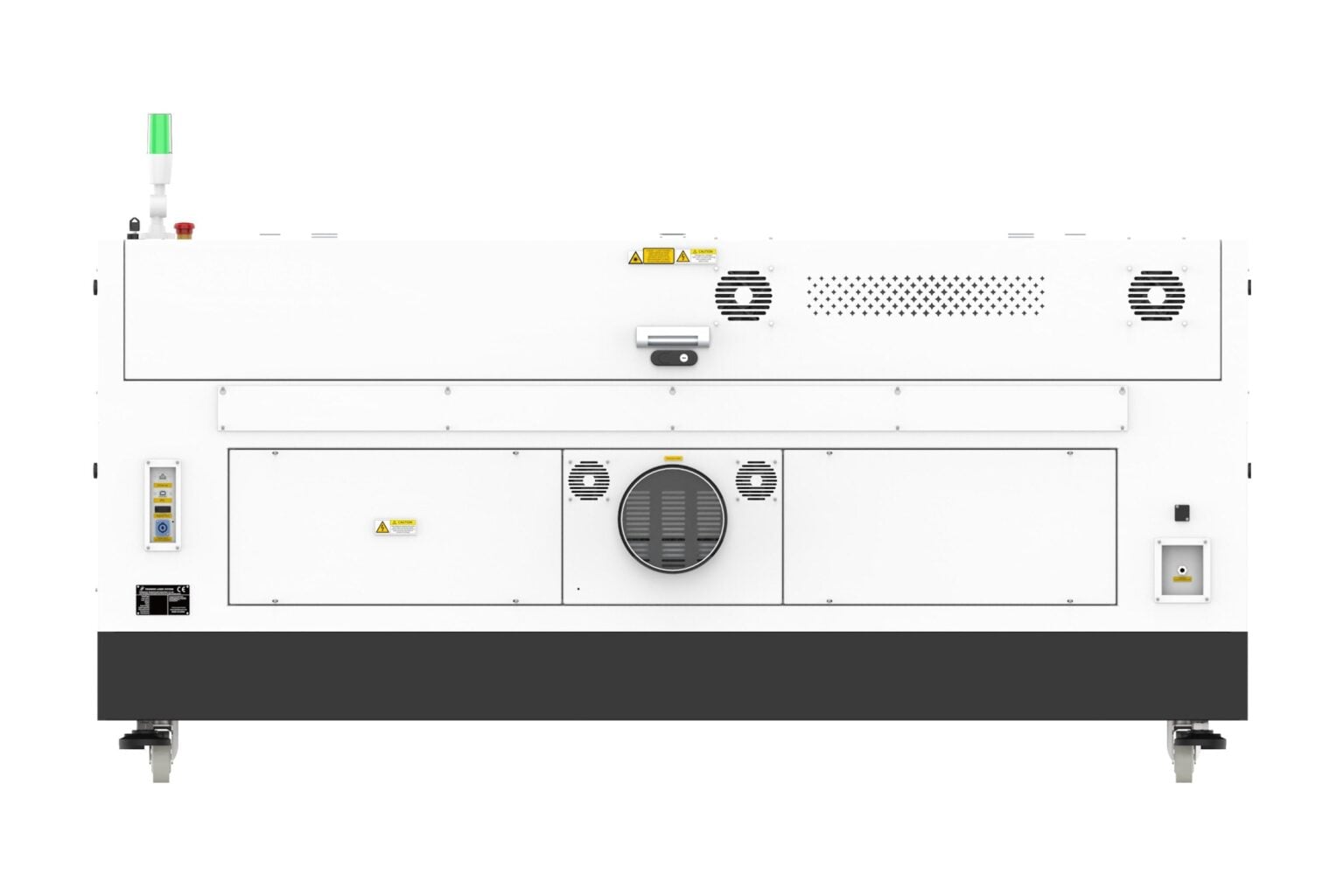
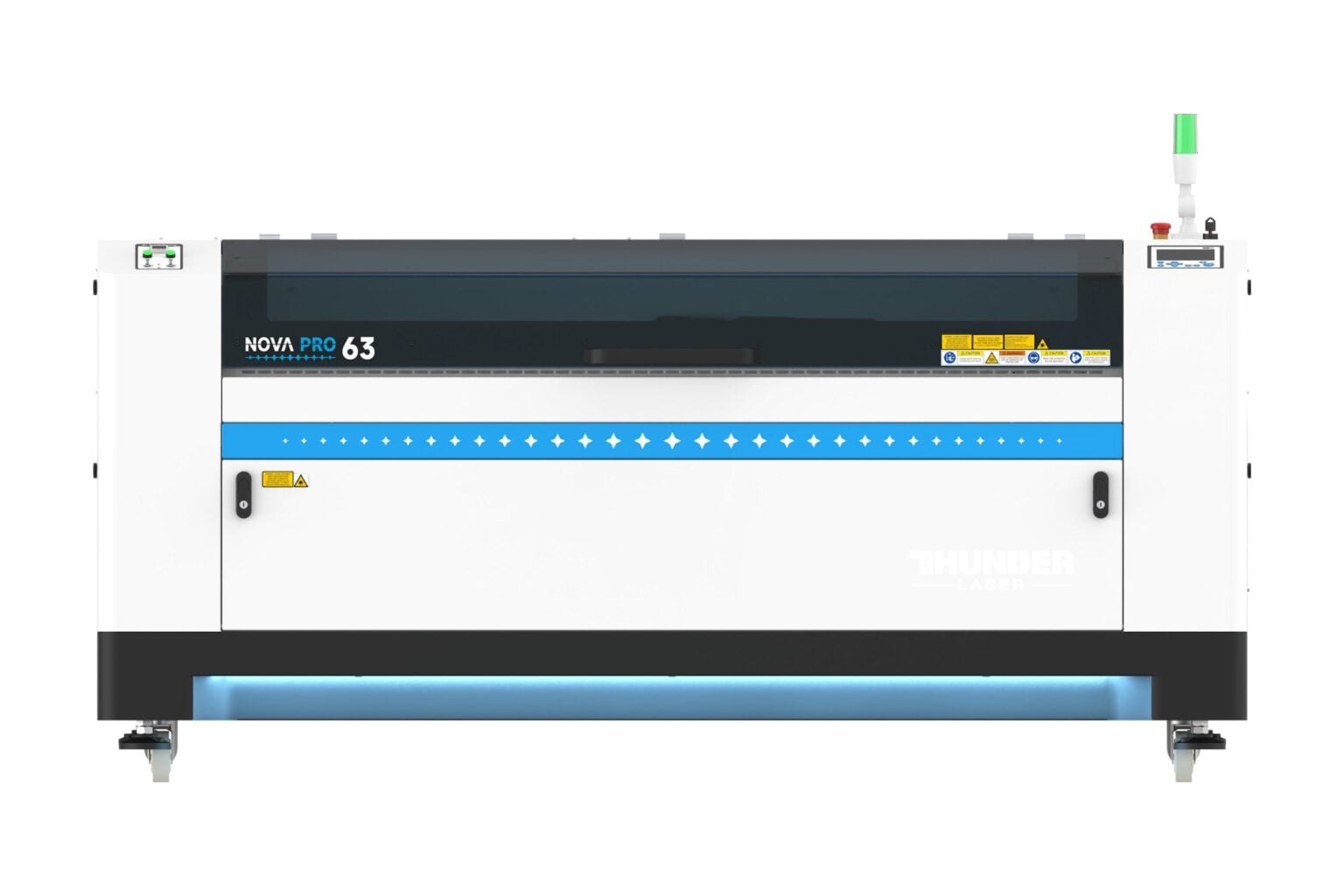
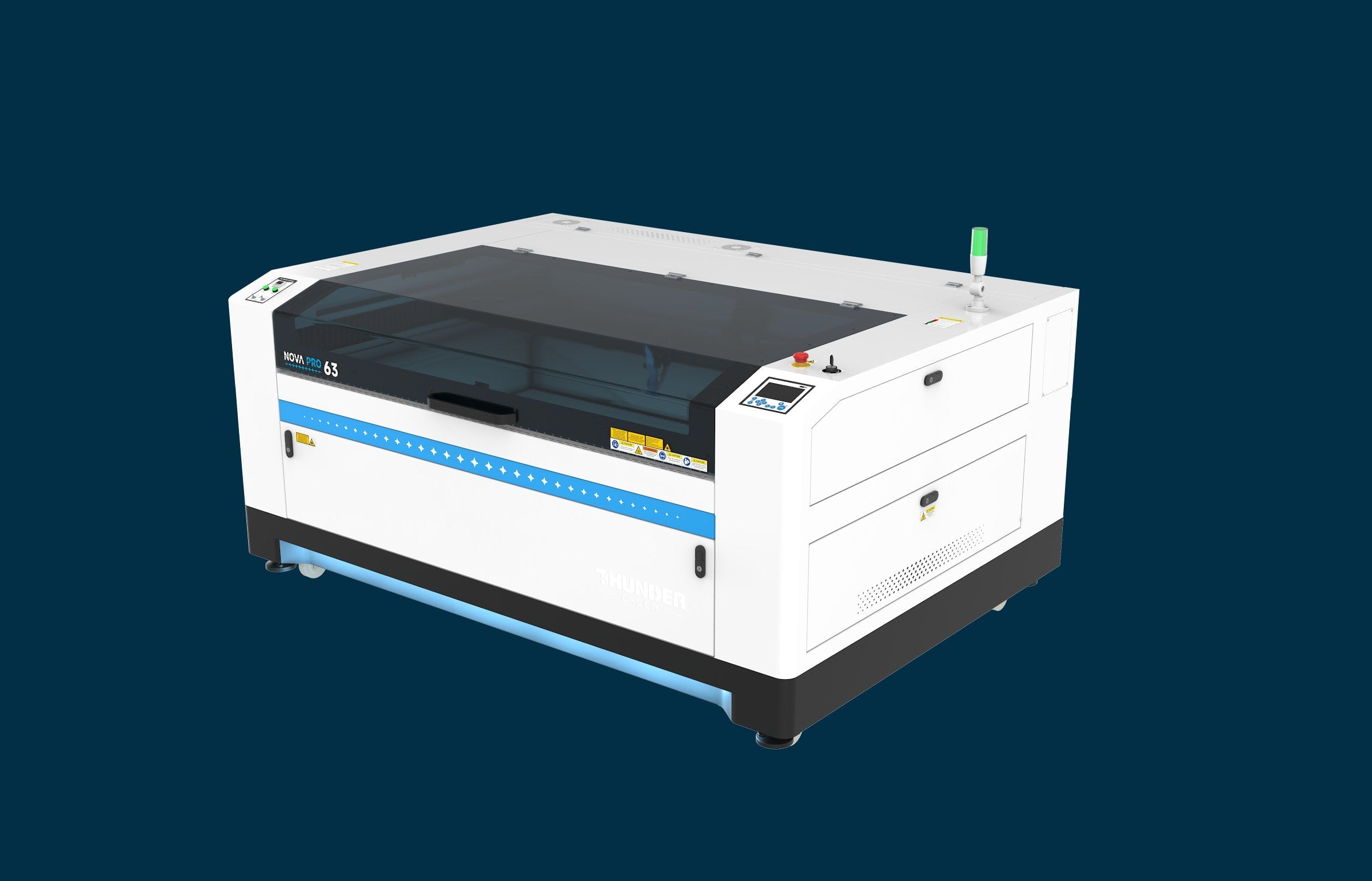
Nova Pro 63
Our fastest, smartest Nova yet.
Choose your laser power Not sure? We will help you choose.
Free 1-on-1 call. Our team will help you pick the right size and power.
Launch video
Meet the Nova Pro.
Introducing Nova Pro
Our fastest Nova yet.
An AC servo on the X axis and 4G acceleration get the head up to speed sooner, so engraving jobs finish faster and your machine is ready for the next order.
Top engraving speed
67% faster top speed
Acceleration
60% more acceleration
Redesigned inside and out
Everything built in.
Nothing sitting beside it.
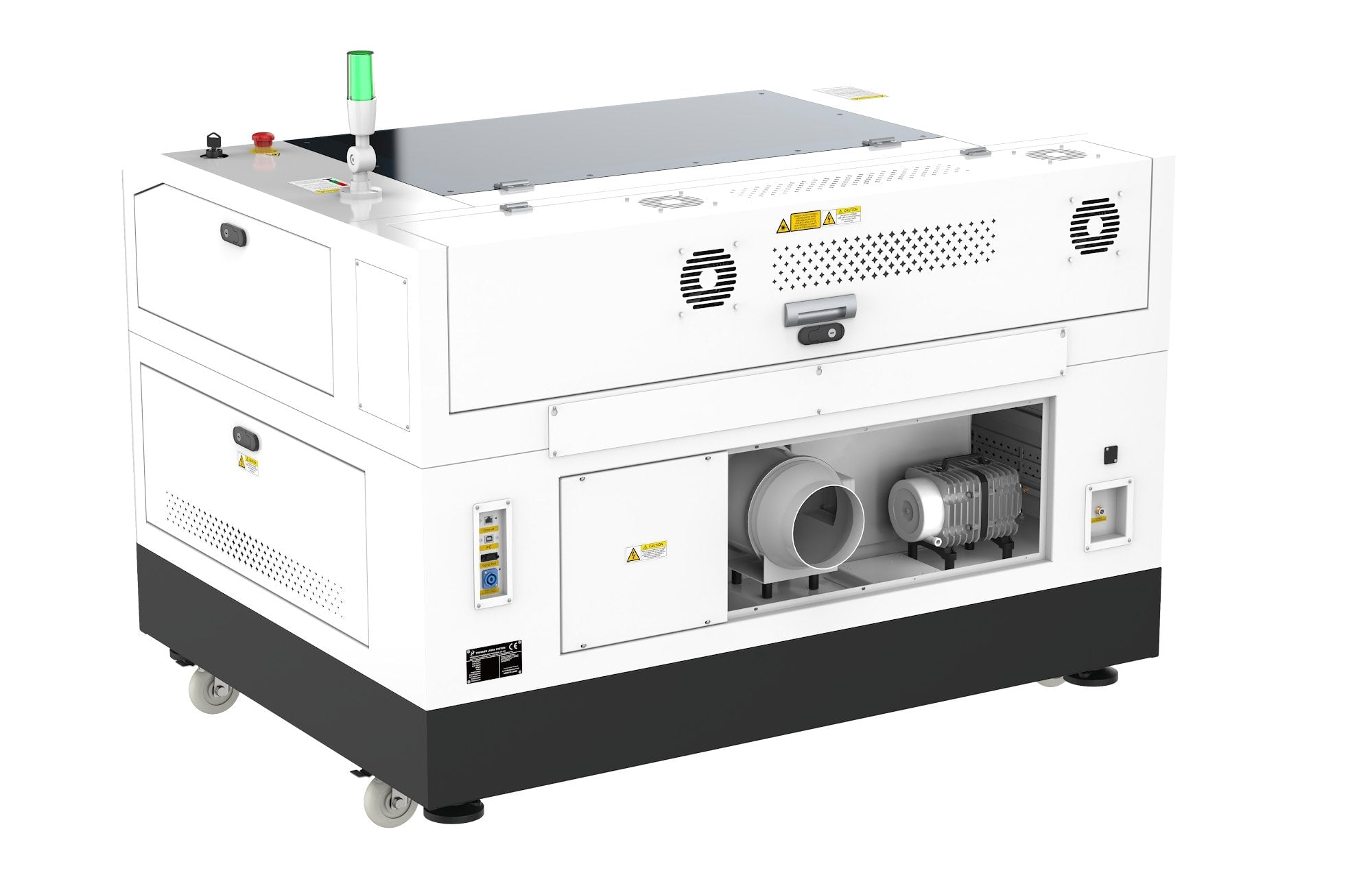
The air pump and exhaust fan now live inside a sleek new cabinet. They turn on and off with every job, and there is no extra equipment taking up floor space next to your machine.
The details
Thoughtful in every way.
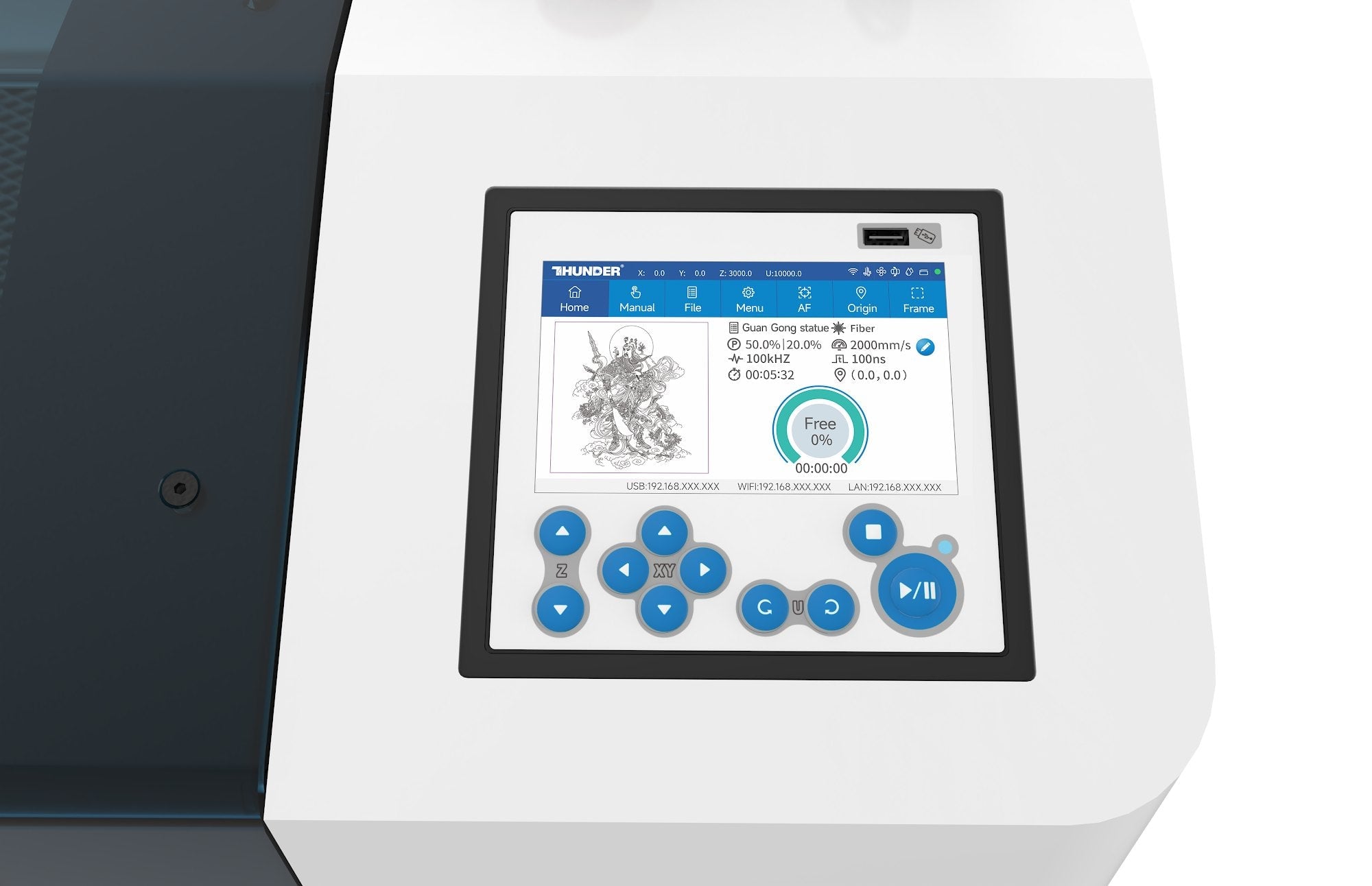
The Bolt and Titan touchscreen.
A 5" capacitive screen with file previews, job time, status icons and plain-language alerts, plus fast and slow jog right from the panel.
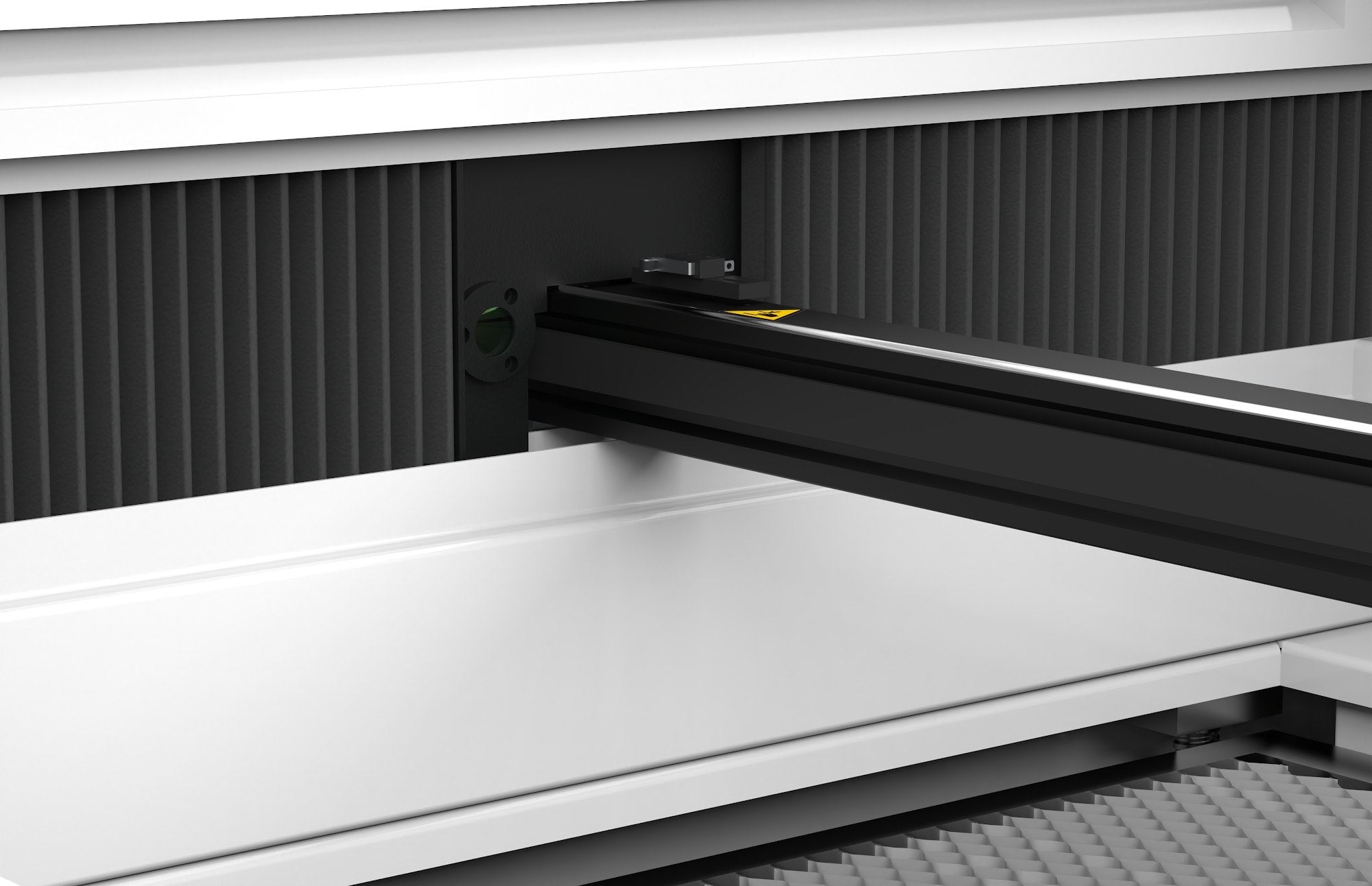
Enclosed side rails.
Covers keep smoke and debris off the rails and the bearings and belts that ride on them, so the motion system stays smooth longer.
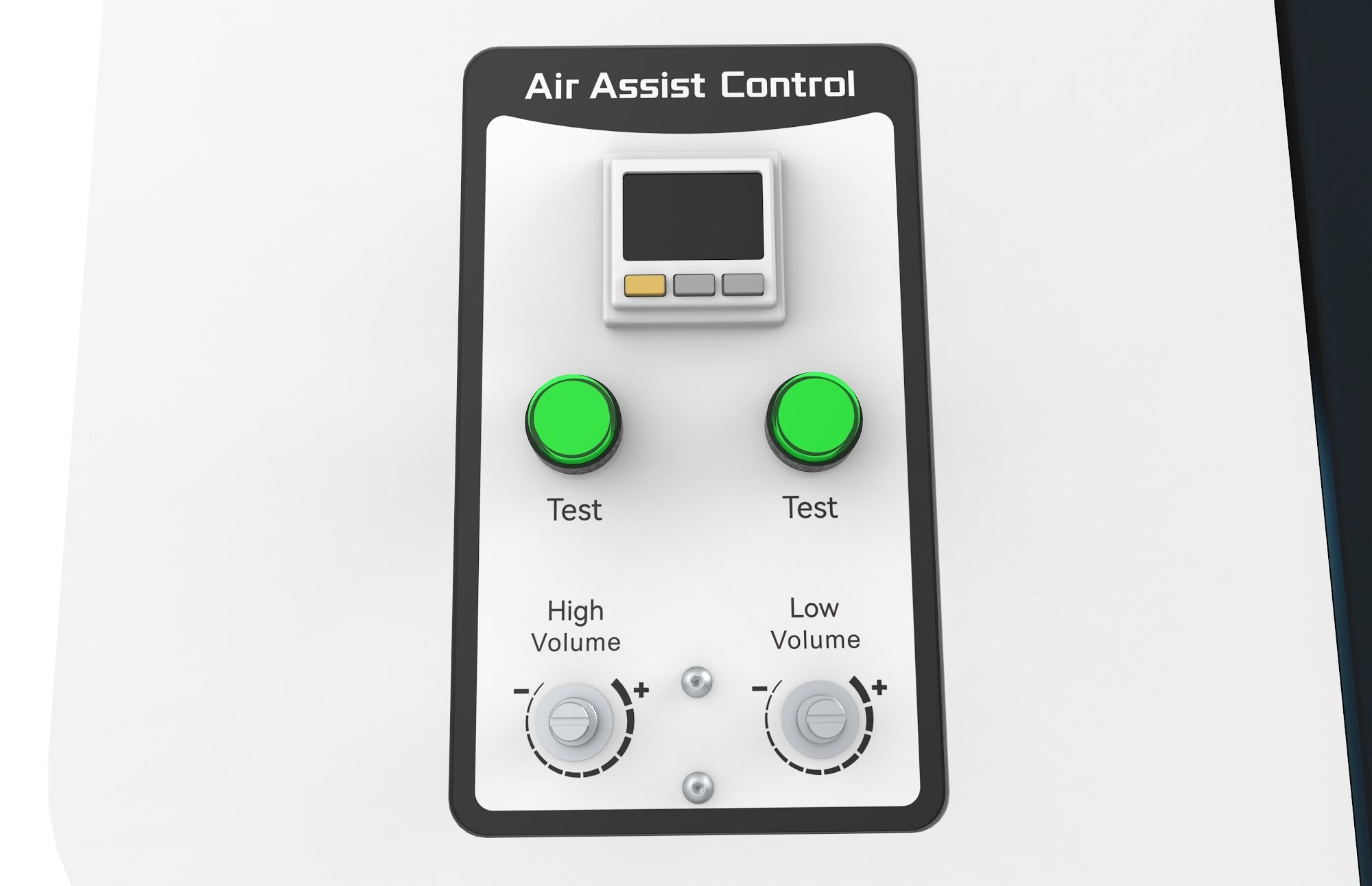
Dual-channel air assist.
A digital flow display and low-pressure protection that pauses the job if air drops.
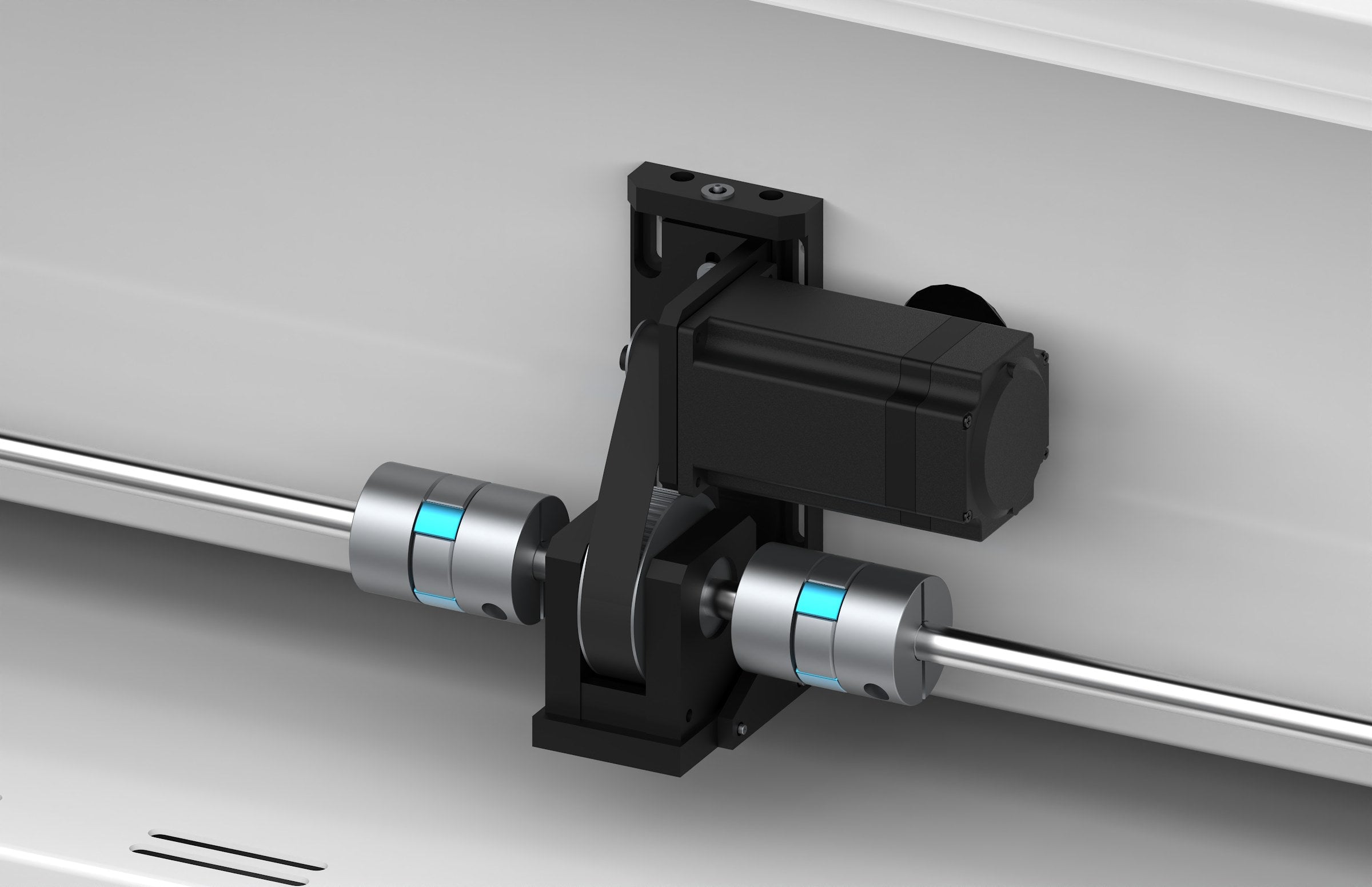
AC servo on the X axis.
Leadshine servo drive for 0.0004" positioning accuracy at full speed.
By the numbers.
Print and cut
Print and cut,
ready out of the box.
Print a full sheet on your UV printer, set it in the machine, and the head camera reads the registration marks and cuts every piece right on its outline. No lining things up by hand.
Installed at the factory and backed by our US-based support team. It sits right beside the laser head and runs in LightBurn, the software you already know.
Pass-through
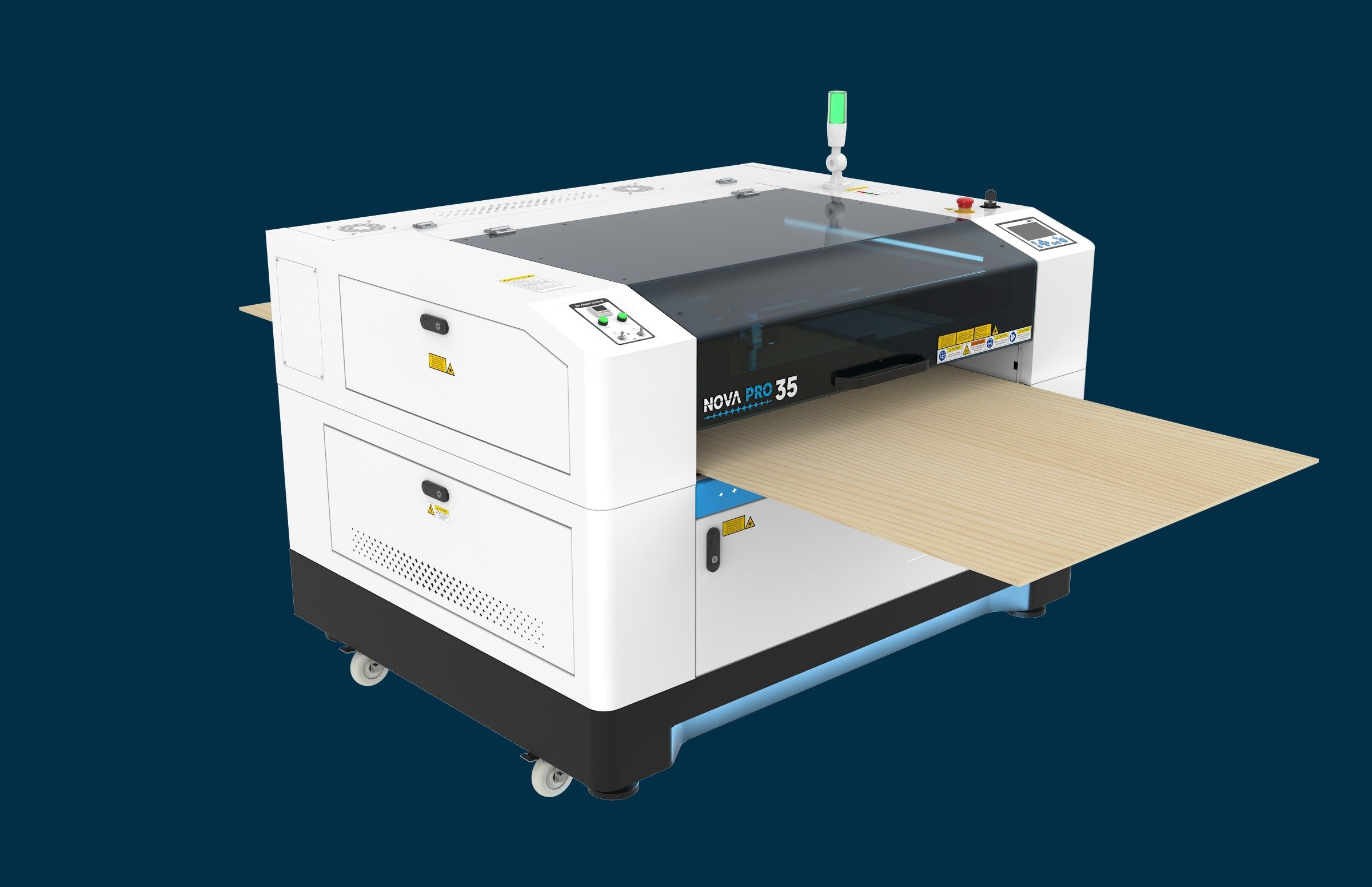
Room for the long stuff.
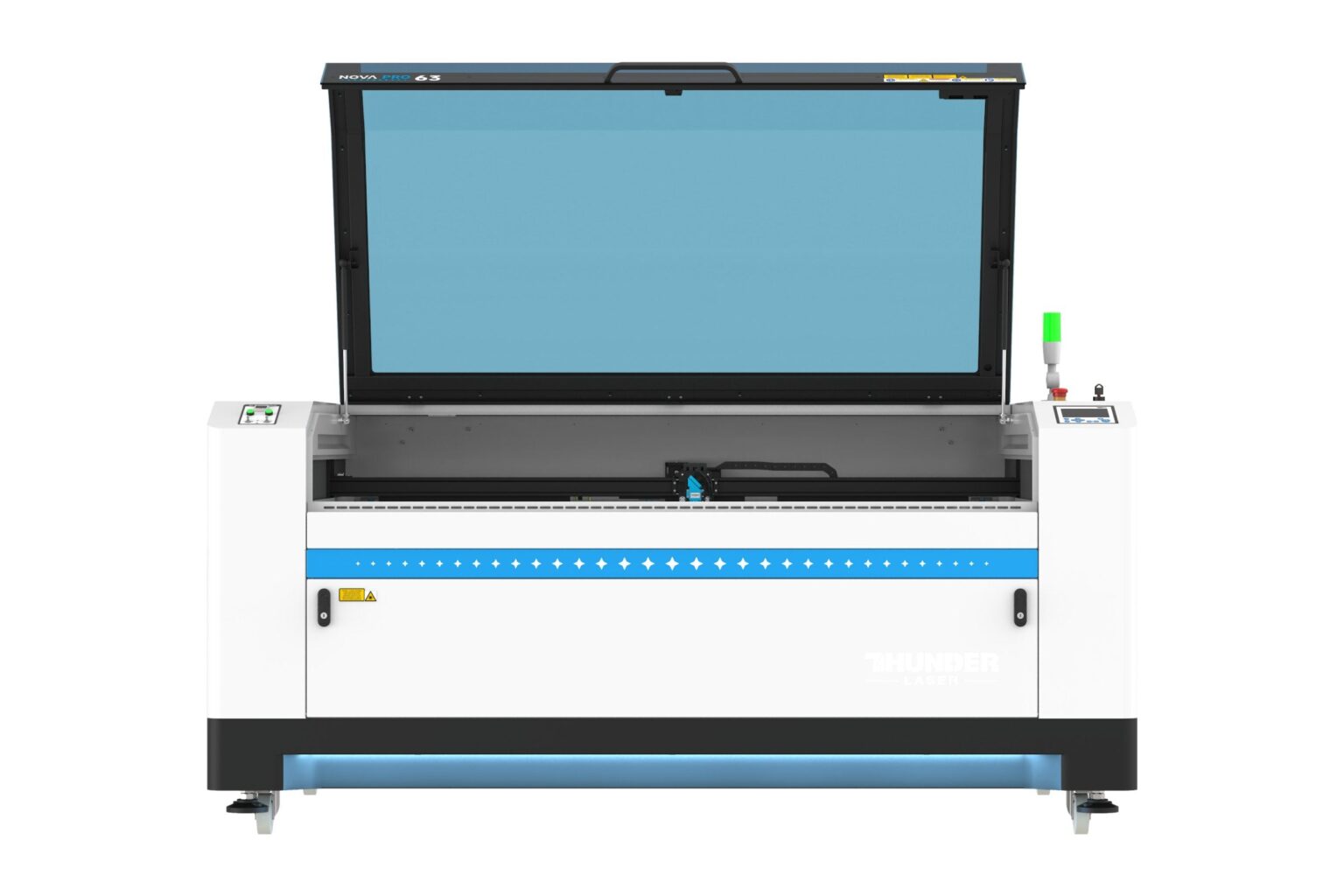
Front and rear pass-through doors let you feed long stock straight through the machine, so signs, boards and runners are not limited by the length of the bed.
Nova Pro vs Nova Plus
See what is new.
| Nova Pro | Nova Plus | |
|---|---|---|
| Top engraving speed | 2,000 mm/s | 1,200 mm/s |
| Acceleration | 4G | 2.5G |
| Control panel | Bolt and Titan touchscreen | Nova Plus panel |
| Air pump and exhaust fan | Built inside the cabinet | External |
| Side rails | Enclosed | Not enclosed |
| Print and cut | Head camera pre-installed | Not included |
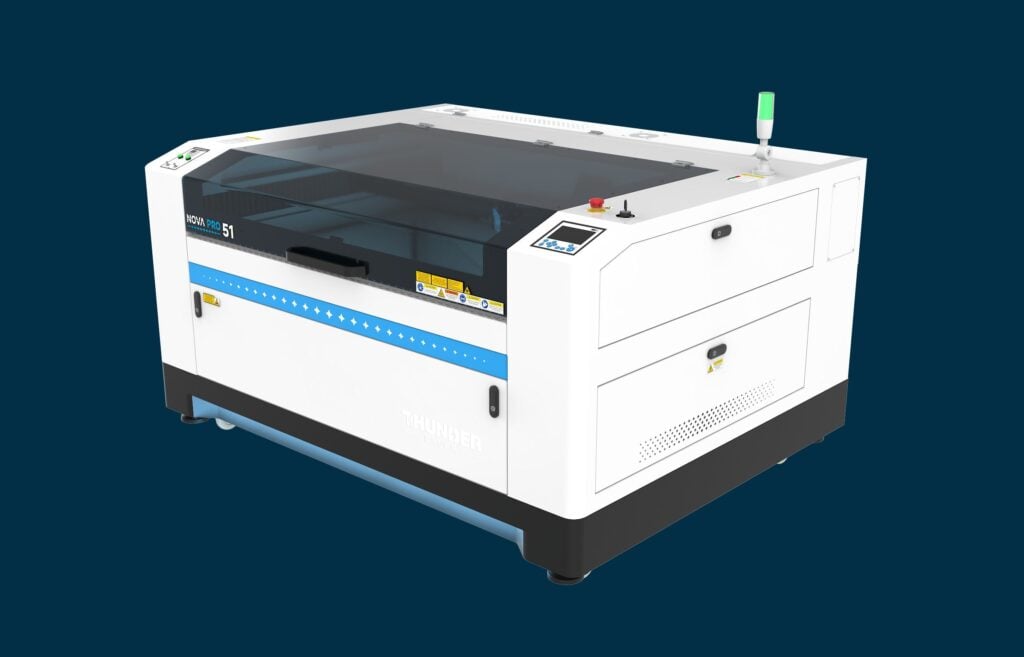
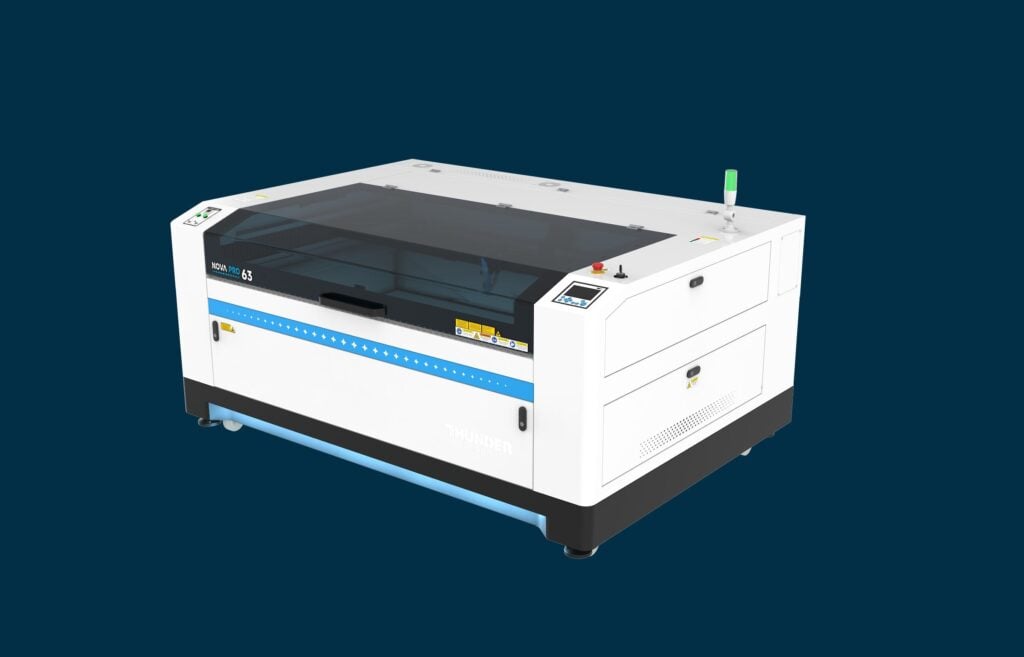
In the box and beyond
Every Nova Pro includes.
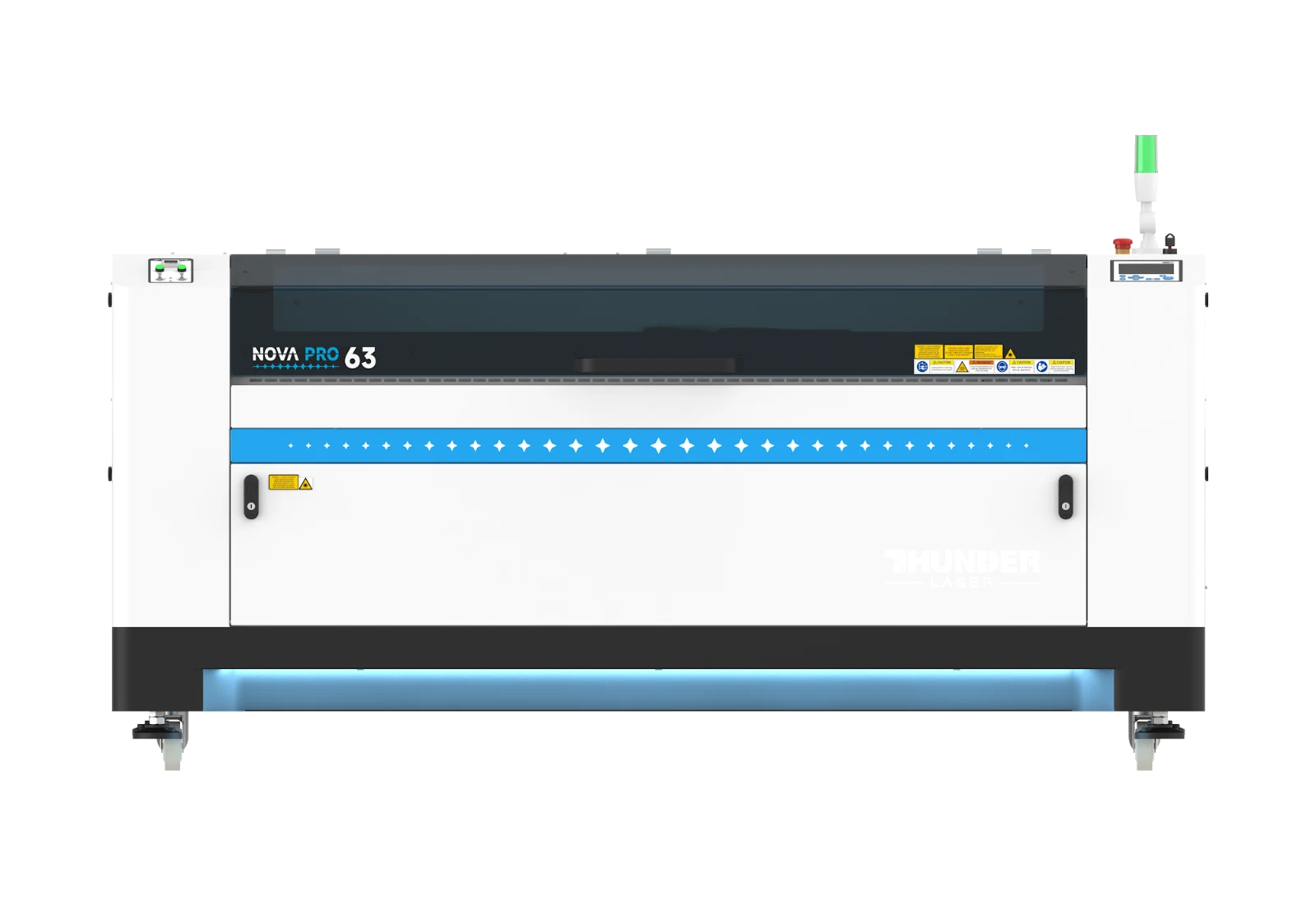
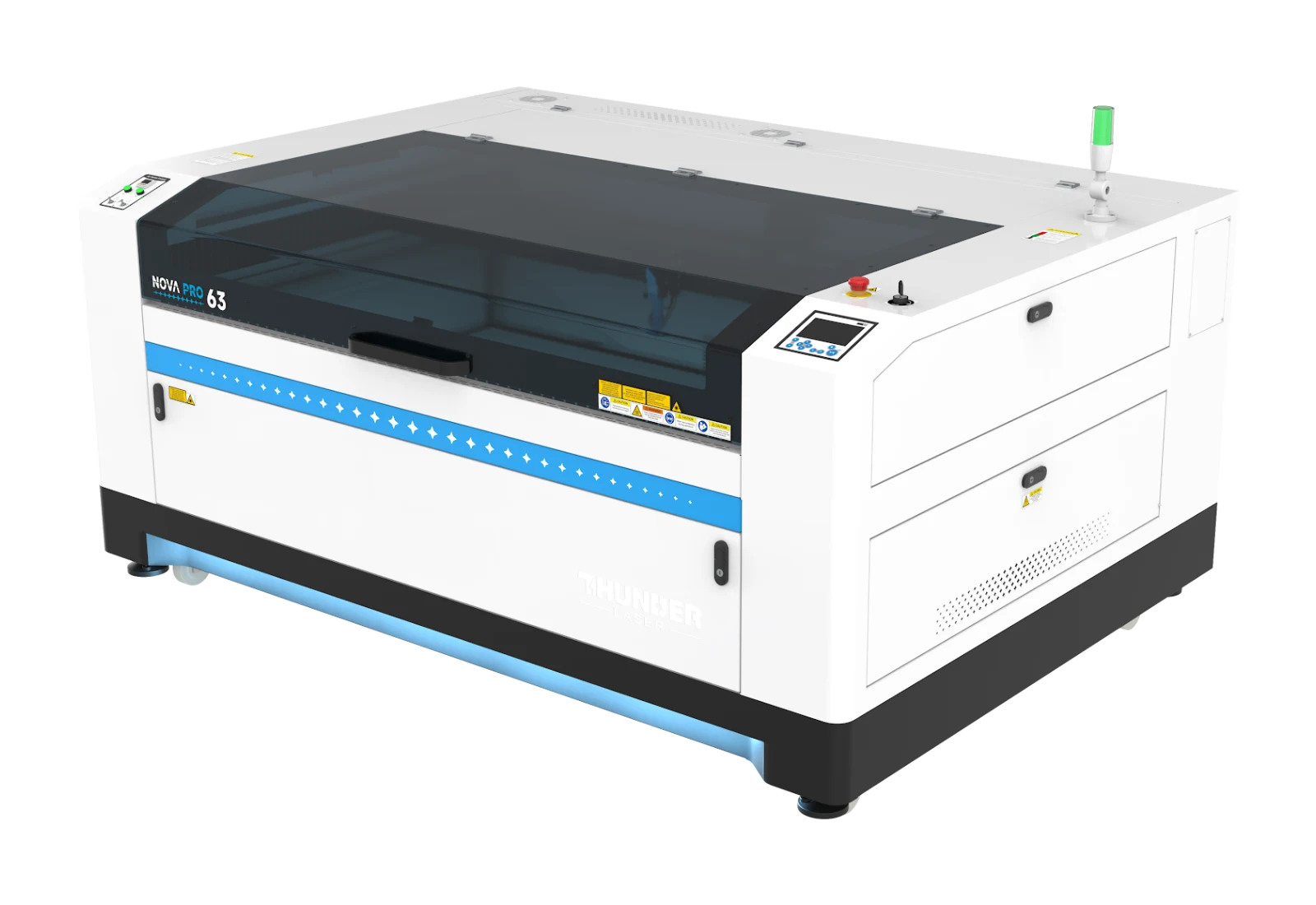
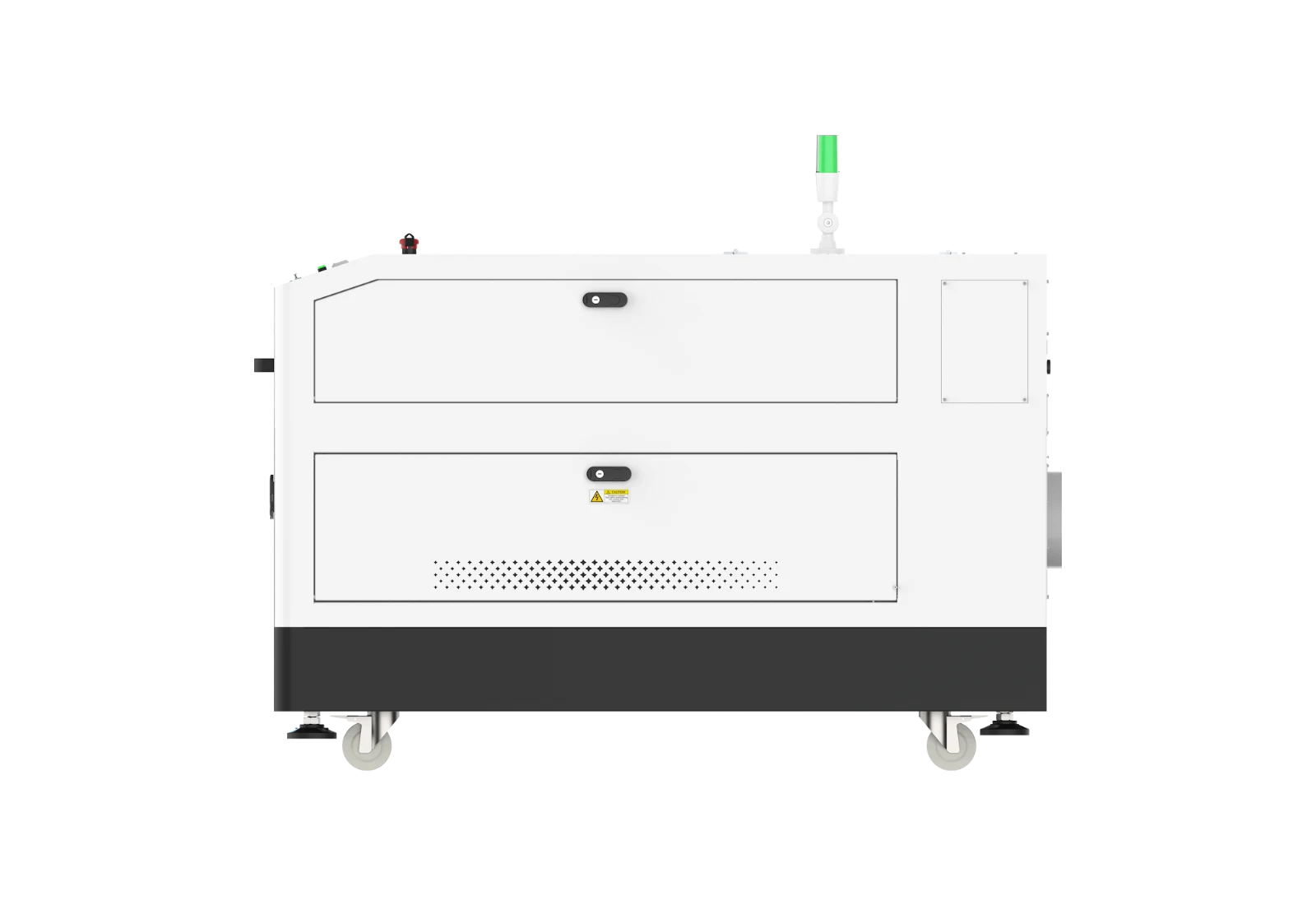
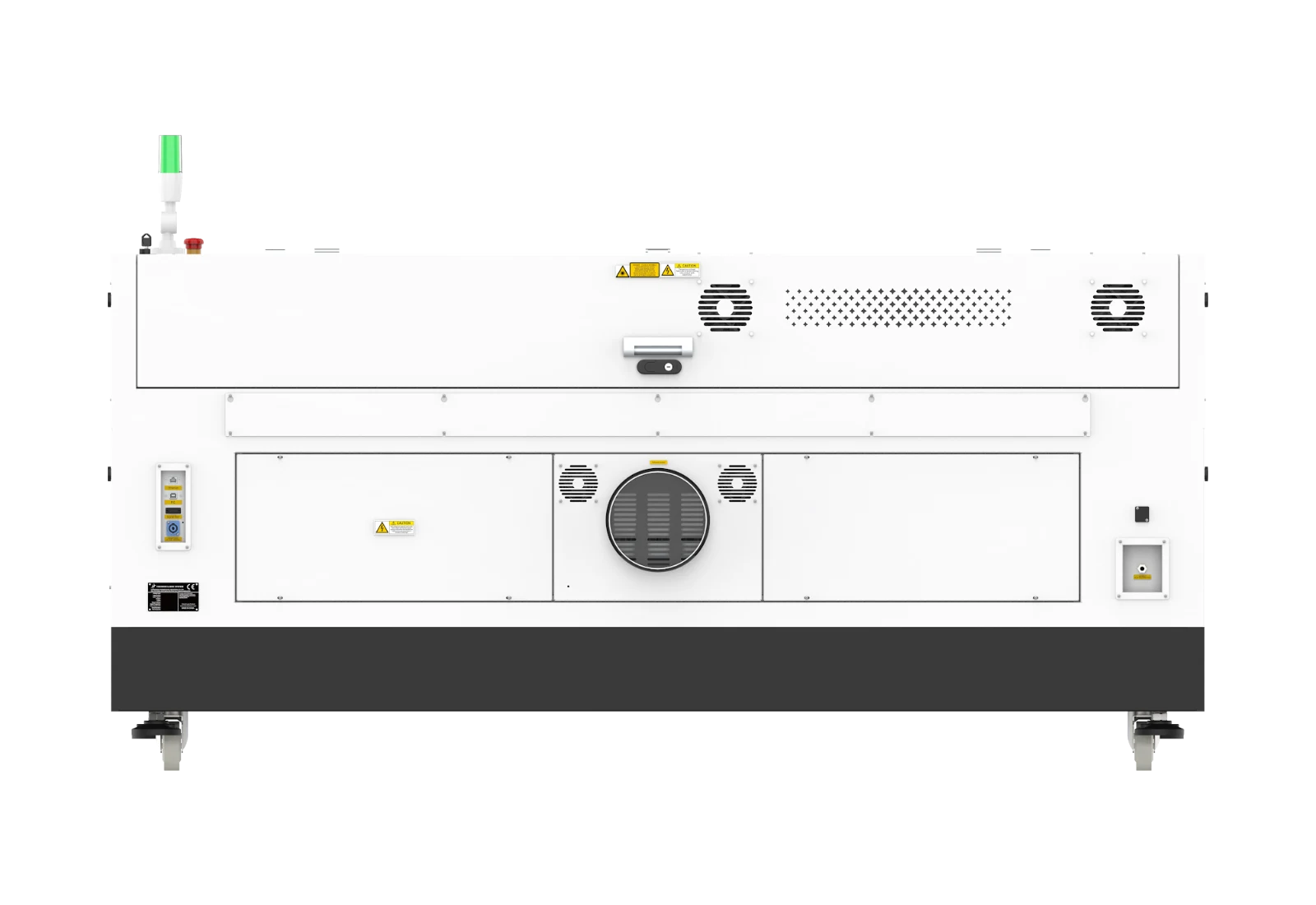
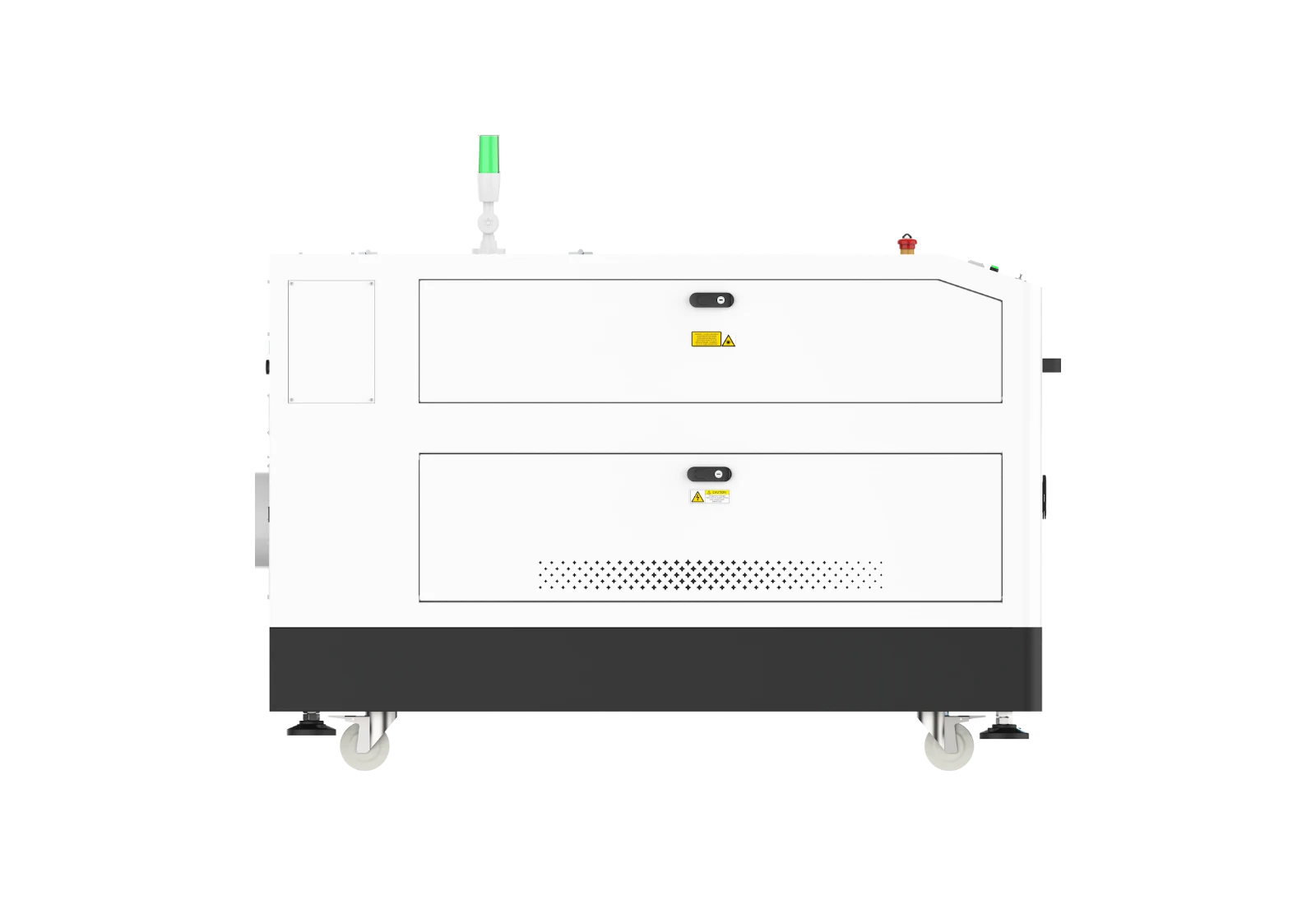 Drag to spin
| Specification | 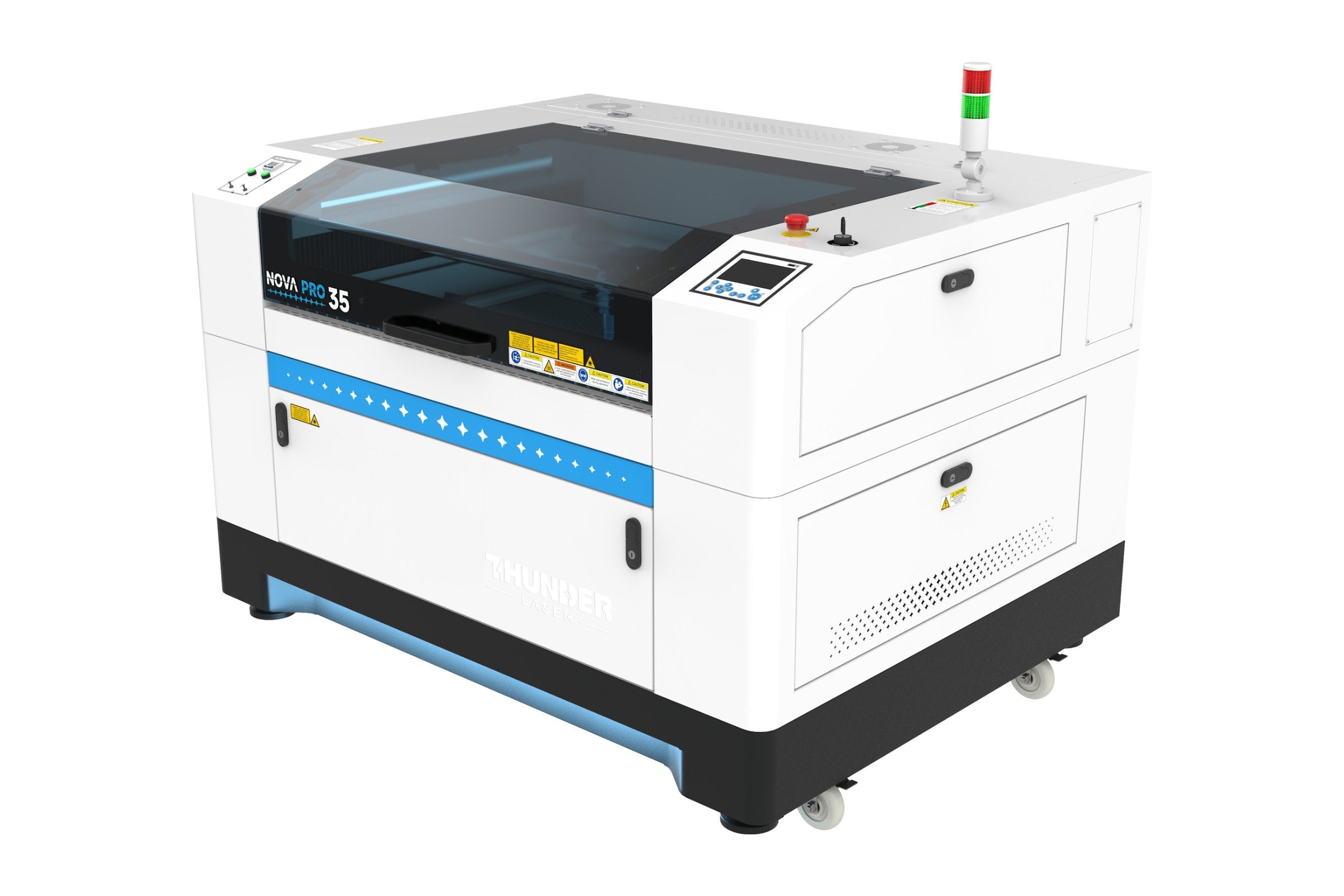 Nova Pro 35 | 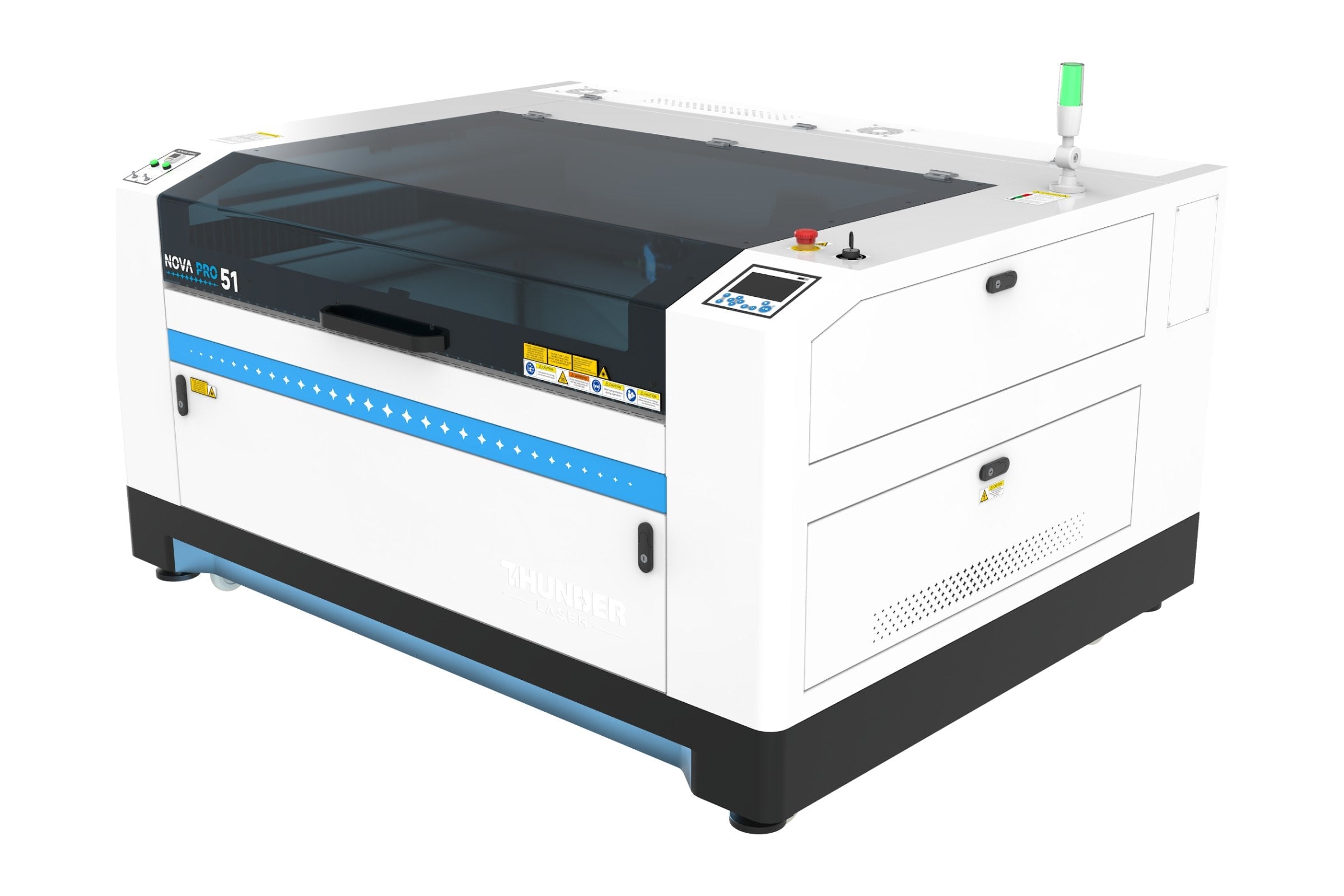 Nova Pro 51 | Nova Pro 63 |
|---|---|---|---|
| Engraving / Working Area | 35.4″ x 23.6″ x 8.9″ | 51.2″ x 35.4″ x 8.9″ | 63.0″ x 39.4″ x 8.9″ |
| Max Part Size | Door closed: 36.7″ x 25.6″ x 8.9″ | Pass-through: 37.8″ wide x ∞, up to 0.59″ thick | Door closed: 52.4″ x 37.6″ x 8.9″ | Pass-through: 53.5″ wide x ∞, up to 0.59″ thick | Door closed: 64.2″ x 41.5″ x 8.9″ | Pass-through: 65.4″ wide x ∞, up to 0.59″ thick |
| Standard Laser | 60W RF Metal Tube (air-cooled) | 60W RF Metal Tube (air-cooled) | 80W RF Metal Tube (air-cooled) |
| Optional Laser Sources | 35 and 51: 60W or 80W air-cooled SPT. 63: 80W air-cooled SPT. 100W and 120W air-cooled Luxinar by special order on all sizes. | ||
| Max Engraving Speed | 2,000mm/s | ||
| Acceleration | 4G (40,000 mm/s²) | ||
| Positioning Accuracy | 0.0004″ | ||
| Z-Axis Accuracy | 0.0010″ | 0.0018″ | 0.0022″ |
| Motion Control System | Leadshine AC servo (X axis), Leadshine 2-phase stepper (Y axis) | ||
| Auto Focus | Tapered-tip autofocus plus fixed focus rod; works with all four lenses | ||
| Laser Heads | 2.5″ lens included; optional 1.5″, 2.0″ and 4.0″ | ||
| Head Camera | Standard; reads registration marks for print and cut in LightBurn | ||
| Camera System | Overhead camera standard. Works in LightBurn on Windows and Mac. | ||
| Air Assist | Built-in air pump; dual-channel with digital flow meter and low-pressure protection | ||
| Control Panel | 5″ touchscreen, same display as Bolt and Titan series | ||
| Rails | Enclosed side rails | ||
| Intelligent Memory Capacity | 1GB | ||
| Connections | Ethernet, USB, USB drive, Thunder Air port, rotary port | ||
| Software | LightBurn included for two computers; head camera print and cut runs in LightBurn | ||
| Circuit Required (110V) | Dedicated 20A circuit | ||
| Electrical (110V) | 60W: 10A, 1,000W 80W: 13A, 1,300W | 60W: 10A, 1,000W 80W: 15A, 1,500W | 80W: 15A, 1,500W |
| Ventilation (built-in exhaust fan) | 5.7″ port | 7.7″ port | 7.7″ port |
| Max Platform Load | 331 lb | 265 lb | 176 lb |
| Noise (standby / full power) | 51.3 dB / 62.8 dB (60W) | 51.8 dB / 75.2 dB (60W) | 52.2 dB / 74.2 dB (80W) |
| Machine Size (L x W x H) | 59.8″ x 48.2″ x 43.9″ | 75.6″ x 59.9″ x 43.9″ | 87.4″ x 63.9″ x 43.9″ |
| Net Weight | 694 lb (with 80W) | 772 lb (with 80W) | 1,102 lb |
| Crate Size (L x W x H) | 73″ x 52″ x 50″ | 91″ x 63″ x 50″ | 91″ x 67″ x 50″ |
| Shipping Weight | 937 lb (with 80W) | 1,301 lb (with 80W) | 1,427 lb |
| Safety | Key switch, E-stop, 10 door sensors, tower light, 131°F overheat alarm | ||
| Warranty | 2 years on the machine; 12 months on the RF tube and power supply | ||
Nova Pro 35 RF CO2 Laser Engraver and Cutter
Nova Pro 35 air-cooled RF CO2 laser with a 35.4" x 23.6" work area, servo-driven engraving up to 2,000 mm/s, autofocus and front-to-rear pass-through.
Product SKU: nova-pro-35
Product Brand: Thunder Laser USA
Product Currency: USD
Product Price: 12500
Product In-Stock: https://schema.org/InStock