Learn your machine one video at a time.
Free, step by step training from the techs who support your machine every day. Pick your series, start at episode one, and come back any time you get stuck.

Every series starts at unboxing.
Each series walks you from the crate to a finished first project, then into the how-tos you will need once you are running.

Bolt Series
Our lead trainer Chris Locascio takes you from unboxing to your first finished project, then into focus, camera, rotary and maintenance.
Open the Bolt series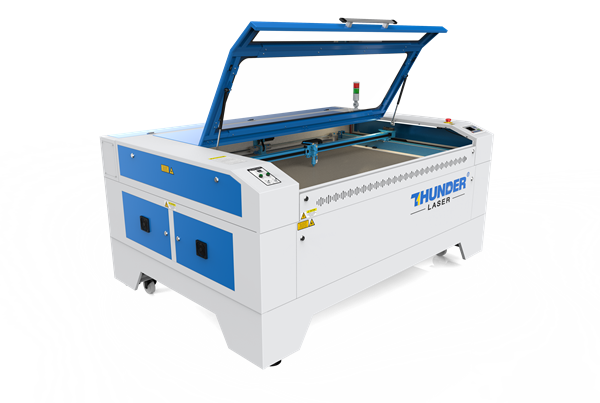
Nova & Nova Plus Series
Uncrating, walkthrough and setup, LightBurn, and your first project, plus rotary, ThunderCam and material testing on the Nova platform.
- 1Unboxing2:56
- 2Walkthrough & Setup29:33
- 3Installing LightBurn6:32

Titan Series
Unboxing and LaserMaker setup, then the Titan specifics: dual cameras for print and cut, dual air assist, the vacuum table and connectivity.
Open the Titan series
Aurora Series
Setup, lenses and focal tuning, camera, and rotary for the Aurora galvo markers, from Chris and others who run them every day.
- 1Unboxing & Setup20:20
- 2Aurora Setup6:42
- 3Aurora First Project11:13

Thunder CO2 Galvo
Unbox and set up our new 60W CO2 galvo, then run real jobs: full wrap tumblers, layered acrylic and multi-material work in LightBurn.
- 1Unboxing to First Engraving in 30 Minutes7:39
- 2Setting Up for Tumbler Engraving6:06
- 3Full Wrap Tumbler in Under 10 Minutes4:32

Thunder Air 700
Set up your Thunder Air 700, connect auto start to your laser, keep the filters in shape, and see how it clears smoke.
Open the Thunder Air series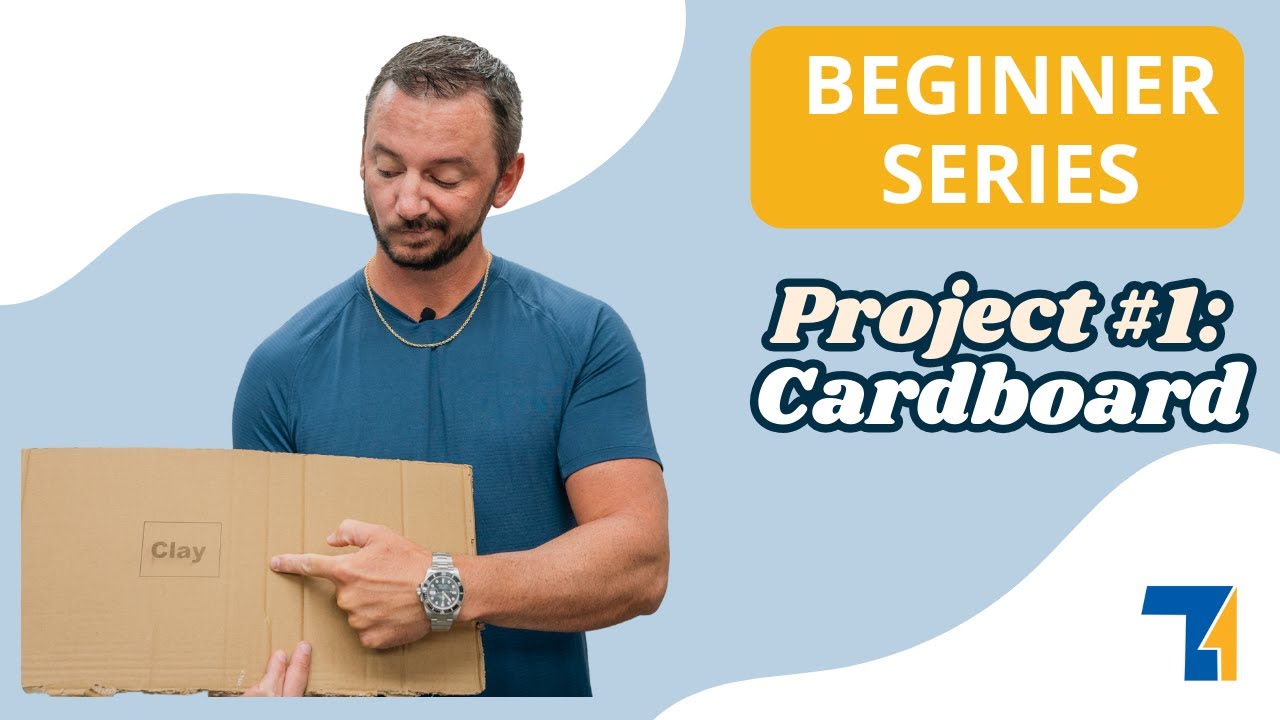
Clay's Beginner Series
Our owner and President, Clay Luttrell, builds real projects start to finish on a Bolt: cardboard, acrylic, rotary work, jigs, boxes and photo engraving. 10 short projects, 1 hr 1 min total.
Looking for one thing?
The most watched how-tos, grouped by what you are trying to do. Click any title to play it right here.
Getting started 21
- Unboxing and OverviewBolt · 20:06
- First Power UpBolt · 9:15
- Your First ProjectBolt · 26:29
- Camera SetupBolt · 13:27
- Rotary SetupBolt · 27:00
LightBurn 3
- Installing LightBurnBolt · 11:56
- Installing LightBurnNova Plus · 6:32
- LightBurn Setup & LensesAurora · 10:14
Focus 5
- Manual & Auto FocusBolt · 3:34
- De-Focusing for Different EffectsBolt · 1:44
- Manual FocusNova Plus · 4:49
- Aurora Lite: Setting FocusAurora · 7:29
- Manual Focus and Focal TuningAurora · 12:51
Rotary 8
- Rotary SetupBolt · 27:00
- Twister Tray for the Junior RotaryBolt · 11:38
- Drop Brackets for RotaryBolt · 15:41
- Chuck Rotary SetupNova Plus · 11:42
- RotoBoss SetupNova Plus · 29:15
Cameras 5
- Camera SetupBolt · 13:27
- ThunderCam InstallationNova Plus · 26:31
- ThunderCam CalibrationNova Plus · 22:39
- Print & Cut with LaserMakerTitan · 15:10
- Aurora Camera SetupAurora · 16:03
Care and fixes 8
- Cleaning Lenses & MirrorsBolt · 3:00
- Leveling the Honeycomb BedBolt · 9:44
- Alignment Section of the TouchscreenBolt · 5:00
- End-Stops Not WorkingBolt · 16:20
- Touchscreen CalibrationBolt · 2:35
The videos are the start, not the end.
Real techs in the US, coast to coast, with a typical response under 10 minutes.