
Thunder Laser Aurora Lite 50W Galvo Material Library
Applies toAuroraTopicMaterials & Parameters

Copying and re-distribution for profit of these library files is forbidden.
*This information is provided “AS IS” to provide a starting point. It is always a good idea to run tests on each substrate and update the library as necessary.
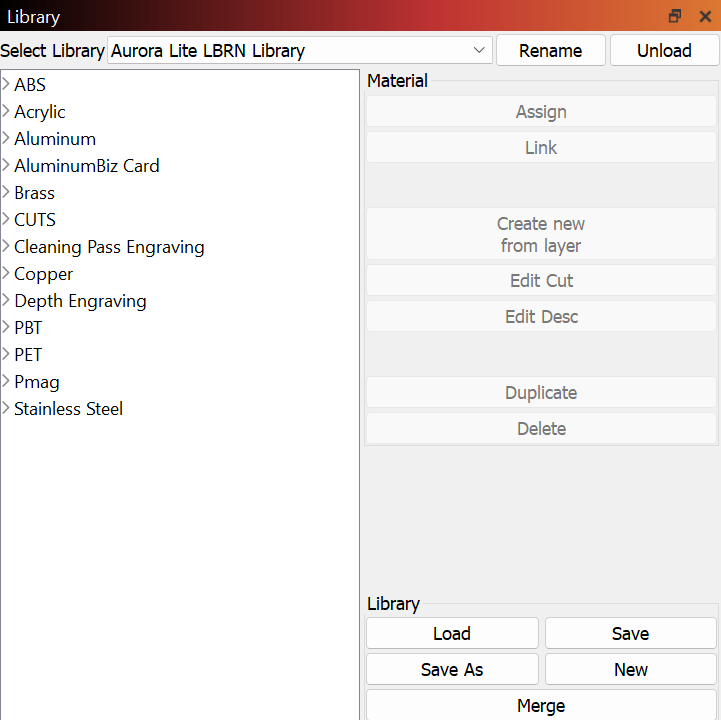
The Official Thunder Laser USA Material Library file is linked here.
Here is short tutorial on how to upload the .clb file into LightBurn: Uploading the LightBurn Materials Library
Still stuck?
Fastest response times in the industry from our US-based support team.