
How The Chuck Rotary Works
Applies toAll machinesTopicRotary
Preface: This article covers how a Chuck Rotary works with a Thunder Laser
Quick Start Videos
Complete Guide
The Chuck rotary is pretty basic to operate. You need to know the Steps per rotation of the chuck and then your objects Diameter\Circumference
Step Counts for Thunder Laser and Rotoboss Chucks
| Chuck Description | Steps per Revolution | Picture of Chuck |
|---|---|---|
| Thunder V1 Chuck | 12000 | 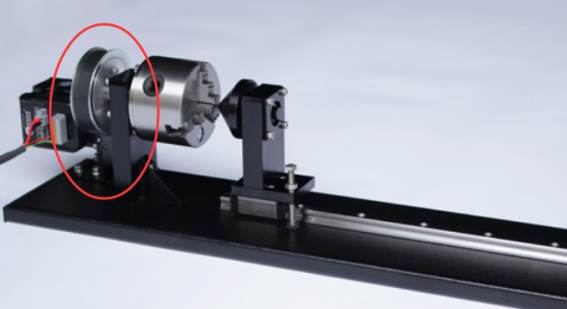 |
| Thunder V2 Chuck | 16000 | 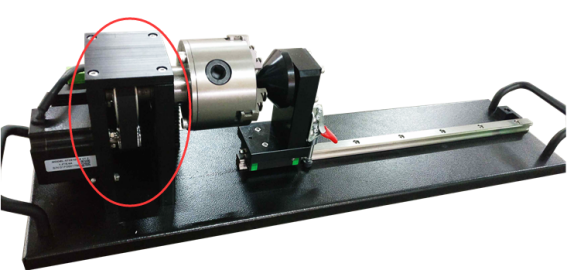 |
| Thunder Aurora Chuck (no tail stock roller) | 12000 | 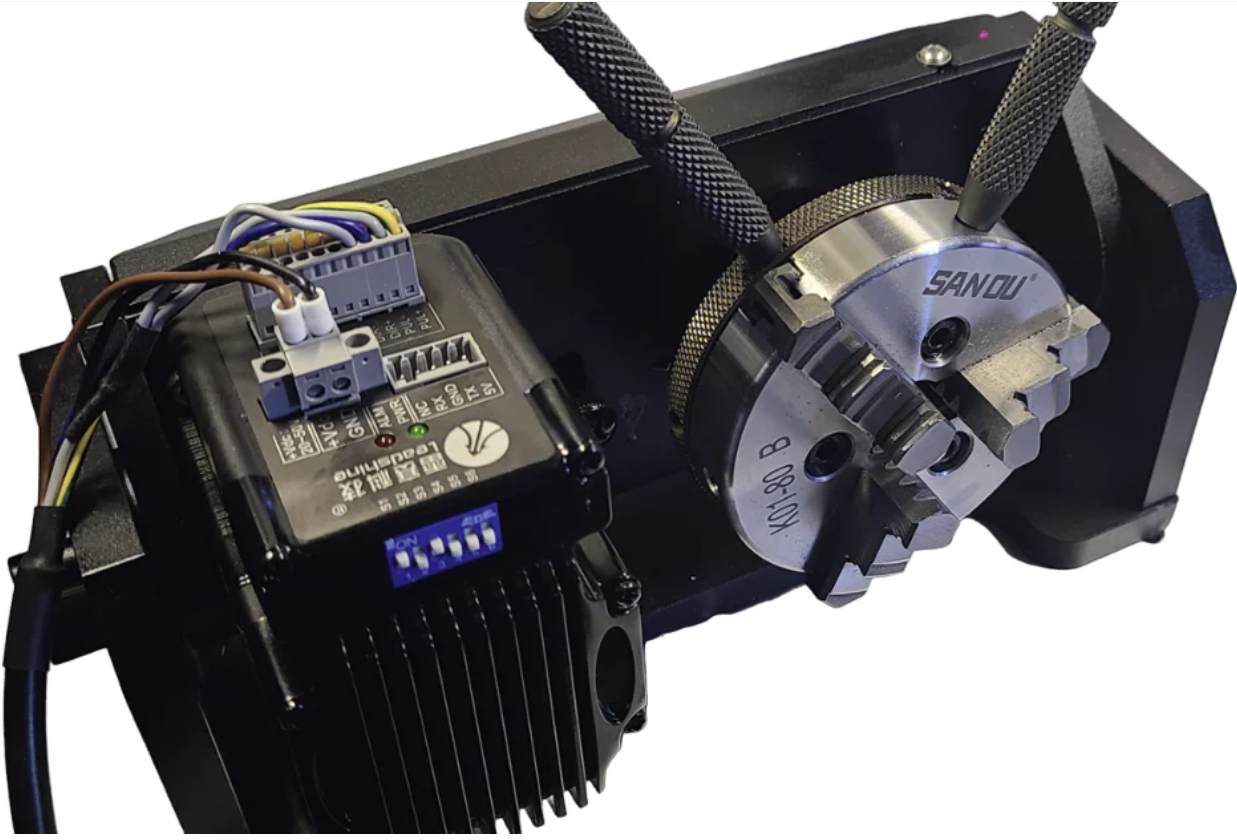 |
| Rotoboss Talon | 8000 |  |
| Rotoboss Talon Pro | 16400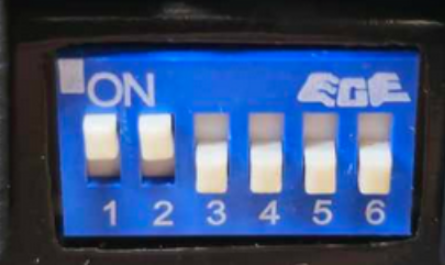 (Note that Dip 5 can be used to change the direction so depending on how you install you may change Dip 5) (Note that Dip 5 can be used to change the direction so depending on how you install you may change Dip 5) |
 |
Enter Steps and Object Diameter\Circumference
In Lightburn, go to the Rotary Setup window. Enter in the Steps and either the Diameter or Circumference. Lightburn will calculate the other measurement automatically.
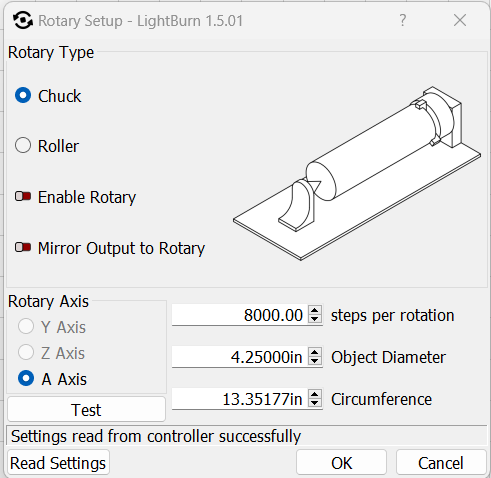
In this example, a 4.25" diameter was entered and Lightburn calculated the 13.35177" circumference.
Reference Articles
Still stuck?
Fastest response times in the industry from our US-based support team.