
Thunder Laser Nova Series: Checking And Adjusting Bearing Tension
Applies toNovaTopicMaintenance
Preface: This article covers two methods on how to adjust bearing tension. Both methods are done with the power off to the machine. Your machine may have 2 set screws for the bearing. Be sure to loosen and tighten both for adjustments.
Method 1
Method 2
Bearing Locations
Below are some images of the adjustable bearings.
Laser Head Trolley Plate
There are 4 total bearings. Only the lower two are adjustable on the trolley plate.
| Left Side | Right Side |
|---|---|
 |
 |
Gantry Trolley Plates
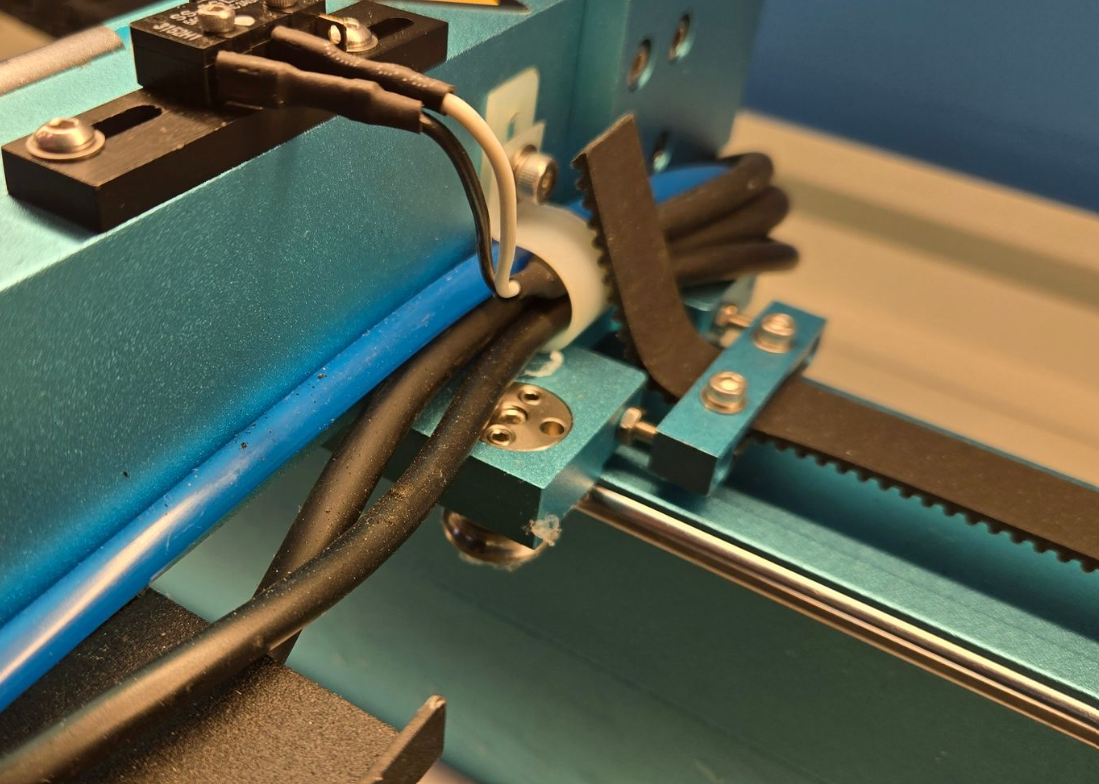
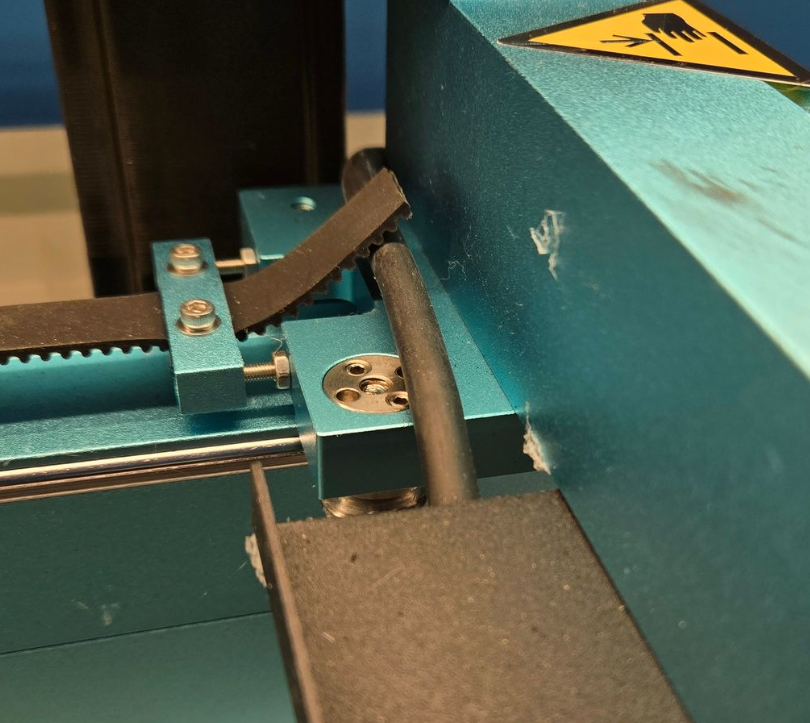
There are 4 total bearings per plate, 2 plates (1 per side of the machine). Only the inboard bearings are adjustable on the trolley plate.
Left Side
| Front | Rear |
|---|---|
 |
 |
Right Side
| Front | Rear |
|---|---|
 |
 |
Still stuck?
Fastest response times in the industry from our US-based support team.