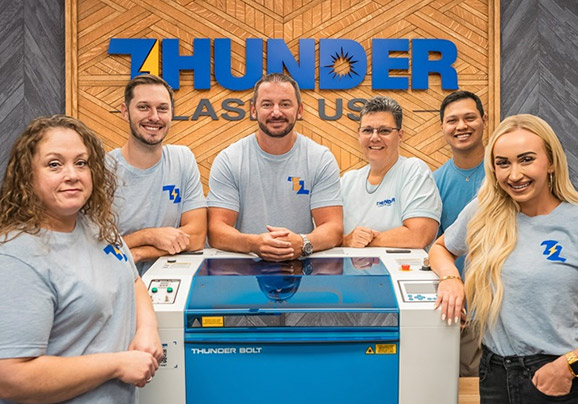
Our President, Clay Luttrell, walks through an overview of lasers, resources available to you, and some machine basics.
Unboxing & Setup
Duration
6:25
In this video, we’ll unbox it together, position the machine, connect the essentials, and walk you through the LaserMaker setup so your Titan is ready to go.
Installing LightBurn
Duration
6:32
In this video, learn to install LightBurn on your computer.
Your First Project
Duration
31:10
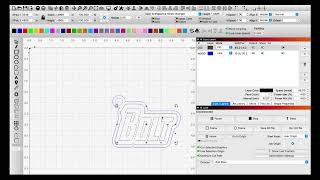
Learn how to make a small keychain – a great first project!
How to
Videos
Print & Cut Tutorial with LaserMaker
Duration
15:10
Learn how to print & cut using LaserMaker and the Titan’s dual cameras.
Titan Dual Air Assist Explained
Duration
6:03
Learn how to use the new Titan dual air assist.
Titan/Nova Plus Laser Heads Overview
Duration
6:25
In this video, Chris explains the Titan laser heads and how the function.
Connecting External Air with Titan
Duration
5:26
Learn how to connect an external air supply.
How To Use The Vacuum Table
Duration
1:57
In this tutorial, Laurent demonstrates how the Titan Series Vacuum Platform solves one of the biggest challenges in laser cutting and engraving — stabilizing thin, flexible, or non-flat materials.
Testing Materials
Duration
10:29
Learn how to use test a material using a variety of different speed / power combinations.
Titan Connectivity Overview
Duration
3:50
Learn how to set up and connect your Thunder Laser Titan using USB, Ethernet, or Wi-Fi — all from one built-in PCB board. In this video, Chris from Thunder Laser walks you through how the Titan handles connections for both your camera and file transfers.
Getting Titan Through A Doorway
Duration
4:53
Watch this to learn how to disassemble and move the Titan through a standard doorway.