Thunder Air 700
Set up your Thunder Air 700, connect auto start to your laser, keep the filters in shape, and see how it clears smoke.

First Steps
Start here. Meet the Air 700, set it up and connect auto start.
 13:12
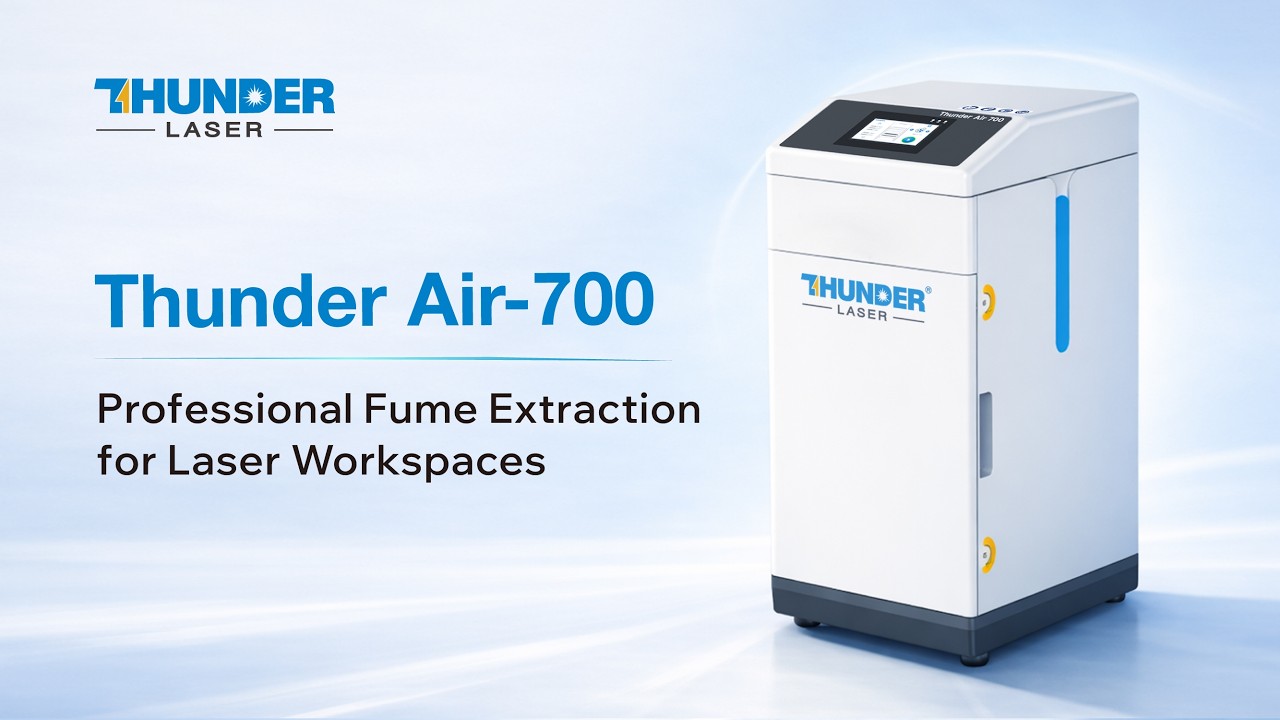
13:12Meet the Thunder Air 700
What the Thunder Air 700 does and why fine dust and fumes matter in your workspace.
 25:28
25:28Setup Guide
From unboxing to your first smoke-free laser job: install, connect and operate.
 35:08
35:08Auto Start Setup: DB9 Port vs 2-Wire
Start and stop the Air 700 automatically with your laser, using the DB9 port or a 2-wire connection.
Care and Fixes
Keep the filters doing their job.
 45:34
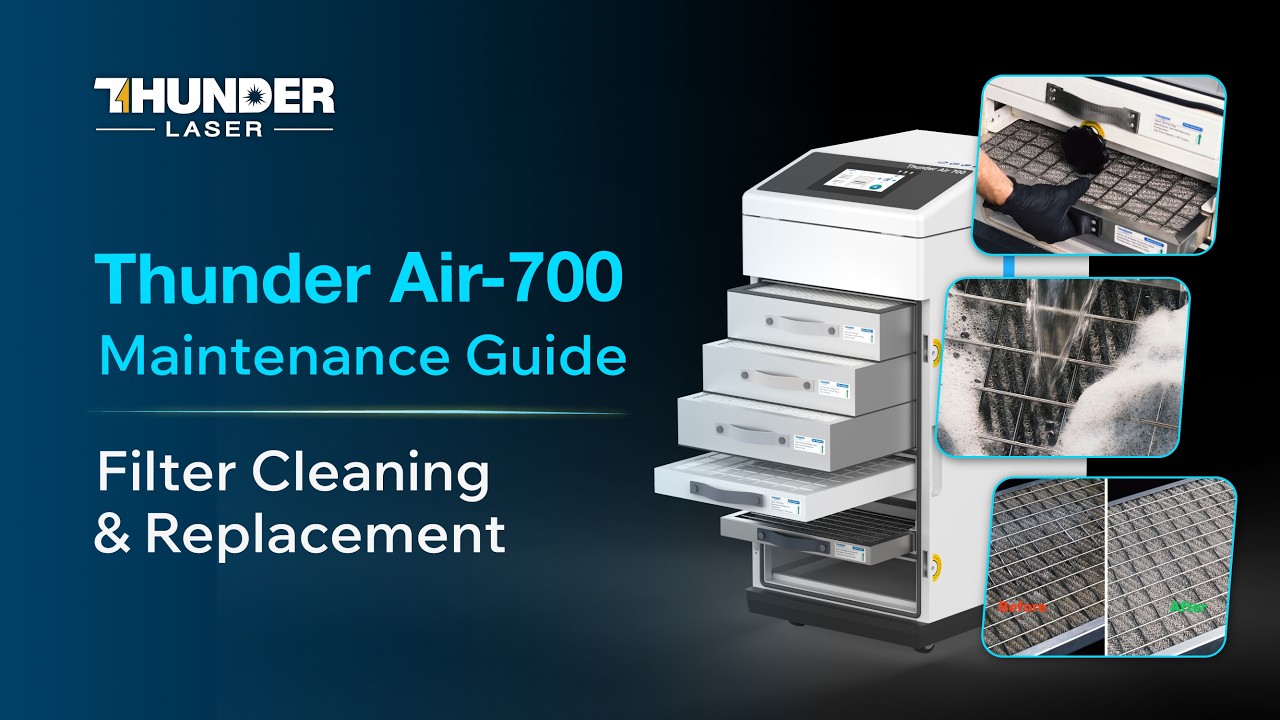
45:34Filter Cleaning and Replacement
Read the filter indicators, clean the washable filter and replace the others when it is time.
See It Work
Real smoke tests, side by side.
 53:23
53:23How Fast Does It Clear Laser Smoke?
A real-world test of how quickly the Air 700 clears smoke from a laser.
 65:07
65:07Thunder Air 700 vs an Inline Fan
A basic inline duct fan head to head against the Air 700. Does the fan clean the air, or just move it?
Talk to a real tech.
Real techs in the US, coast to coast, with a typical response under 10 minutes.