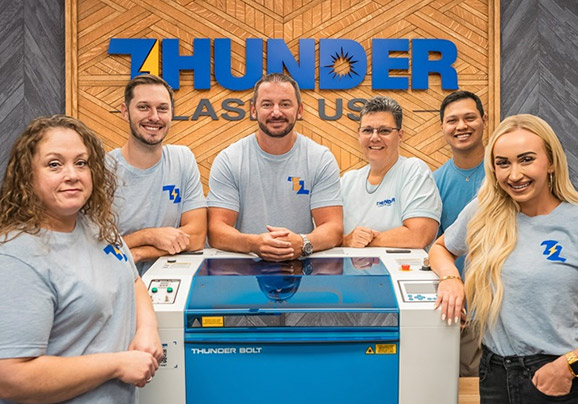
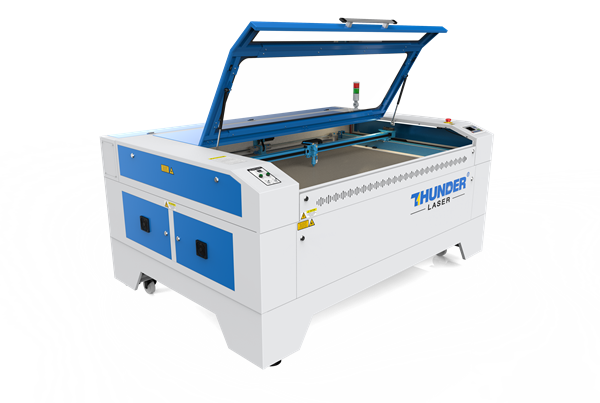
Nova & Nova Plus Series
Uncrate and set up your Nova or Nova Plus, run your first project, then get into focus, rotaries, ThunderCam and material testing.
First Steps
Start here. Unbox, set up, install LightBurn and run your first project.
 137:57
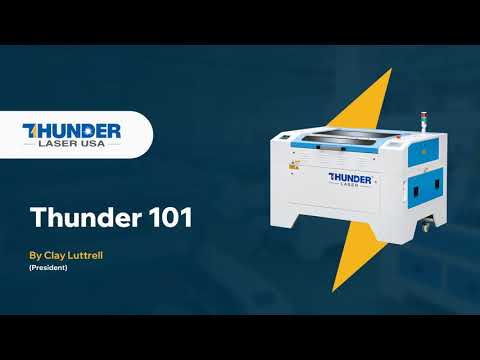
Thunder 101
Our President, Clay Luttrell, walks through an overview of lasers, the resources available to you, and machine basics.
 22:56
22:56Unboxing
Uncrate your Nova and get it out of the box safely.
 329:33
Walkthrough & Setup
A full walkthrough of the Nova series and how to set it up.
 46:32
46:32Installing LightBurn
Install LightBurn on your computer.
 531:09
Your First Project
Make a small keychain. A great first project.
How To
Focus, rotaries, ThunderCam and dialing in new materials.
 64:49
64:49Manual Focus
Focus your machine manually.
 711:42
Chuck Rotary Setup
Set up and use the chuck rotary.
 829:15
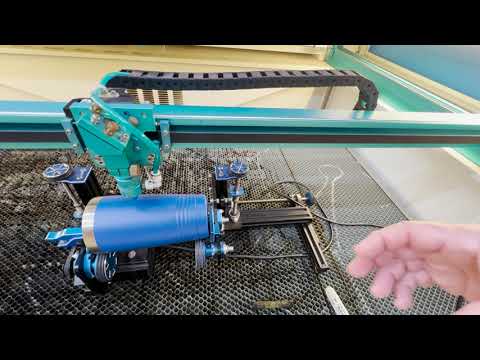
RotoBoss Setup
Set up and use the RotoBoss rotary.
 910:30
Testing Materials
Test a material across a range of speed and power settings to find what works.
 1026:31
ThunderCam Installation
Install the ThunderCam on your Nova.
 1122:39
ThunderCam Calibration
Calibrate the ThunderCam so what you see lines up with where the laser fires.
Talk to a real tech.
Real techs in the US, coast to coast, with a typical response under 10 minutes.