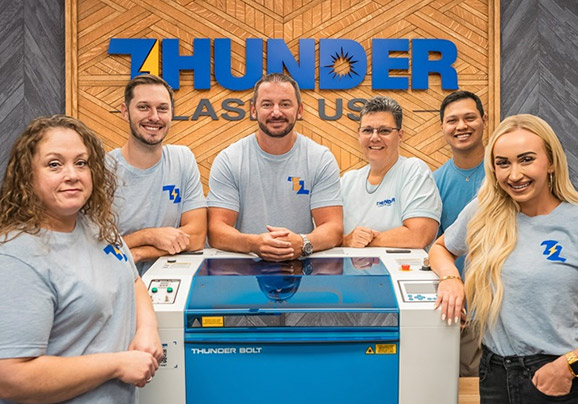
Thunder Laser Academy / Aurora Series
Aurora trainingAurora Series
Set up your Aurora, run your first project, then get into lenses, focus and focal tuning, the camera and rotary work.
9videos
1 hr 48 mintotal
2chapters

Chapter 1 · 4 videos · 48 min
First Steps
Start here. Unbox, set up, install LightBurn and run your first project.
 120:20
Unboxing & Setup
Unbox your Aurora and get it set up.
 26:42
26:42Aurora Setup
Jay Malone shows how easy an Aurora is to set up.
 311:13
Aurora First Project
Run your first project on the Aurora.
 410:14
LightBurn Setup & Lenses
Set up LightBurn for the Aurora and choose the right lens.
Chapter 2 · 5 videos · 1 hr
How To
Focus, focal tuning, the camera and rotary work.
 57:29
57:29Aurora Lite: Setting Focus
Set focus on the Aurora Lite.
 620:59
Rotary Setup and Usage
Set up and use a rotary on the Aurora.
 716:03
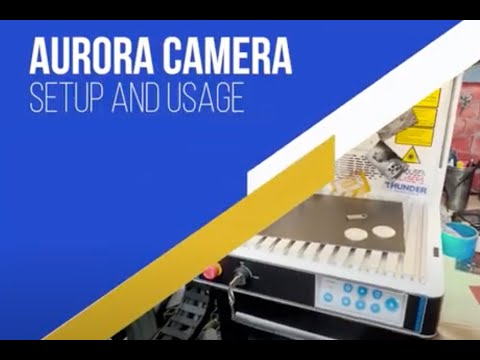
Aurora Camera Setup
Set up the Aurora camera.
 812:51
Manual Focus and Focal Tuning
Focus manually and fine tune your focal distance.
 92:32
92:32Chuck Rotary Setup
Set up a chuck rotary.
Still stuck?
Talk to a real tech.
Real techs in the US, coast to coast, with a typical response under 10 minutes.