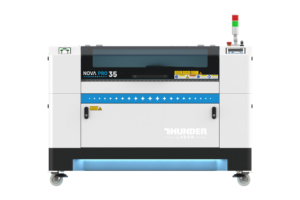
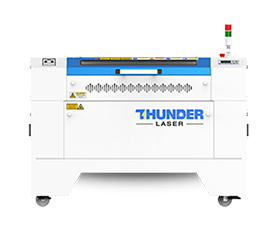
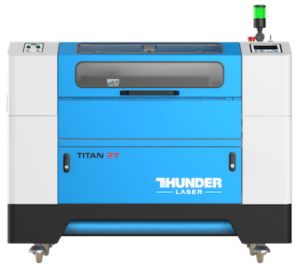
Nova Pro Series
Unbox and set up your Nova Pro, run your first engraving in LightBurn, then see it cut and engrave real projects.
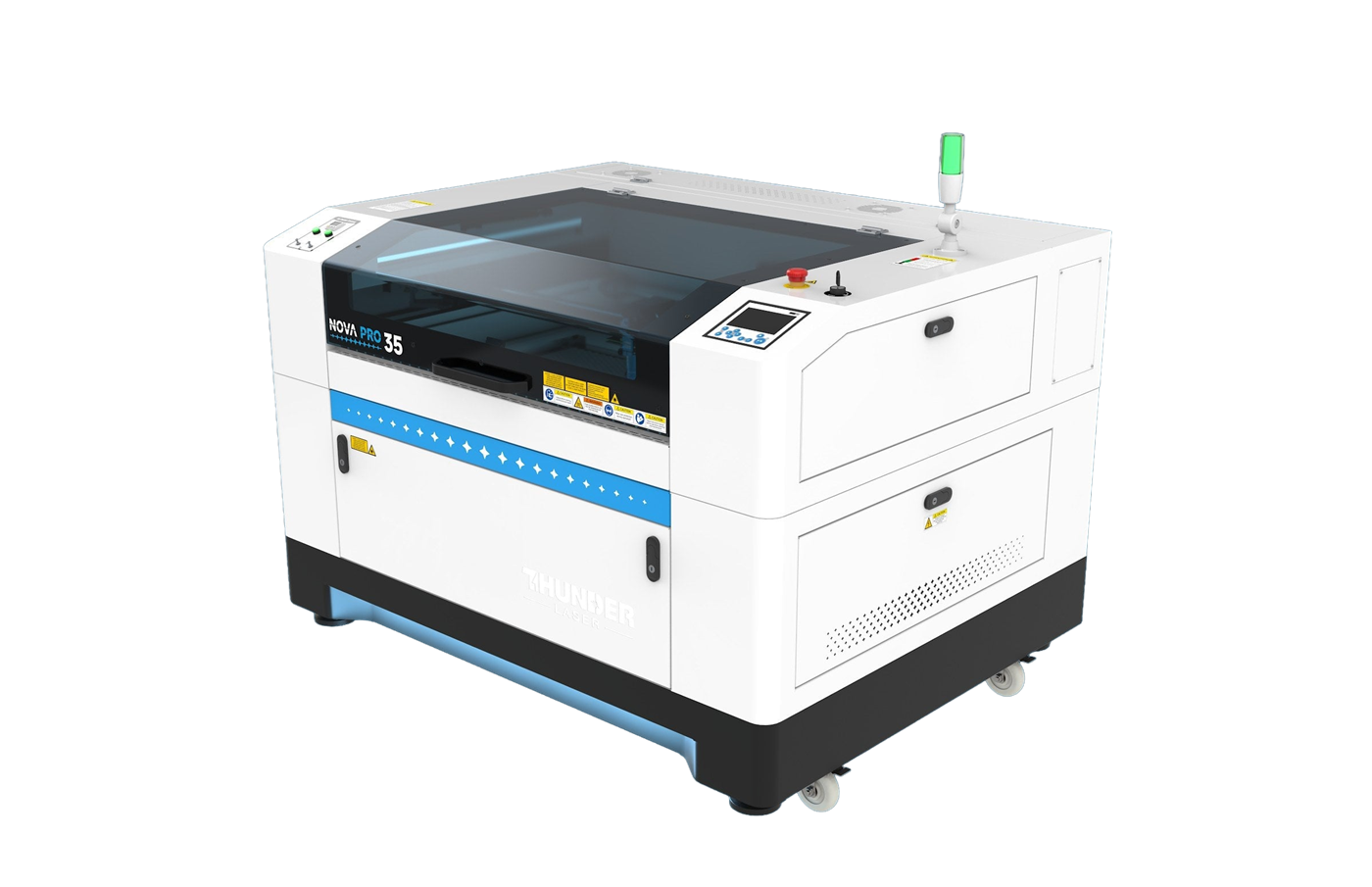
First Steps
Start here. Unbox your Nova Pro, set it up, install LightBurn and run your first project.
 15:04
Unboxing: What's Included
What comes in the crate, from tools and accessories to spare parts, and how to unpack it.
 28:46
Complete Setup and First Engraving
Connect power and exhaust, set up LightBurn and run your first engraving.
 36:32
Installing LightBurn
Install LightBurn on your computer.
 431:09
Your First Project
Make a small keychain. A great first project.
See It Work
First tests and a real project, start to finish.
 58:41
First Look: Unboxing and First Tests
Our very first Nova Pro 35 comes out of the crate and runs its first tests on wood and dual layer acrylic.
 64:40
First Project: Cutting and Engraving 1/2" Pine
A test cut to dial in settings, then a cut and engraved sign on 1/2" pine.
Talk to a real tech.
Real techs in the US, coast to coast, with a typical response under 10 minutes.